7
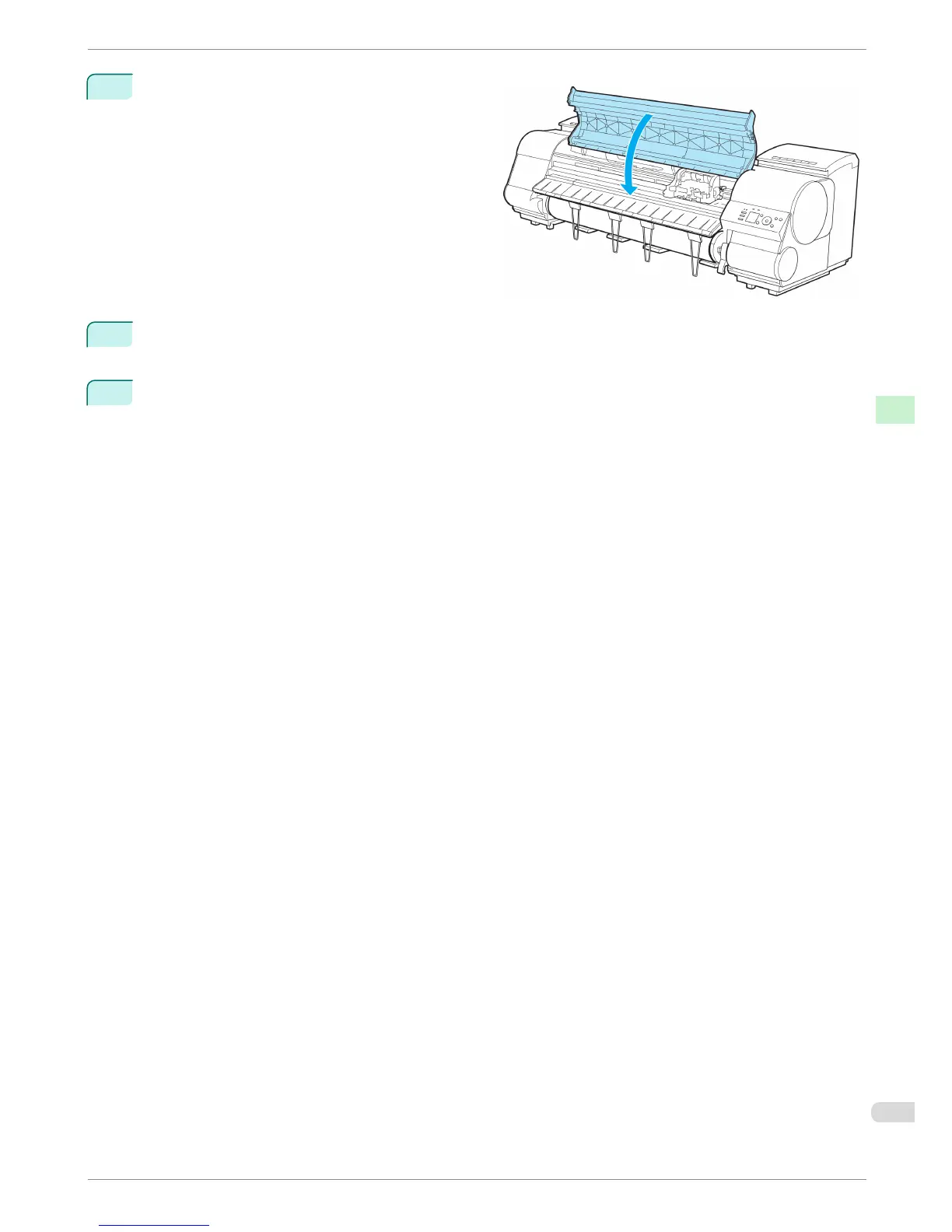
Close the Top Cover.
8
A confirmation message is displayed about the Cutter Unit lock.
Press ▲ or ▼ to select "Yes", and then press the OK button.
9
The Carriage is moved, and a confirmation message is displayed about resetting the cut count.
To reset the cut counter, press ▲ or ▼ to select Yes, and then press the OK button.
iPF8400
Replacing the Cutter Unit
Basic Guide
Consumables and Maintenance Cutter Unit
45














 To Next Page