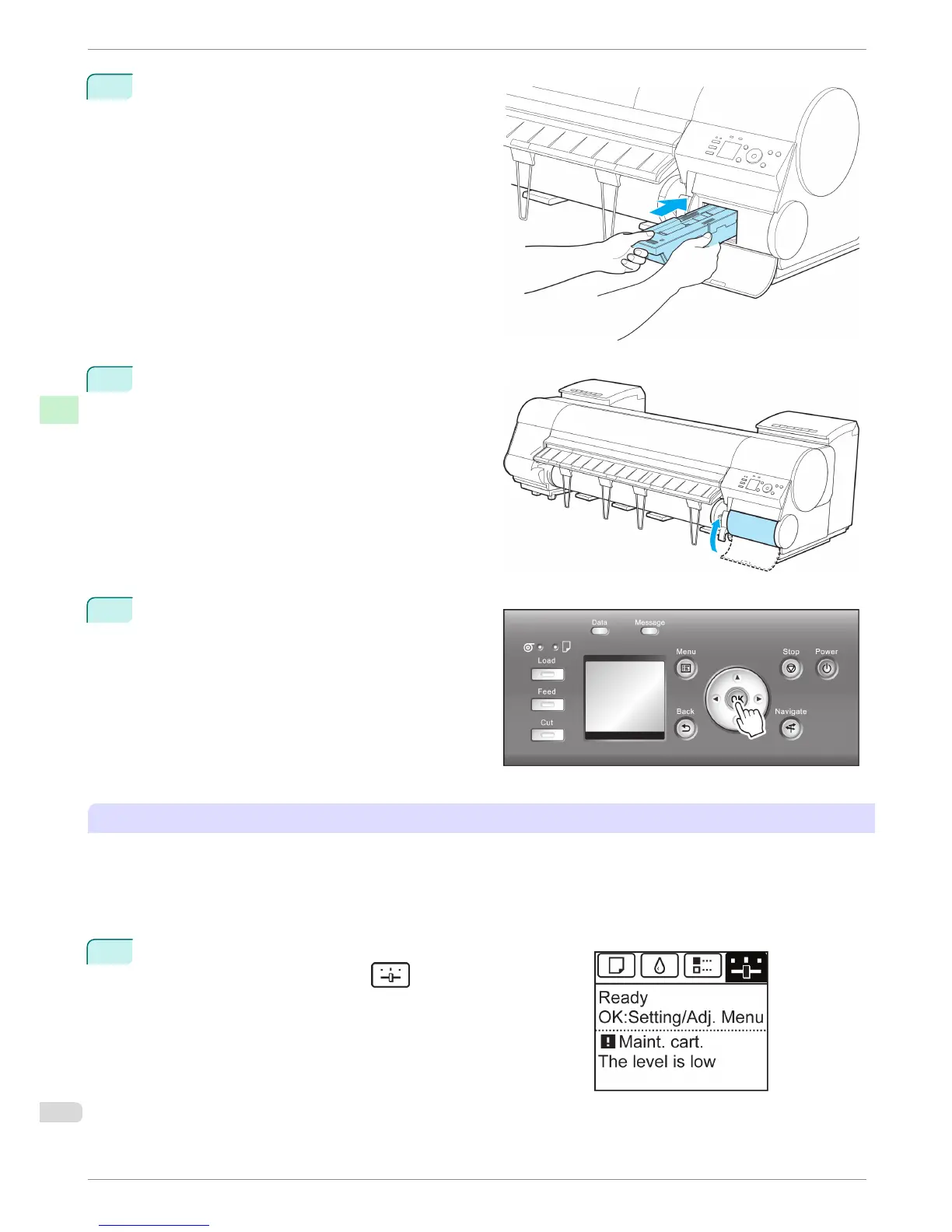
7
Keeping the new Maintenance Cartridge level, in-
sert it all the way in.
8
Close the Maintenance Cartridge Cover.
9
Press the OK button.
The printer now initializes the Maintenance Car-
tridge.
Next, replace the Shaft Cleaner.
Replacing the Shaft Cleaner
Replace the Shaft Cleaner when you replace the Maintenance Cartridge. New Shaft Cleaner is included with re-
placement Maintenance Cartridge.
After you execute Repl. maint cart and replace the Maintenance Cartridge, a message will appear on the Display
Screen requesting you to replace the Shaft Cleaner. Select Yes and press the OK button. When a message re-
quests you to open the Top Cover, go to step 5.
1
On the Tab Selection screen of the Control Panel, press ◀ or
▶ to select the Settings/Adj. tab (
).
Replacing the Maintenance Cartridge
iPF8400
Basic Guide
Consumables and Maintenance Maintenance Cartridge
50














 To Next Page