Install the printer
1
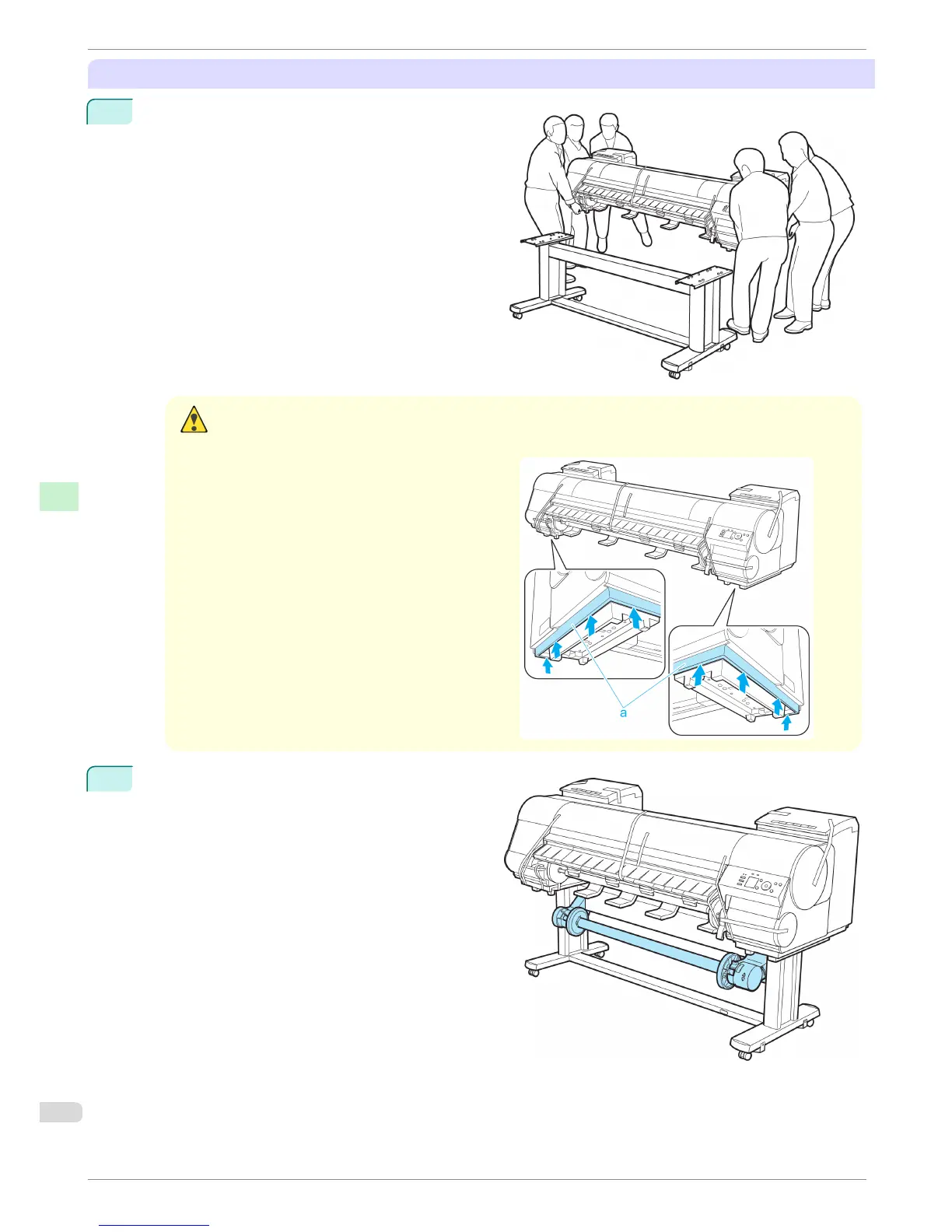
Mount the printer on the assembled Stand and tight-
en the screws firmly.
Caution
• Moving the printer requires at least six people, holding it on both sides. Be careful to avoid back strain and
other injuries.
•
When moving the printer, firmly grasp the Carry-
ing Handles (a) under each side.
The printer may be unsteady if you hold it at oth-
er positions, which poses a risk of injury from
dropping the printer.
2
If you are using the optional Media Take-up Unit,
attach the Media Take-up Unit by referring to the
setup guide included with the Media Take-up Unit.
Reinstalling the Printer
iPF8400
Basic Guide
Printer Relocation Preparing to Transfer the Printer
82














 To Next Page