7
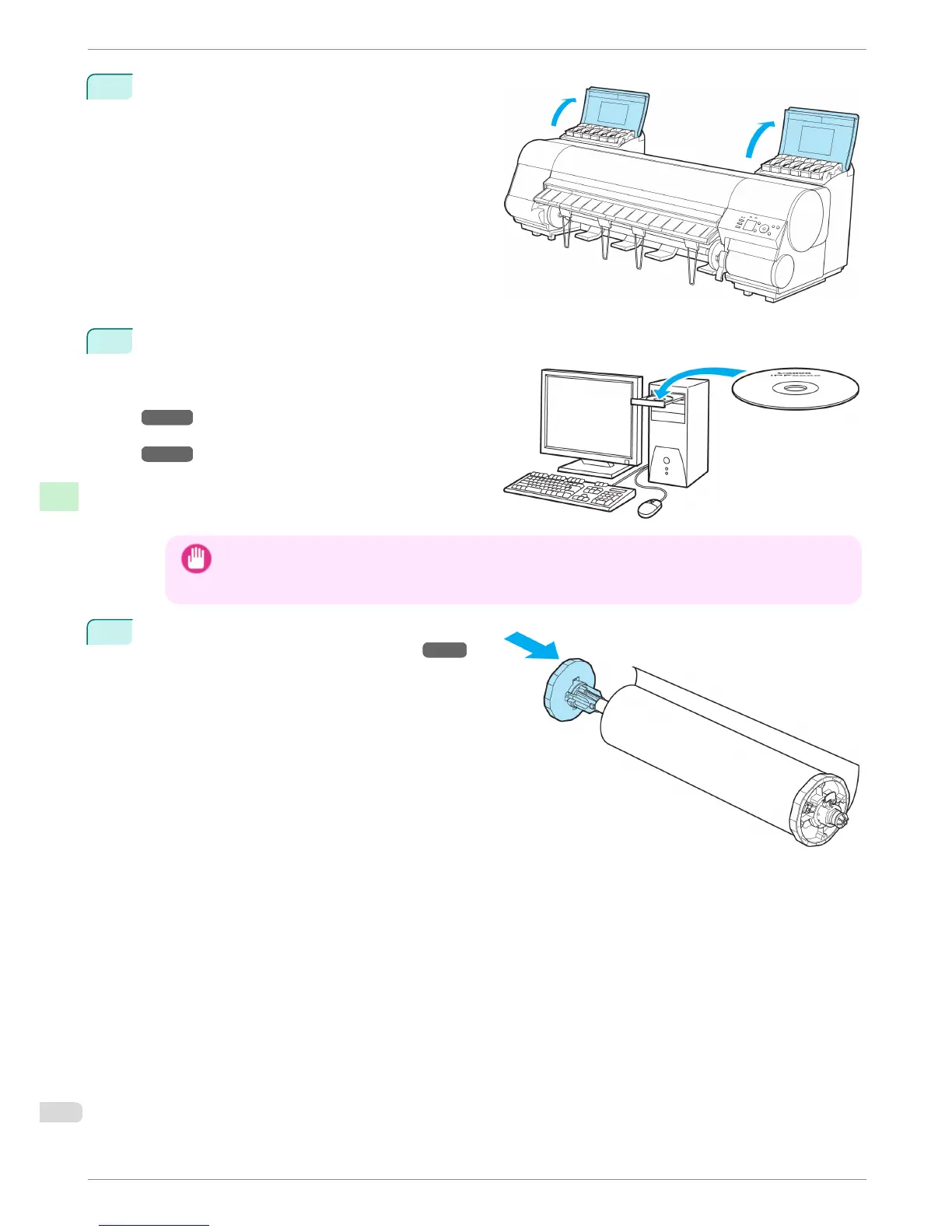
Open the Ink Tank Cover and install the ink tanks.
8
Install the Software and the Electronic Manuals.
Note that the driver installation procedure varies
depending on the type of connection.
(See "Installing the Software (Windows).")
→
P.86
(See "Installing the Software (Mac OS X).")
→
P.88
Important
• When the printer is connected to a network (via TCP/IP), the printer's IP address may be changed if you
reinstall the printer.
In this case, be sure to reconfigure the printer's IP address.
9
Attach the Roll Holder to the Roll Media.
(See "Attaching the Roll Holder to Rolls.")
→
P.9
Reinstalling the Printer
iPF8400
Basic Guide
Printer Relocation Preparing to Transfer the Printer
84














 To Next Page