3
FINISHER - Collate/Group/Staple/Hole Punch
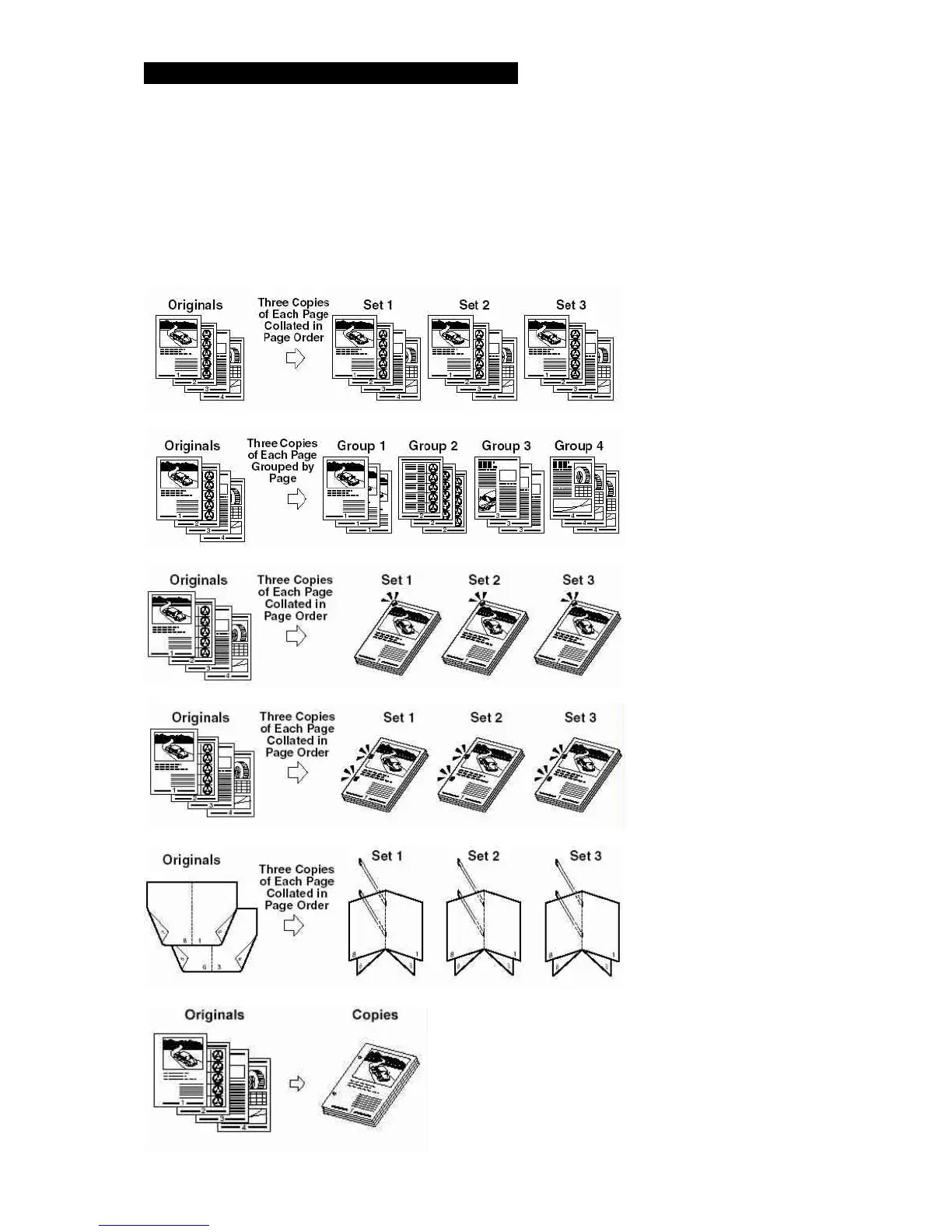
Copy sets are collated in various ways depending on the machine configuration (optional accessories).
1. Place originals in document feeder.
2. Press the Finisher button.
3. Select the desired option - Collate/Group/Staple.
4. Press the OK button.
5. Enter the desired number copies, and press the Start button.
Note Your machine may not offer all the following options.
If the collate mode is set
If the Group mode is set
If the Staple, Corner mode is set
If the Staple, Double mode is set
If the Saddle Stitch mode is set
If the hole punch mode is set



 To Next Page