EasyManua.ls Logo

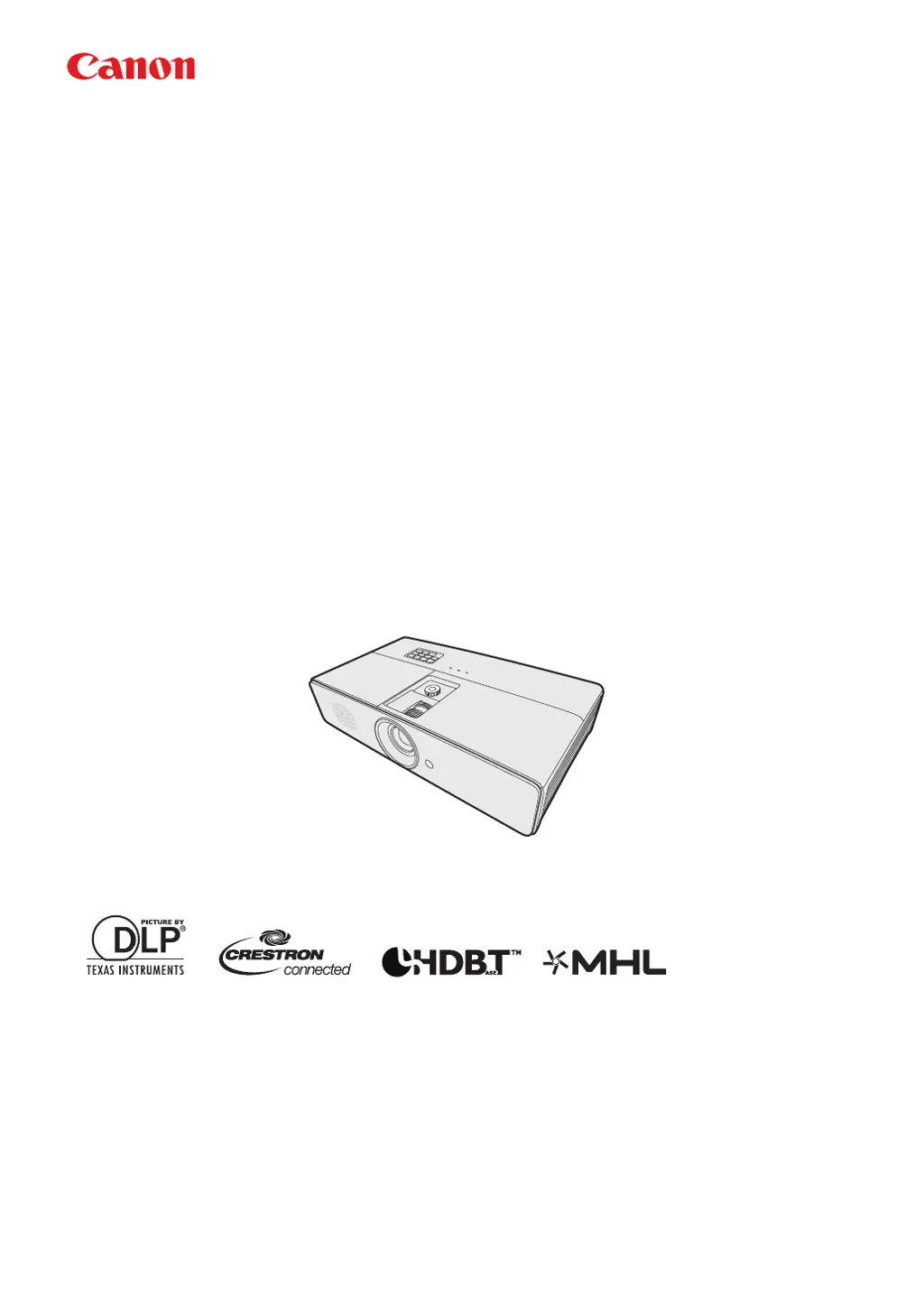
Canon LX-MU500 - User Manual

Canon LX-MU500
85 pages
Print Icon
To Next Page IconTo Next Page
Loading...
ENGLISH
MULTIMEDIA PROJECTOR
LX-MW500/LX-MU500
Users Manual

Table of Contents

Other manuals for Canon LX-MU500

Questions and Answers

Summary

Safety Instructions

General Safety Guidelines

Overview of safety guidelines before installation and operation.

Safety Precautions

Electrical Safety Warnings

Crucial warnings regarding electrical shock, grounding, and handling.

Installation Environment Safety

Precautions for projector placement, installation environment, and handling.

Electrical Safety and Disposal

Precautions for Use

Critical Safety Warnings

Essential warnings for projector operation, power cord, and small parts handling.

Installation and Handling Precautions

Lamp and General Cautions

Precautions for Lamp Handling

Warnings about hot surfaces, objects on top, and lens obstruction.

Lamp Characteristics and Warnings

Information on mercury lamp properties and replacement warnings.

Lamp and Battery Safety

Lamp Handling Cautions

Detailed cautions for handling the projector lamp, including cooling and gas exposure.

Projector Controls and Functions

Projector Control Panel Operations

Explanation of the buttons and indicators on the projector's main unit.

Remote Control Functions

Remote Control Button Operations

Details the function of each button on the remote control for projector operation.

Projector Positioning

Projection Setup Determination

Vertical Lens Shift Adjustment

Connecting Computer Sources

Connecting Video Sources

Digital and Smart Device Connectivity

Connecting an HDMI Device

Guide for connecting devices via HDMI for digital video and audio transmission.

Connecting MHL-Compatible Smart Devices

Steps for connecting smartphones and tablets using MHL technology.

Component Video Source Connection

S-Video Source Connection

Composite Video Source Connection

HDBaseT Connectivity

Projector Operation

Starting Up the Projector

Step-by-step guide for powering on the projector and initial startup sequence.

Using On-Screen Display (OSD) Menus

Navigating the OSD Menu System

Overview of the OSD menu structure and how to access settings.

Password Security Features

Setting and Managing Passwords

Instructions for setting, changing, and resetting the projector's password.

Password Recovery Procedures

Steps to take if the projector password is forgotten or needs to be reset.

Switching Input Signals

Adjusting Projected Image

Adjusting Projection Angle and Auto-Image

Methods for correcting projection angle and using auto-adjustment for image clarity.

Fine-Tuning Image Size and Clarity

Procedures for adjusting zoom and focus for optimal image size and sharpness.

Image Distortion Correction

Correcting Keystone Distortion

How to fix trapezoidal image distortion caused by angled projection.

Correcting Corner Distortion

Steps to adjust individual corners for a perfectly rectangular projected image.

Image Magnification and Aspect Ratio

Presentation Features and Image Modes

Advanced Image Quality Adjustments

Adjusting Brightness, Contrast, Color, and Tint

Detailed controls for adjusting image brightness, contrast, saturation, and color tones.

Selecting Color Temperature and 6-axis Color Adjust

Options for setting color temperature and fine-tuning color reproduction.

Advanced Image Settings

Presentation Timer and Timer Key

Image Control and Security Features

Hiding and Freezing the Projected Image

Functions to blank or freeze the screen image during presentations.

Locking Projector Control Keys

Preventing accidental changes to projector settings by locking the control panel.

Audio, Menu, and Shutdown Procedures

Adjusting Projector Sound Settings

How to mute sound and adjust the volume level for the projector speaker.

Shutting Down the Projector Safely

Correct procedure for powering off the projector and cooling down the lamp.

Network Control and Configuration

Configuring LAN Settings

Setting up projector network parameters using DHCP or static IP addressing.

Remote Control via Web Browser (e-Control)

Accessing and Operating via e-Control

How to access and control the projector remotely using a web browser.

Projector Control via PJLink Application

Menu System Overview

System Setup: Basic Menu

System Setup: Advanced and Information Menus

DISPLAY Menu Functions

PICTURE and INPUT Menu Functions

System Setup Menu Functions

Advanced Setup and Information Details

Projector Maintenance

Lamp Information and Lifespan

Getting Lamp Hour Information

How to check the cumulative operating hours of the projector lamp.

Extending Lamp Life

Tips for maximizing lamp lifespan, including economic mode and auto power off.

Lamp Replacement Timing

Understanding Lamp Warning Displays

Alerts and messages indicating when the projector lamp needs replacement.

Replacing the Projector Lamp

Safety Precautions for Lamp Replacement

Essential safety measures to follow before, during, and after lamp replacement.

Lamp Replacement Procedures

Installing the New Lamp and Resetting Timer

Steps for installing the lamp and resetting the lamp timer after replacement.

Troubleshooting Common Issues

Projector Power and Picture Issues

Solutions for problems like the projector not turning on or displaying a picture.

Image, Remote, and Network Troubleshooting

Troubleshooting blurred images, remote control failures, and LAN connectivity problems.

Projector Specifications

Projector Specifications (Terminals and Signals)

Control Commands and System Requirements

Control Command Reference (Audio, Image, Aspect)

Control Command Reference (Operation, High Altitude)

Summary

Safety Instructions

General Safety Guidelines

Overview of safety guidelines before installation and operation.

Safety Precautions

Electrical Safety Warnings

Crucial warnings regarding electrical shock, grounding, and handling.

Installation Environment Safety

Precautions for projector placement, installation environment, and handling.

Electrical Safety and Disposal

Precautions for Use

Critical Safety Warnings

Essential warnings for projector operation, power cord, and small parts handling.

Installation and Handling Precautions

Lamp and General Cautions

Precautions for Lamp Handling

Warnings about hot surfaces, objects on top, and lens obstruction.

Lamp Characteristics and Warnings

Information on mercury lamp properties and replacement warnings.

Lamp and Battery Safety

Lamp Handling Cautions

Detailed cautions for handling the projector lamp, including cooling and gas exposure.

Projector Controls and Functions

Projector Control Panel Operations

Explanation of the buttons and indicators on the projector's main unit.

Remote Control Functions

Remote Control Button Operations

Details the function of each button on the remote control for projector operation.

Projector Positioning

Projection Setup Determination

Vertical Lens Shift Adjustment

Connecting Computer Sources

Connecting Video Sources

Digital and Smart Device Connectivity

Connecting an HDMI Device

Guide for connecting devices via HDMI for digital video and audio transmission.

Connecting MHL-Compatible Smart Devices

Steps for connecting smartphones and tablets using MHL technology.

Component Video Source Connection

S-Video Source Connection

Composite Video Source Connection

HDBaseT Connectivity

Projector Operation

Starting Up the Projector

Step-by-step guide for powering on the projector and initial startup sequence.

Using On-Screen Display (OSD) Menus

Navigating the OSD Menu System

Overview of the OSD menu structure and how to access settings.

Password Security Features

Setting and Managing Passwords

Instructions for setting, changing, and resetting the projector's password.

Password Recovery Procedures

Steps to take if the projector password is forgotten or needs to be reset.

Switching Input Signals

Adjusting Projected Image

Adjusting Projection Angle and Auto-Image

Methods for correcting projection angle and using auto-adjustment for image clarity.

Fine-Tuning Image Size and Clarity

Procedures for adjusting zoom and focus for optimal image size and sharpness.

Image Distortion Correction

Correcting Keystone Distortion

How to fix trapezoidal image distortion caused by angled projection.

Correcting Corner Distortion

Steps to adjust individual corners for a perfectly rectangular projected image.

Image Magnification and Aspect Ratio

Presentation Features and Image Modes

Advanced Image Quality Adjustments

Adjusting Brightness, Contrast, Color, and Tint

Detailed controls for adjusting image brightness, contrast, saturation, and color tones.

Selecting Color Temperature and 6-axis Color Adjust

Options for setting color temperature and fine-tuning color reproduction.

Advanced Image Settings

Presentation Timer and Timer Key

Image Control and Security Features

Hiding and Freezing the Projected Image

Functions to blank or freeze the screen image during presentations.

Locking Projector Control Keys

Preventing accidental changes to projector settings by locking the control panel.

Audio, Menu, and Shutdown Procedures

Adjusting Projector Sound Settings

How to mute sound and adjust the volume level for the projector speaker.

Shutting Down the Projector Safely

Correct procedure for powering off the projector and cooling down the lamp.

Network Control and Configuration

Configuring LAN Settings

Setting up projector network parameters using DHCP or static IP addressing.

Remote Control via Web Browser (e-Control)

Accessing and Operating via e-Control

How to access and control the projector remotely using a web browser.

Projector Control via PJLink Application

Menu System Overview

System Setup: Basic Menu

System Setup: Advanced and Information Menus

DISPLAY Menu Functions

PICTURE and INPUT Menu Functions

System Setup Menu Functions

Advanced Setup and Information Details

Projector Maintenance

Lamp Information and Lifespan

Getting Lamp Hour Information

How to check the cumulative operating hours of the projector lamp.

Extending Lamp Life

Tips for maximizing lamp lifespan, including economic mode and auto power off.

Lamp Replacement Timing

Understanding Lamp Warning Displays

Alerts and messages indicating when the projector lamp needs replacement.

Replacing the Projector Lamp

Safety Precautions for Lamp Replacement

Essential safety measures to follow before, during, and after lamp replacement.

Lamp Replacement Procedures

Installing the New Lamp and Resetting Timer

Steps for installing the lamp and resetting the lamp timer after replacement.

Troubleshooting Common Issues

Projector Power and Picture Issues

Solutions for problems like the projector not turning on or displaying a picture.

Image, Remote, and Network Troubleshooting

Troubleshooting blurred images, remote control failures, and LAN connectivity problems.

Projector Specifications

Projector Specifications (Terminals and Signals)

Control Commands and System Requirements

Control Command Reference (Audio, Image, Aspect)

Control Command Reference (Operation, High Altitude)

Canon LX-MU500 Specifications

General IconGeneral
BrandCanon
ModelLX-MU500
CategoryProjector
LanguageEnglish

Related product manuals