EasyManua.ls Logo

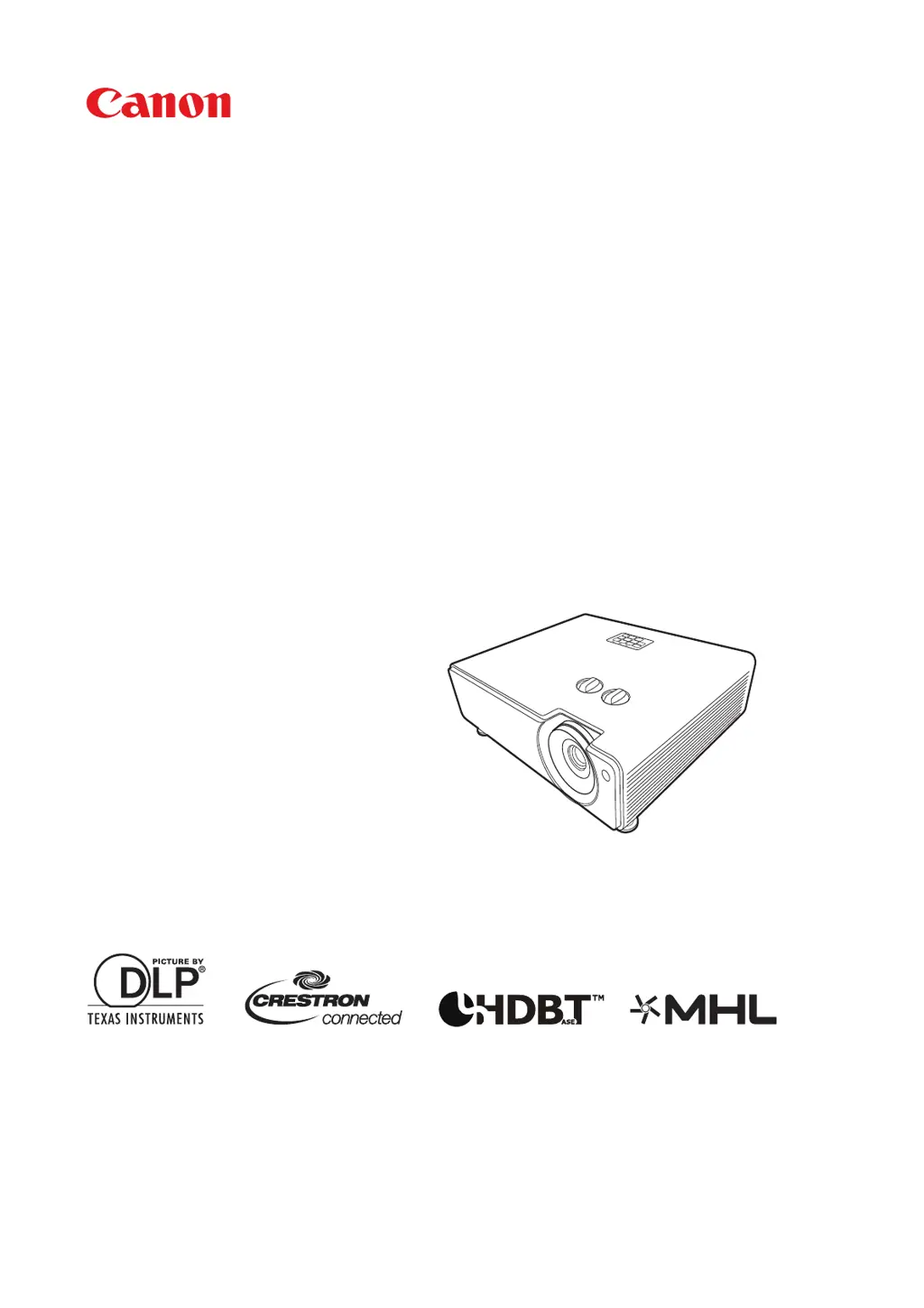
Canon LX-MU500Z - User Manual

Canon LX-MU500Z
73 pages
Print Icon
To Next Page IconTo Next Page
Loading...
MULTIMEDIA PROJECTOR
LX-MU500Z
Users Manual

Questions and Answers

Summary

Safety Instructions

General Warnings and Hazards

Covers electrical safety, light exposure, ventilation, and fire hazards.

AC Power Cord Requirements

Federal Communication Commission Notice

FCC Part 15 Compliance and Interference Mitigation

Device compliance, interference rules, and measures to correct radio frequency interference.

Precautions for Use

Power Supply and Cable Safety Guidelines

Covers safe handling of power cords, plugs, outlets, and electrical safety.

Installation and General Use Safety

Precautions for installation, avoiding wet areas, liquids, disassembly, and preventing injury.

Handling and Installation Precautions

Environmental and Installation Safety Measures

Covers location, ventilation, anti-fall measures, object placement, and exhaust vents.

Laser Light Source Safety Information

Details on laser class, parameters, safe operation, and disposal procedures.

Operational Safety Guidelines

Handling and Operation Safety Procedures

Covers non-use, audio volume, hot parts, heavy objects, and object placement.

3 D Viewing Safety Precautions

General Safe Use Guidelines

Carrying, Installation, and Lens Care

Safe handling during transport, installation, and lens cleaning procedures.

Environmental Conditions and Ventilation Requirements

Covers operating temperature, humidity, altitude, and necessary clearances.

Before Installation Procedures

Installation Environment and Placement Guidelines

Avoiding unsuitable locations, ensuring proper ventilation, and mounting.

Product Introduction

Controls and Functions Overview

Detailed description of projector and remote control buttons and indicators.

Positioning Your Projector

Connection Procedures

Connecting Signal Sources

General advice on connecting various signal sources and port identification.

Projector Operation

Starting Up the Projector

Step-by-step guide for powering on the projector and initial setup.

Using the On-Screen Display (OSD) Menus

Instructions on navigating and operating the projector's OSD menus.

Shutting Down the Projector Safely

Proper procedure for powering off the projector to ensure longevity.

Watching 3 D Content

Remote Control and Network Operation

Web Browser Control (e-Control) Interface

Operating the projector remotely via a web browser interface.

PJLink Application for Projector Control

Utilizing PJLink protocol for standardized projector control across models.

Projector Control Commands and Glossary

PJLink Command Reference Guide

Detailed list of commands for controlling projector functions via PJLink.

Maintenance and Light Source Information

Troubleshooting Projector Issues

Power, Picture, and Remote Control Problems

Solutions for common issues like no power, no picture, or unresponsive remote.

Projector Specifications

Detailed Hardware Specifications

Technical details including model, display system, lens, light source, and brightness.

Projector Control Interface

Control Command Reference Guide

Lists ASCII commands for controlling projector functions like power, input, and image settings.

Canon LX-MU500Z Specifications

General IconGeneral
Brightness5000 lumens
Resolution1920 x 1200 (WUXGA)
Light SourceLaser
Lamp Life20, 000 hours
TechnologyDLP
Projection Size40 to 300 inches
Input TerminalsHDMI, VGA, USB
Output TerminalsHDMI

Related product manuals