
 Need help?
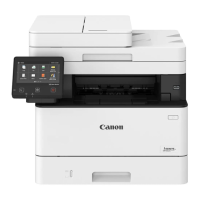
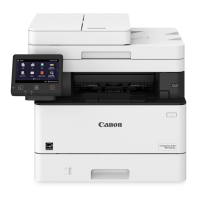
Do you have a question about the Canon MF455dw and is the answer not in the manual?
Verify all included items before proceeding with the setup process.
Remove all protective packing materials and tape from the printer.
Follow instructions for correctly loading paper into the paper tray.
Guidance on installing optional components, such as the cassette feeding module.
Steps for safely connecting the power cord to the printer and power outlet.
Set language, country/region, and time zone during the initial setup.
Establish security settings to prevent unauthorized access to the machine.
Set up wireless or wired network connections for the printer.
Final steps to complete the initial setup procedure for the printer.
Instructions for installing necessary software and drivers from CD or online.
Configure fax settings, including selecting the appropriate receive mode.



 To Next Page

 General