56
Auto Slow Shutter
In Easy Recording mode and when [SHUTTER] is set to [AUTO] in Auto mode, the
camcorder uses shutter speeds down to 1/25. However, you can set the camcorder not
to use the slow shutter speed of 1/25.
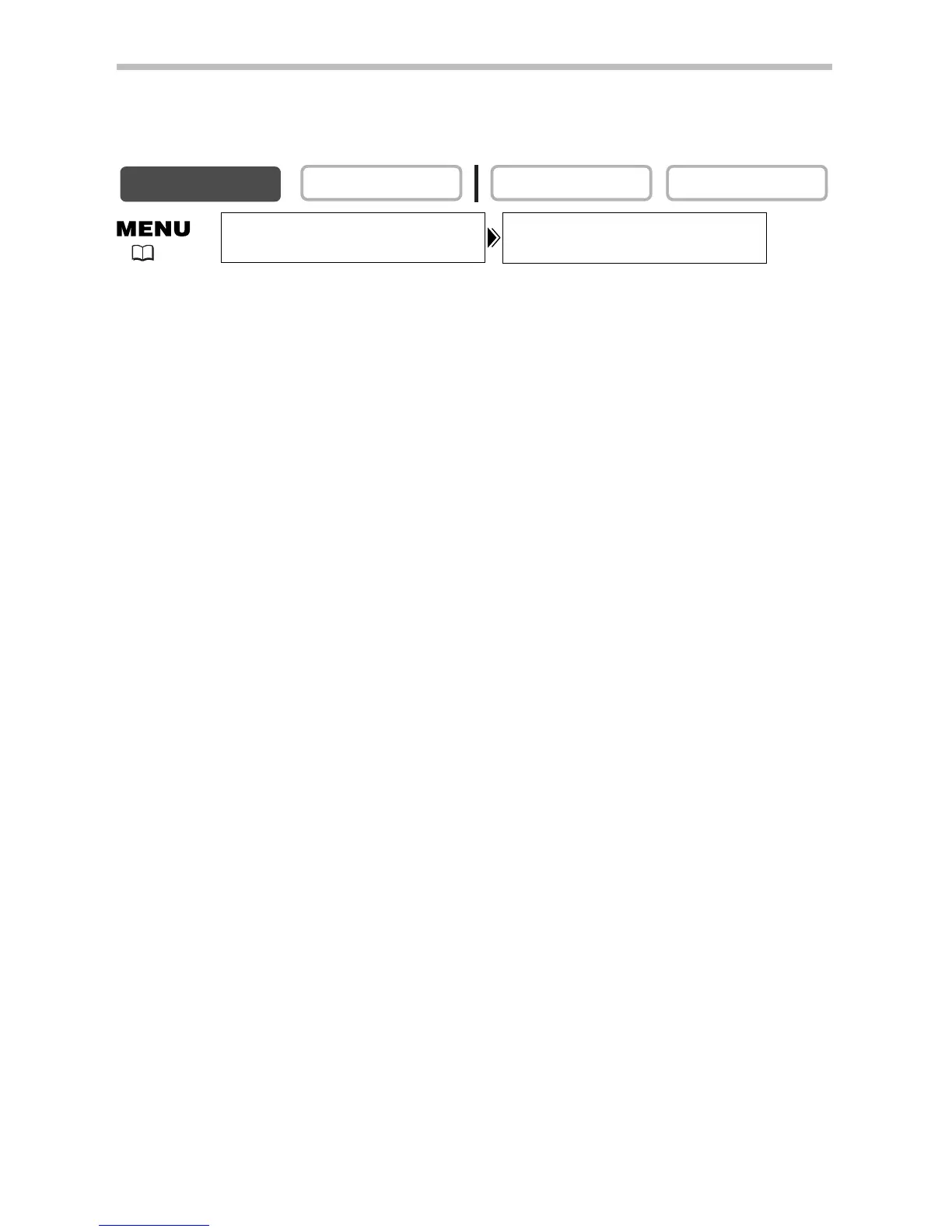
Open the menu and select [CAMERA SETUP]. Select [A.SL SHUTTER], set it
to [OFF] and close the menu.


 To Next Page