75
Advanced Functions -
Other Functions
E
Changing the Display Language
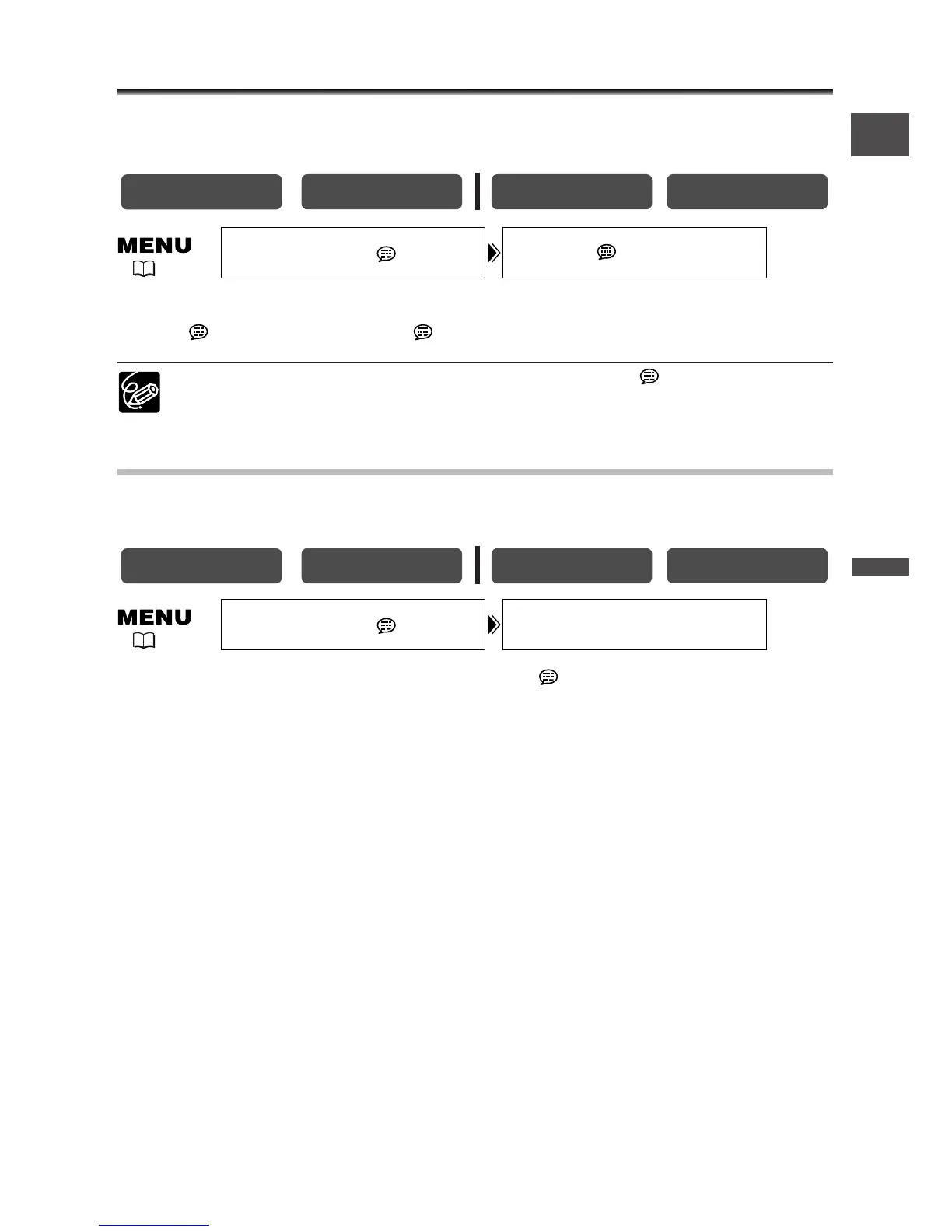
The language used in the camcorder displays and menu items can be changed to
German, Spanish, French, Italian, Russian, Simplified Chinese or Japanese.
To change the display language, open the menu and select [DISPLAY
SETUP/ ]. Select [LANGUAGE ], select a language and close the menu.
If you have mistakenly changed the language, follow the mark next to the
menu item to change the setting.
Changing the Date Format
You can select between three date formats. For example, [1. JAN. 2004], [JAN. 1, 2004]
and [2004. 1. 1].
Open the menu and select [DISPLAY SETUP/ ]. Select [DATE FORMAT],
select a format and close the menu.



 To Next Page