85
Editing
Turning On the Analog-Digital Converter
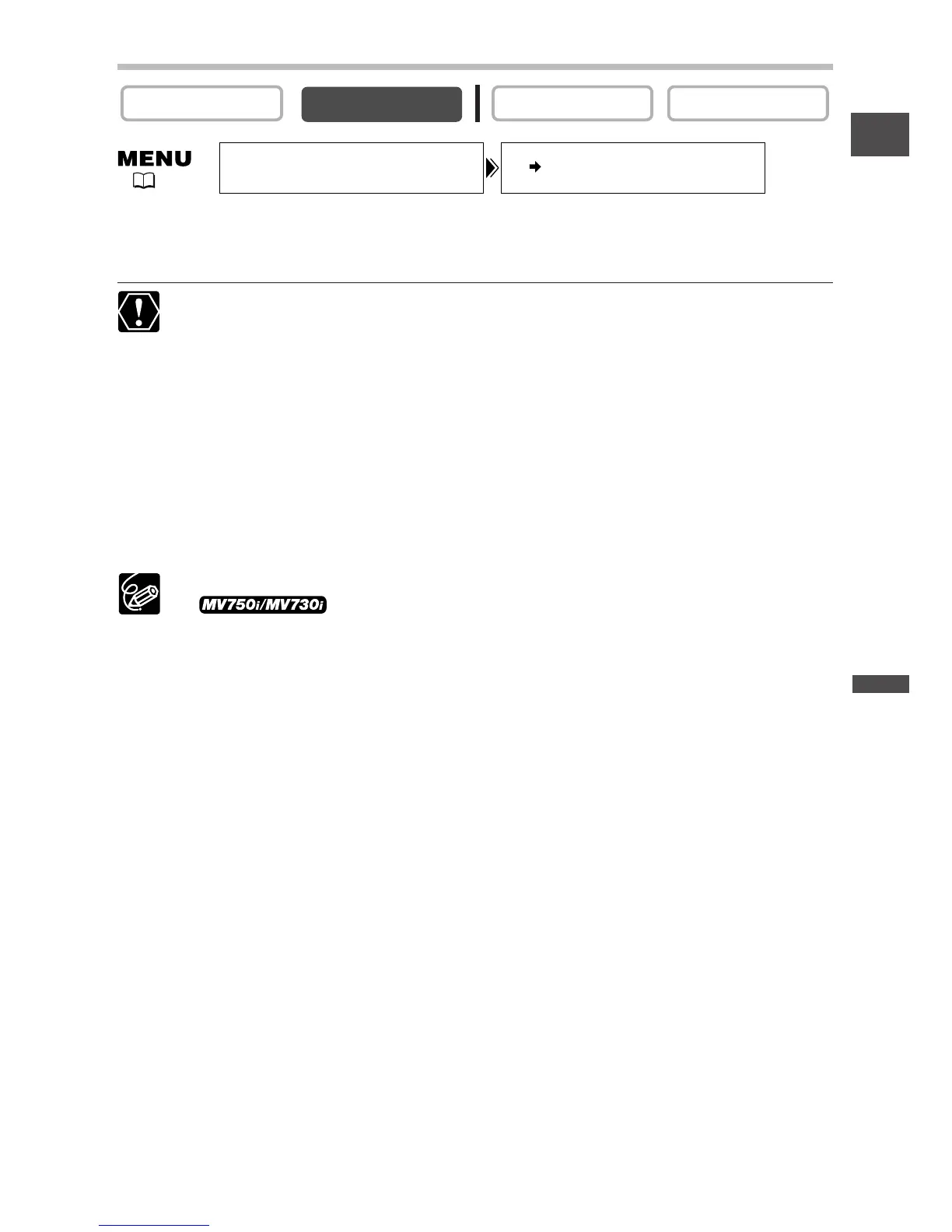
Open the menu and select [VCR SETUP]. Select [AV\DV OUT], set it to
[ON] and close the menu.
❍ Headphones cannot be used during analog-digital conversion.
❍ Depending on the signal sent from the connected device, the conversion from
analog to digital signals might not work properly (e.g., signals that include
copyright protective signals or anomalous signals such as ghost signals).
❍ When connecting to a TV/video with SCART terminal, use a SCART adapter
with input capability (commercially available). The supplied SCART Adapter
PC-A10 is for output only.
❍ For normal use, set [AV\DV OUT] to [OFF]. If it is set to [ON], digital signals
cannot be input via the camcorder’s DV terminal.
❍ Depending on the software and the specifications of your computer, you may
not be able to transfer converted signals via the DV terminal.
❍ We recommend powering the camcorder from a household power source.
❍ You can also press the AV\DV button on the wireless
controller. The setting changes with each press of the button.


 To Next Page