How to prevent 'Print from USB' on Océ ColorWave 550/650 (and PP)
Introduction
You can disable any access to the USB device by preventing printing from the USB device.
Illustration
[6] USB direct print: Disabled
How to disable the 'USB direct print' feature
Procedure
1.
Open a web browser and enter the system URL: http://<hostname>, to open the Océ Express
WebTools
2.
Open the 'Preferences' - 'System properties' page and select the 'Printer properties' section
3.
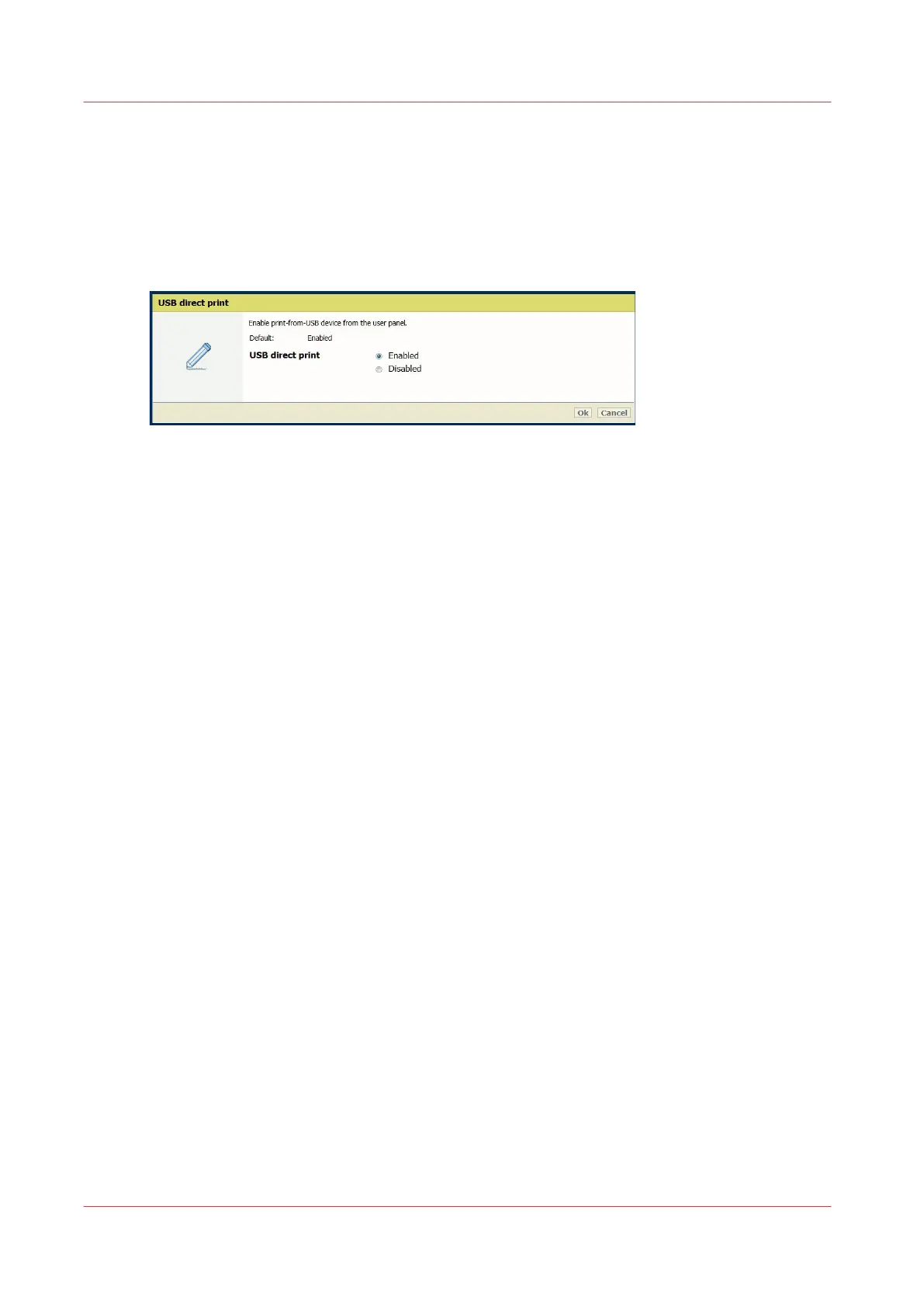
Go to the 'USB direct print' setting
4.
Click on the value to open the 'USB direct print' window
5.
Log in as a 'Key Operator' or 'Power User'
6.
Select 'Disabled' and 'Ok'
How to prevent 'Print from USB' on Océ ColorWave 550/650 (and PP)
266
Chapter 5 - Security on Océ ColorWave 550/600/650 (and Poster Printer)









 To Next Page