Security Patches
Install the Océ Remote patch
Introduction
You can install the Océ Remote patches (Security patches) in your Océ system.
Before you begin
Find the Océ Security patch from the Océ Downloads website on
http://downloads.oce.com
:
Open the product page and go to the Security tab to download the available security patches.
Install a patch
Procedure
1.
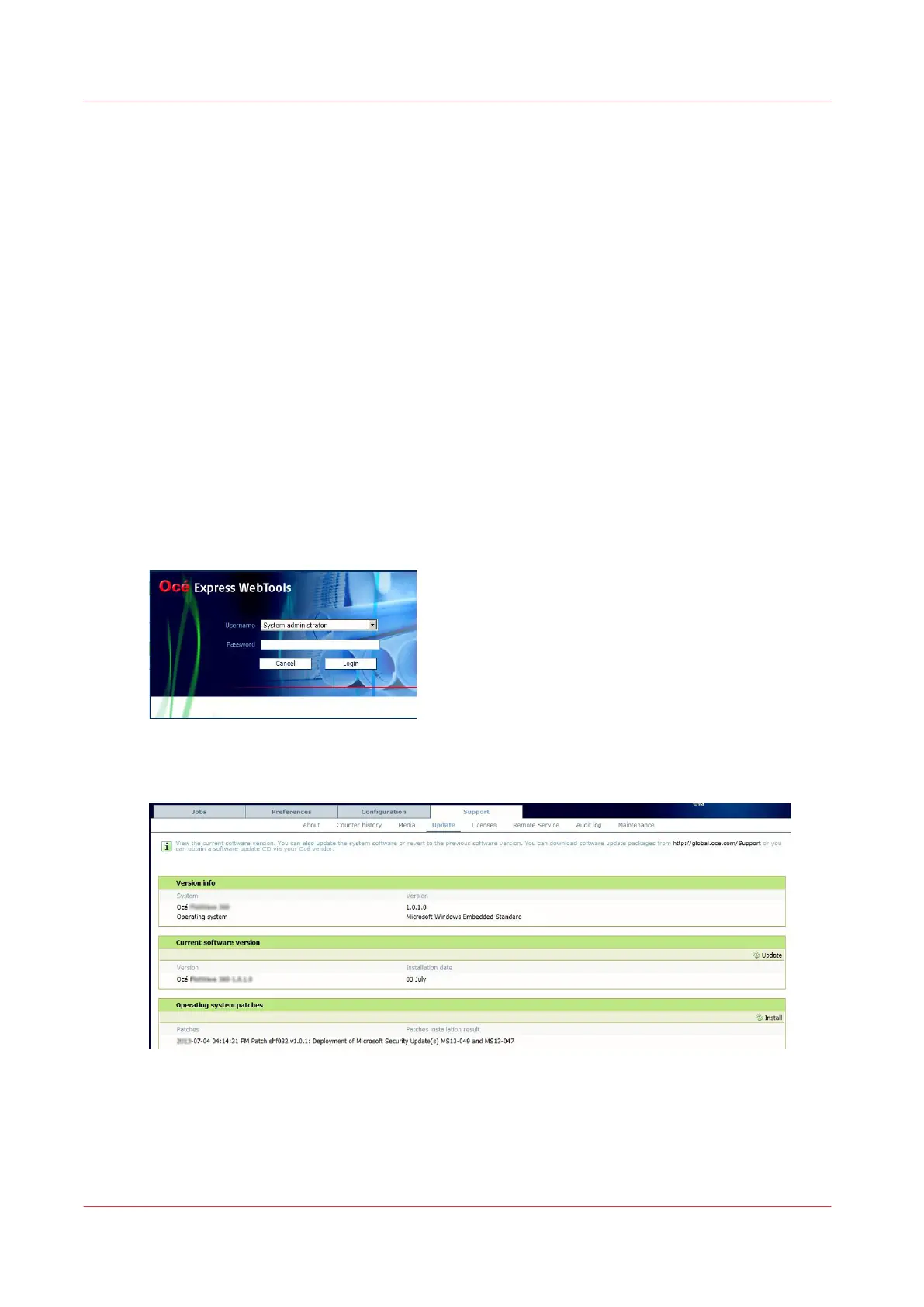
Open Océ Express WebTools
2.
Open the 'Support' tab
3.
Select 'Update'
The Authentication window opens.
4.
Log in as the System administrator or Power user
The latest patch successfully applied (when any) is displayed
5.
Click on the 'Install' icon (top right corner of the 'Operating system patches' section) to open the
wizard
Security Patches
306
Chapter 6 - Security on Océ ColorWave 500 and Océ ColorWave 700










 To Next Page