CHAPTER 2 STANDARDS AND ADJUSTMENTS
2-18
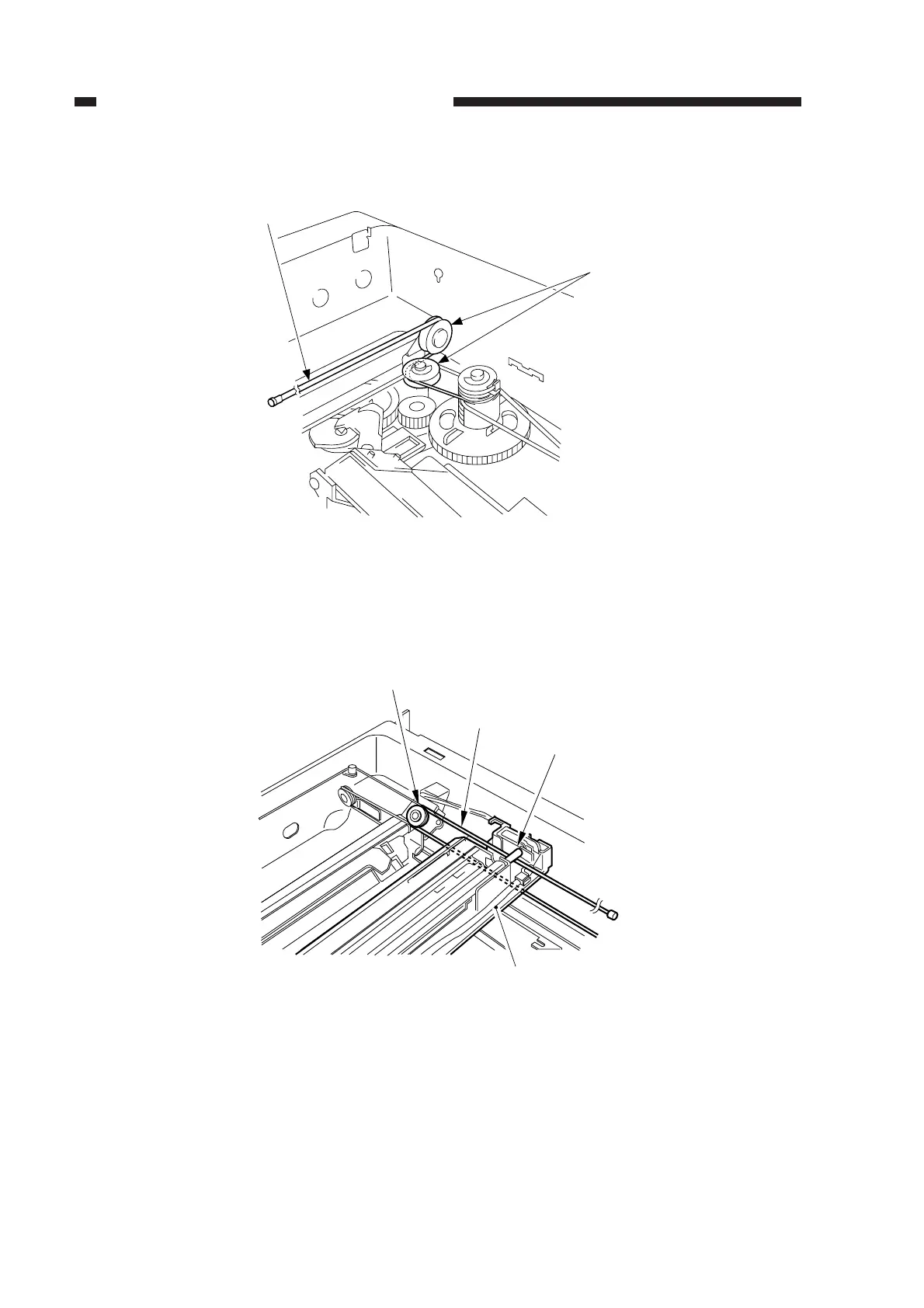
5) Free the shorter end [3], and hook it on the pulley [11] on the right rear side.
Figure 2-31
6) Lead the shorter end [3] under the No. 1 mirror mount [7], and hook it on the pulley [12] of the
No. 2/3 mirror mount as shown; then, lead it between the No. 1 mirror mount [7] and the
scanning lamp [9].
Figure 2-32
[11]
[3]
[7]
[9]
[3]
[12]



 To Next Page