CHAPTER 2 STANDARDS AND ADJUSTMENTS
2-41
9) Repeat steps 5) through 8) so that the values of both VR102 and VR103 are target values.
Caution:
If you cannot set VR102 and VR103 to the target values at the same time, turn VR103 fully
counterclockwise, and go back to step 5) and make adjustments once again.
10) Make a copy, and check to make sure that it is free of fogging and its text is adequately dark.
• If the copy is foggy or its text is too light, go back to step 1) and start over.
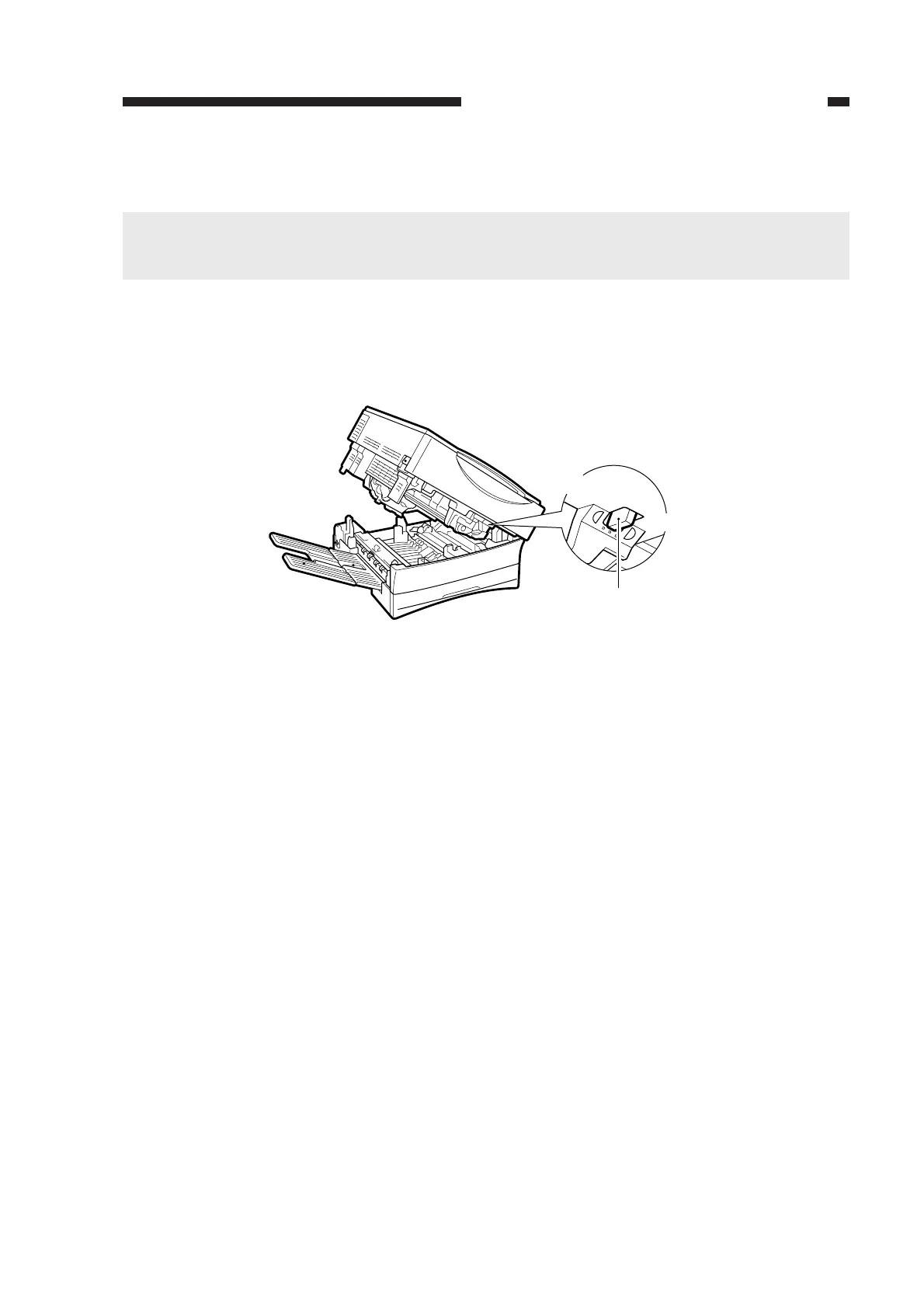
• If the results of adjustment for a second time are not good, make adjustments using the den-
sity correction switch (SW101).
Figure 2-69
SW101
Lighter
Darker



 To Next Page