Table of
Contents
Chapter 1
What is
ImageBrowser?
Chapter 2
Downloading and
Printing Images
Chapter 3
What You Can Do with
a Camera Connected
Chapter 4
Viewing Images
Chapter 5
Organizing Images
Chapter 6
Using Supplementary
Features
Appendices Index
ImageBrowser Software User Guide 20
Back Next
Downloading Images Automatically—Computer Operations (3/3)
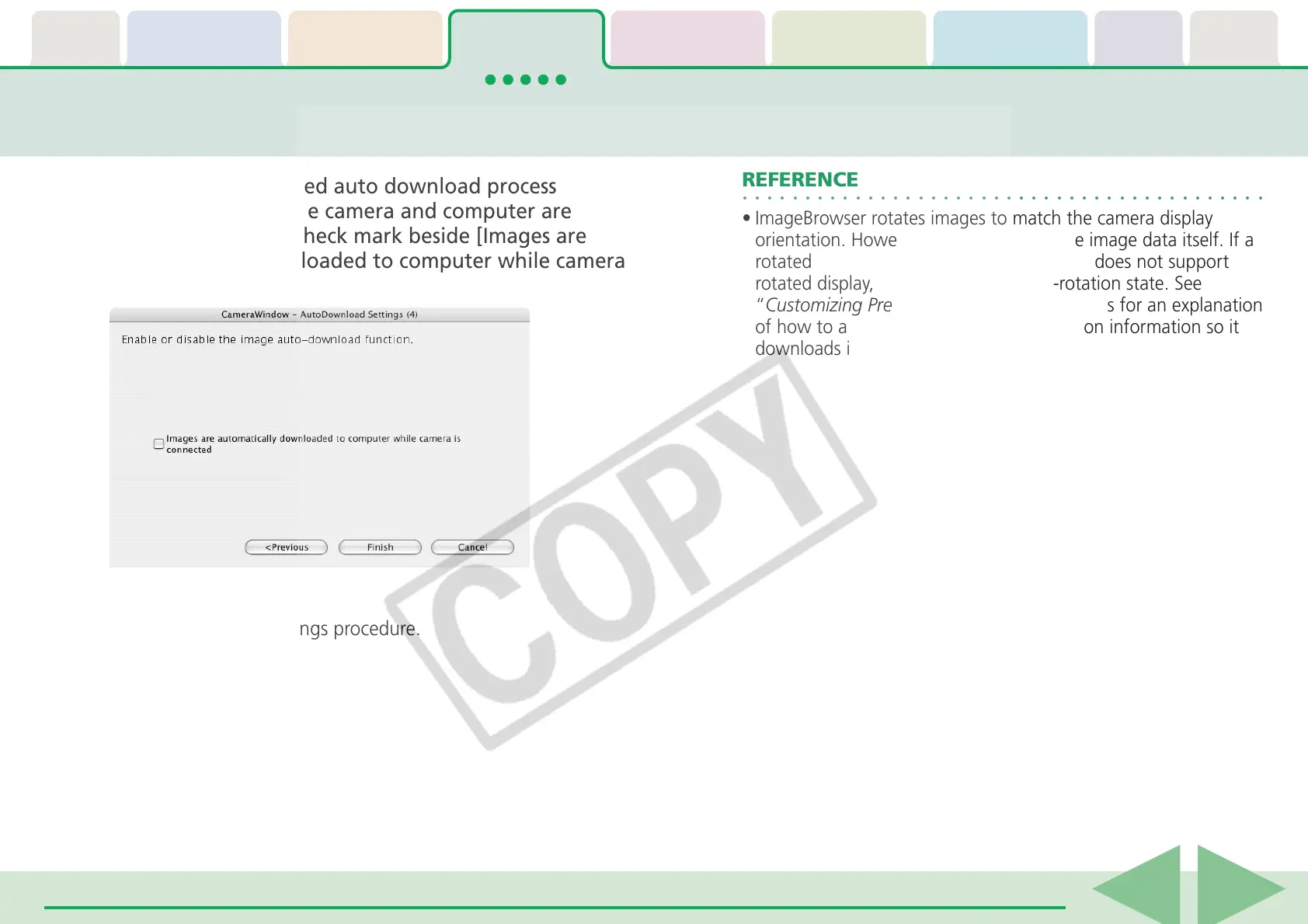
6.
To initiate the selected auto download process
immediately after the camera and computer are
connected, place a check mark beside [Images are
automatically downloaded to computer while camera
is connected].
7.
Click [Finish].
This concludes the settings procedure.
○○○○○○○○○○○○○○○○○○○○○○○○○○○○○○○○○○○○○○○○○○
REFERENCE
• ImageBrowser rotates images to match the camera display
orientation. However, it does not alter the image data itself. If a
rotated image is opened in a program that does not support
rotated display, it will appear in its pre-rotation state. See
“Customizing Preferences” in the Appendices for an explanation
of how to alter the image data with rotation information so it
downloads in the rotated orientation.











 To Next Page