Table of
Contents
Chapter 1
What is
ImageBrowser?
Chapter 2
Downloading and
Printing Images
Chapter 3
What You Can Do with
a Camera Connected
Chapter 4
Viewing Images
Chapter 5
Organizing Images
Chapter 6
Using Supplementary
Features
Appendices Index
ImageBrowser Software User Guide 48
Back Next
Selecting Folders (2/2)
Registering a Folder as a Favorite Folder
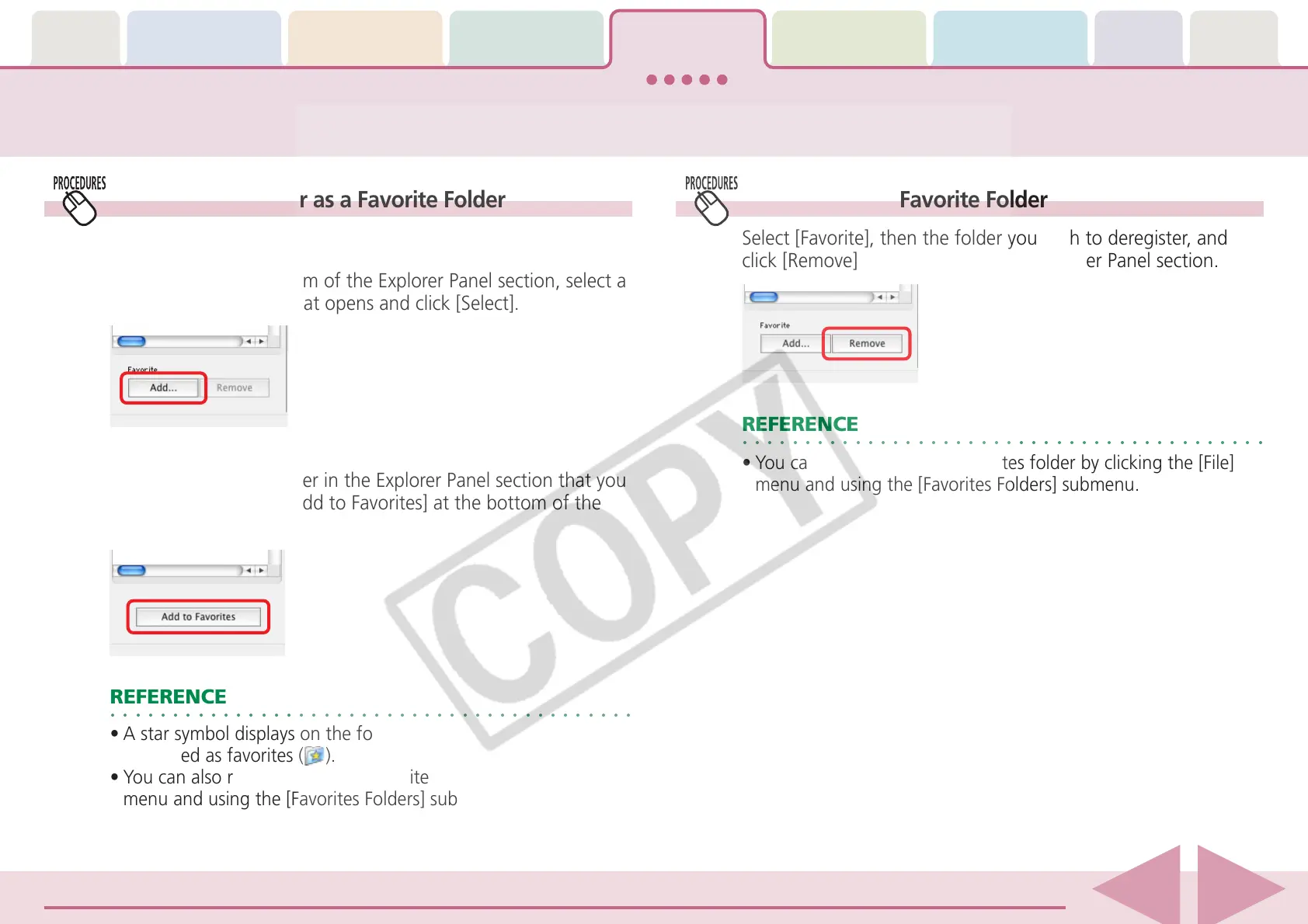
■ Favorites Selected
Click [Add] at the bottom of the Explorer Panel section, select a
folder in the window that opens and click [Select].
■ All Selected
After you open the folder in the Explorer Panel section that you
wish to register, click [Add to Favorites] at the bottom of the
Explorer Panel section.
○○○○○○○○○○○○○○○○○○○○○○○○○○○○○○○○○○○○○○○○○○
REFERENCE
•A star symbol displays on the folder icons that have been
registered as favorites (
).
•You can also register folders as favorites by clicking the [File]
menu and using the [Favorites Folders] submenu.
Deregistering a Favorite Folder
Select [Favorite], then the folder you wish to deregister, and
click [Remove] at the bottom of the Explorer Panel section.
○○○○○○○○○○○○○○○○○○○○○○○○○○○○○○○○○○○○○○○○○○
REFERENCE
•You can also deregister a Favorites folder by clicking the [File]
menu and using the [Favorites Folders] submenu.











 To Next Page