52 ImageBrowser Software User Guide
Chapter 4
Viewing Images
Using the Viewer Window (2/4)
Displaying Multiple Images
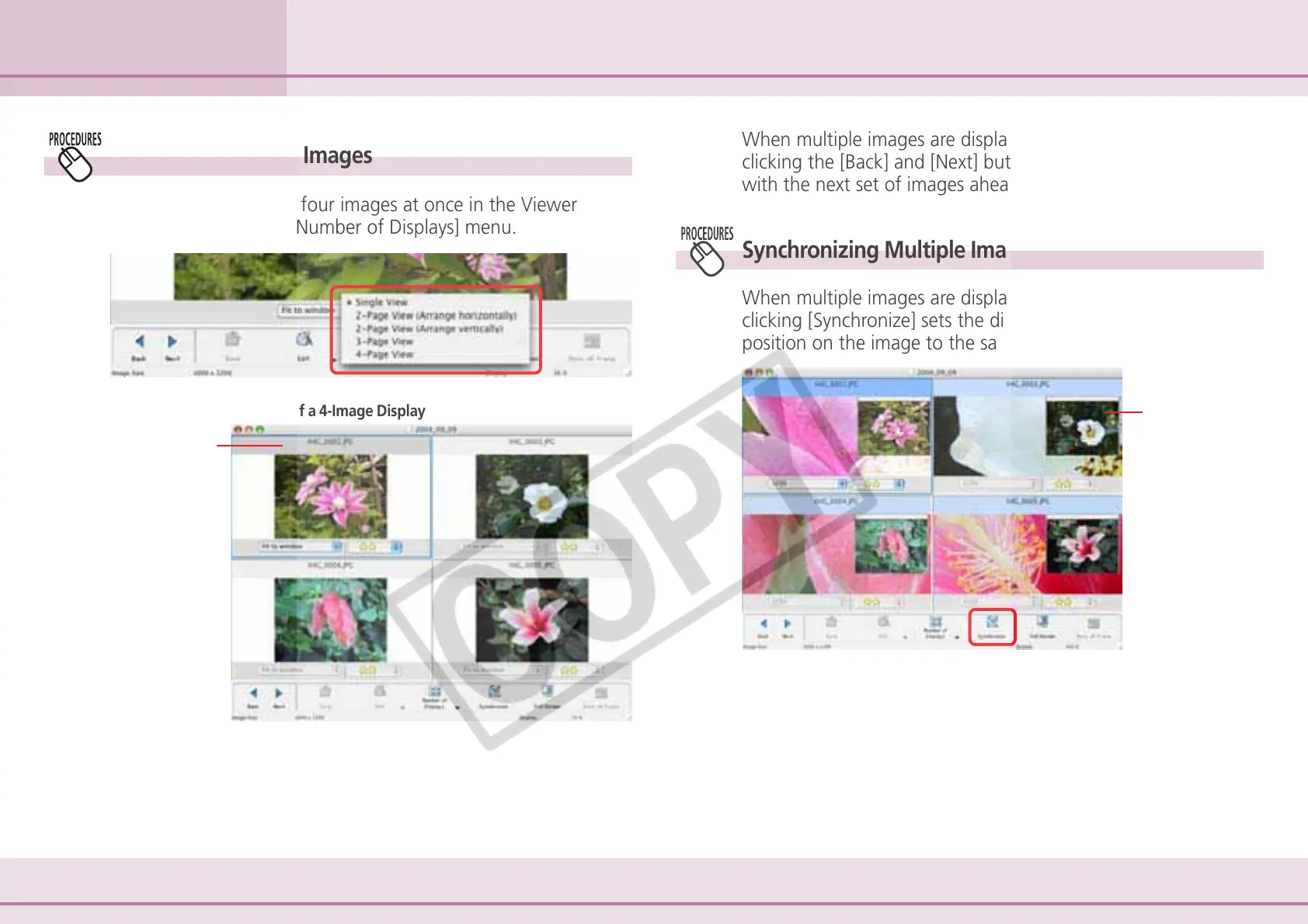
You can display two to four images at once in the Viewer
Window by using the [Number of Displays] menu.
When multiple images are displayed in the Viewer Window,
clicking the [Back] and [Next] buttons replaces all the images
with the next set of images ahead or behind.
Synchronizing Multiple Images
When multiple images are displayed in the Viewer Window,
clicking [Synchronize] sets the display magnification and
position on the image to the same for all images.
Currently selected image.
Example of a 4-Image Display
Synchronizes the
display
magnification
and display
position.












 To Next Page