EasyManua.ls Logo

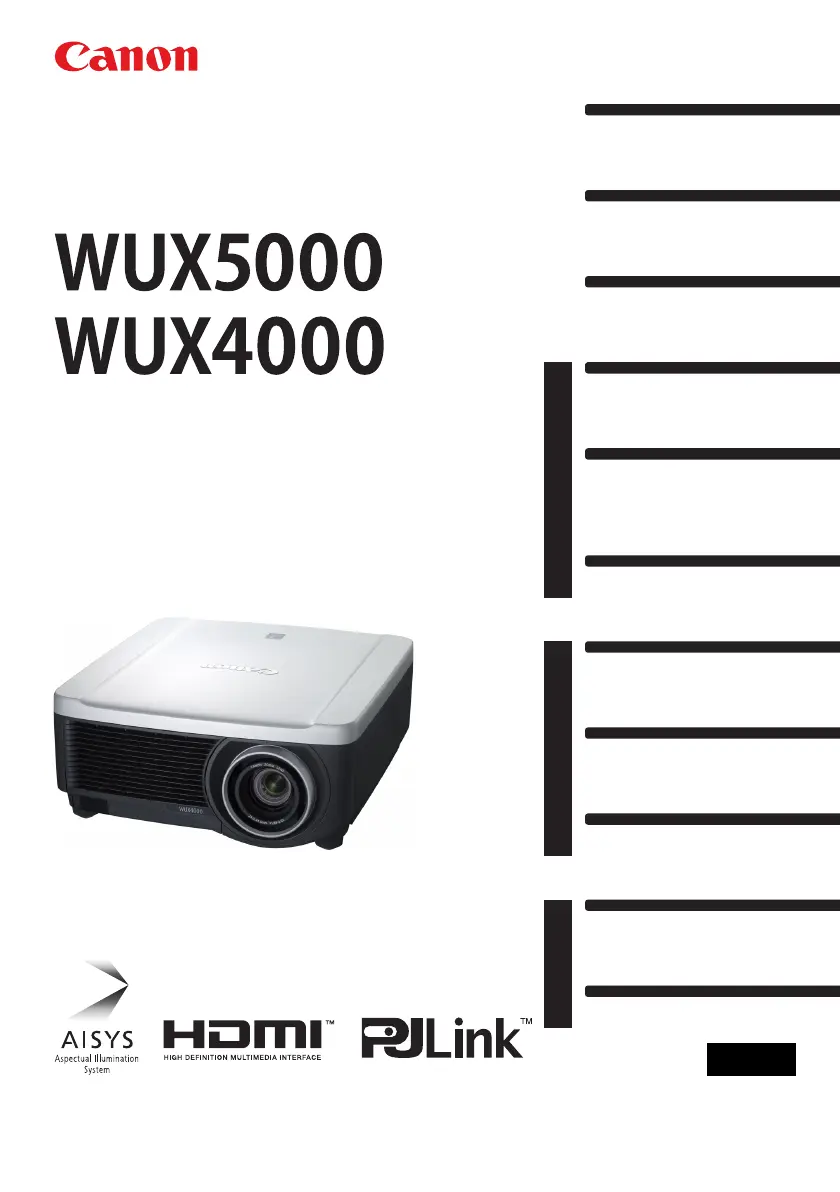
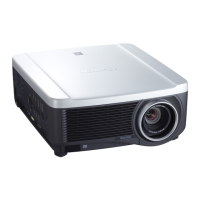
Canon REALiS WUX4000 - User Manual

Canon REALiS WUX4000
188 pages
Print Icon
To Next Page IconTo Next Page
Loading...
Installation
Connecting to a Network
Maintenance
Appendix
Index
AppendixInstallation Manual
Projecting an Image
Safety Instructions
Before Use
Table of Contents
Setting Functions from Menus
Useful Functions Available
During a Presentation
User’s Manual
ENG
MULTIMEDIA PROJECTOR
User’s Manual /
Installation
Manual

Table of Contents

Questions and Answers

  • B
    Brian MarshallAug 9, 2025
    What to do if Canon Projector lamp is faulty?
    • W
      William RussellAug 9, 2025
      If your Canon Projector lamp doesn't illuminate, first, power it off and then on again to see if the lamp lights up. Also, inspect the air intake and exhaust vents for any blockages, and check the air filter for dust accumulation. A blocked airflow or high internal temperature could trigger the warning. If the air filter is clogged, clean or replace it. If the lamp still doesn't illuminate after these steps, it may need replacing. If the issue persists, it could indicate a problem with the lamp drive circuit.
  • E
    efitzpatrickAug 14, 2025
    Why does my Canon REALiS WUX4000 Projector show temperature abnormality?
    • G
      Gabrielle HendersonAug 14, 2025
      If your Canon Projector shows a temperature abnormality, it could be due to the internal temperature being too high or the external air temperature exceeding the operating range. First, ensure the projector is installed and operated correctly. Then, unplug it to allow the interior to cool before restarting. Check for and remove any obstructions from the air intake or exhaust vent. If the warning persists, it may indicate a malfunction within the projector.
  • D
    David GarciaAug 19, 2025
    What to do if Canon REALiS WUX4000 shows faulty lamp cover?
    • A
      Arthur VegaAug 19, 2025
      If you receive a warning about a faulty lamp cover on your Canon Projector, unplug the projector first. Then, correctly install the lamp cover and turn the projector back on. If the warning continues after proper installation, there may be a malfunction in the lamp cover detection switch.
  • W
    Whitney CrawfordAug 25, 2025
    What to do if Canon REALiS WUX4000 has faulty power supply?
    • A
      Amy SmithAug 25, 2025
      If your Canon Projector indicates a faulty power supply, it could be due to abnormal voltage or another failure. Unplug the projector from the power outlet, plug it back in, and turn it on again. If the same warning appears, it may point to a more serious issue.
  • A
    Alexander RomeroAug 28, 2025
    What to do if Canon REALiS WUX4000 Projector displays filter error?
    • B
      brownstephanieAug 28, 2025
      If your Canon Projector displays a filter error, it indicates that the air filter might not be installed correctly. Check the installation of the air filter and ensure it is properly placed. If the warning persists, it may indicate a more serious issue.
  • C
    Colton HooverSep 3, 2025
    What to do if Canon Projector cooling fan is faulty?
    • P
      Peter Reed IISep 3, 2025
      If your Canon Projector indicates a faulty cooling fan, there might be a malfunction in the fan or another component. Unplug the projector from the power outlet, then plug it back in and turn the projector on again. If the same warning appears again, it may point to a more serious issue.

Canon REALiS WUX4000 Specifications

General IconGeneral
BrandCanon
ModelREALiS WUX4000
CategoryProjector
LanguageEnglish

Related product manuals