2
Contents
Contents
Introduction
Welcome
Copyright
Disclaimer
Trademarks
How to Use This Manual
Safety Precautions
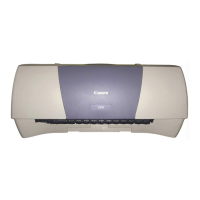
Parts and Functions of the Printer
Front View
Rear View
Inside the Printer
Operation Panel
Paper Handling
Paper and Other Print Media
Setting the Paper Thickness Lever
Printing Area
Notes on Handling Print Media
Printing on Special Media Types
Printing Photographs
S400.book Page 2 Wednesday, August 16, 2000 12:02 AM



 To Next Page