443Using the Scanner With Macintosh
Adjusting an Image
If you are not satisfied with a scanned image, you can perform fine adjustment using a
range of functions. Image data can be processed so that the brightness of the image
changes or so that the image appears sharper or softer.
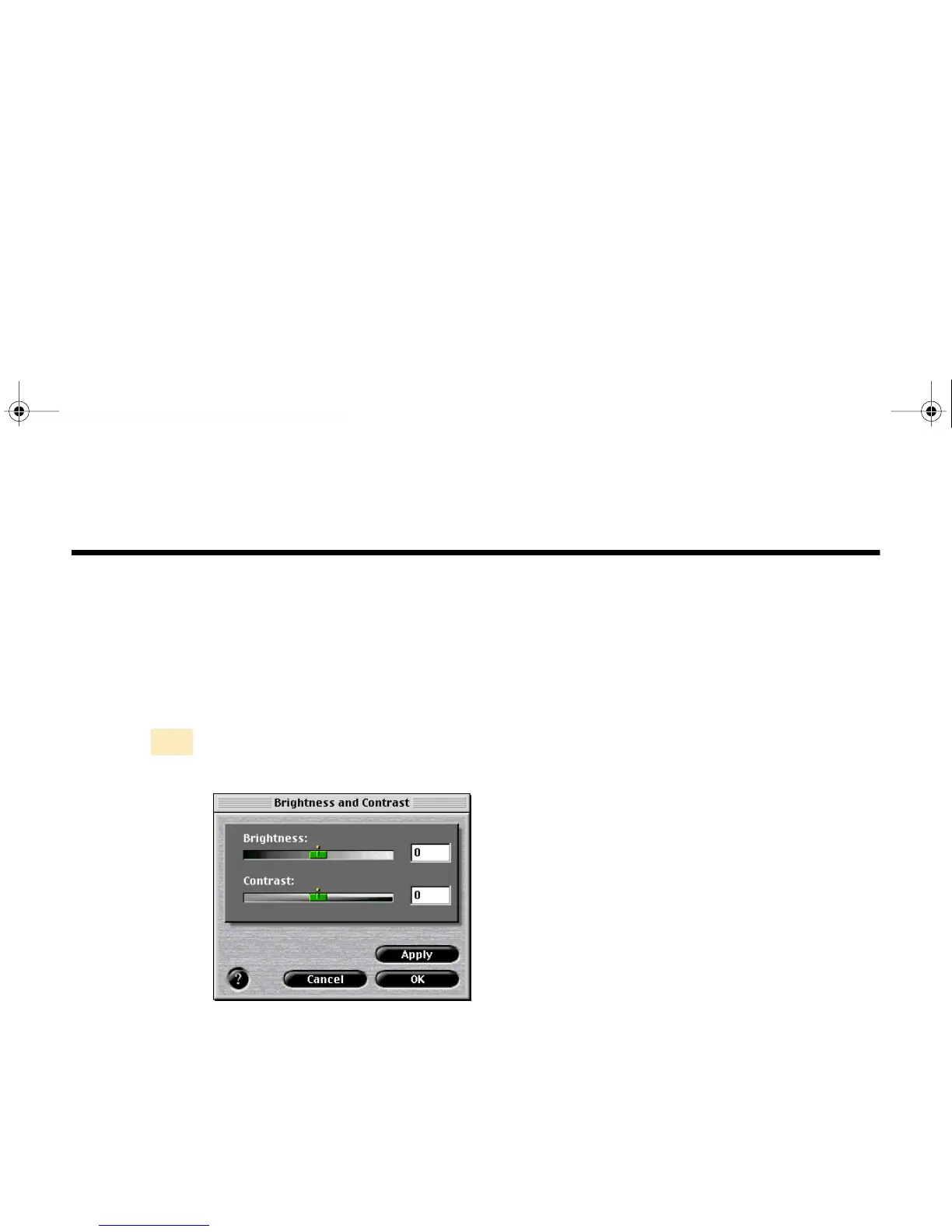
■ Adjusting the Brightness and Contrast
Click the Brightness and Contrast button in the main dialog box. The
Brightness and Contrast dialog box displays.



 To Next Page