Canon ScanFront 220/220P System Software Update
Instructions
ScanFront Version Up Procedure Version 1.0 Page
2
ScanFront 220/220P Configuration Backup Procedure*
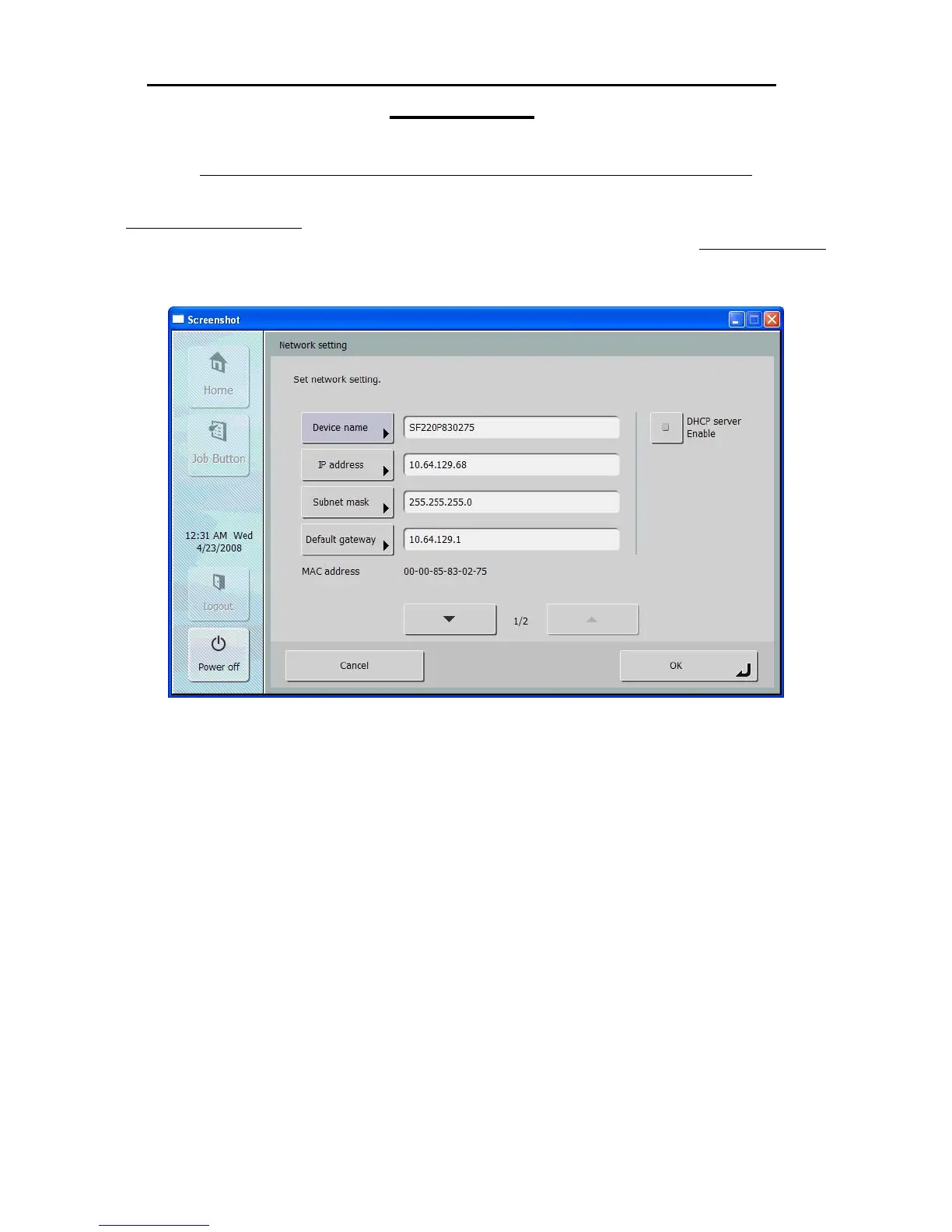
1. The IP address assigned to the ScanFront can be obtained at the device by clicking on the
Administrator Settings button on the main menu screen. You will need to enter the
administrator password if one has been assigned, and then click on the Network Setting
button. This will display the IP address, which is needed to connect to the ScanFront 220
Administration Mode Web Menu using a browser on any computer attached to the network;
* The Backup/Restore operation can also be performed at the ScanFront device. For more information please
refer to the detailed instructions on page 3-10 in Chapter 3 “ScanFront Setup” of the ScanFront 220/220P
Instruction manual.







 To Next Page