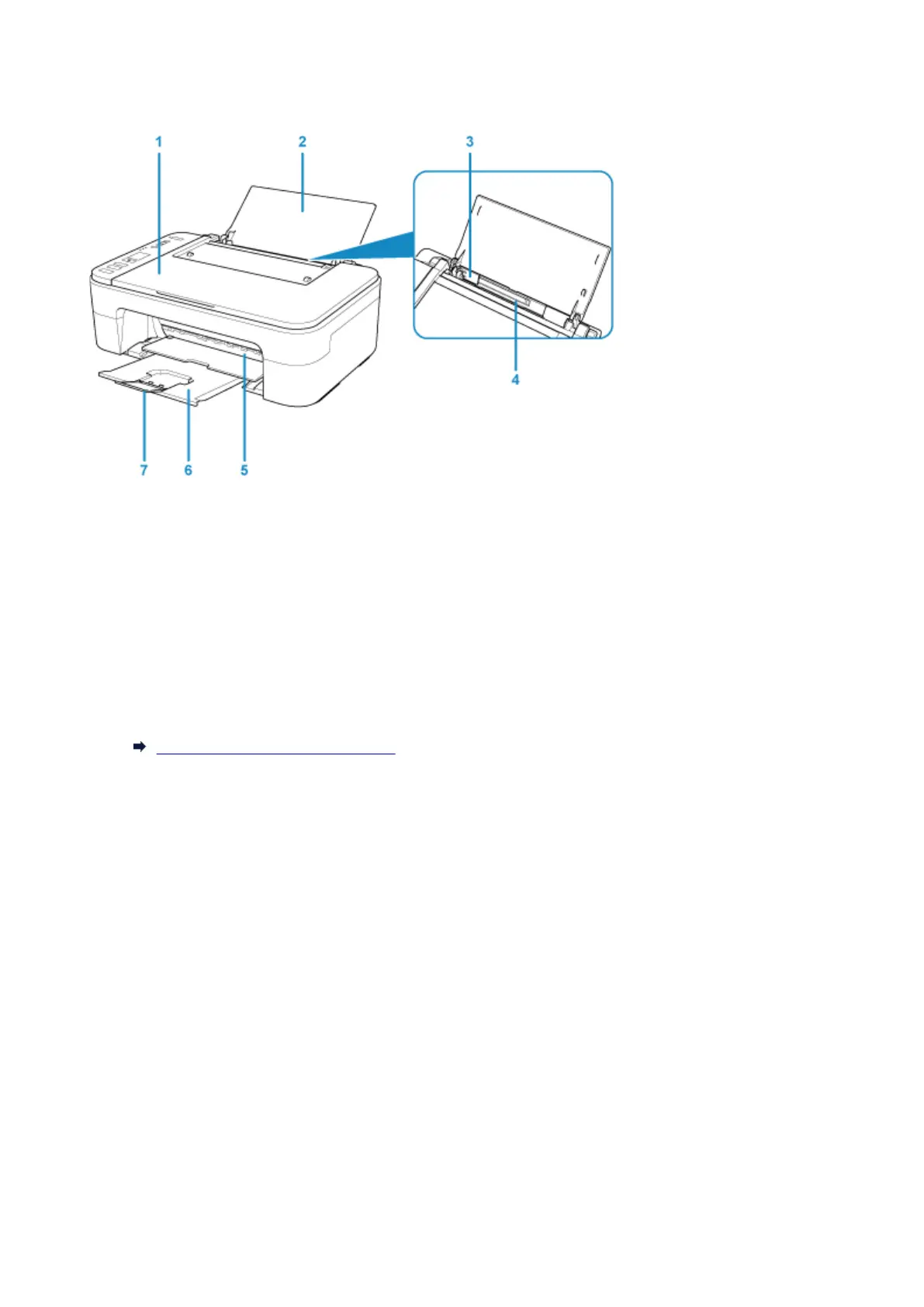
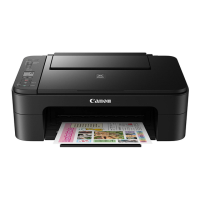
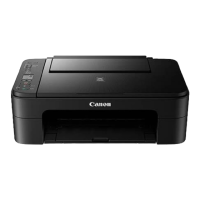
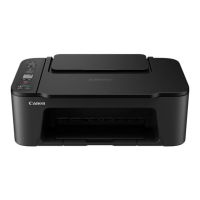
Front View
(1) document cover
Open to load an original on the platen glass.
(2) paper support
Open to load paper on the rear tray.
(3) paper guide
Align with the left side of the paper stack.
(4) rear tray
Load paper here. Two or more sheets of the same size and type of paper can be loaded at the same
time, and fed automatically one sheet at a time.
Loading Plain Paper / Photo Paper
(5) cover
Open to replace the FINE cartridge or remove jammed paper inside the printer.
(6) paper output tray
Printed paper is ejected. Pull out it before printing.
(7) output tray extension
Extend to support ejected paper. Extend it when printing.
115



 To Next Page