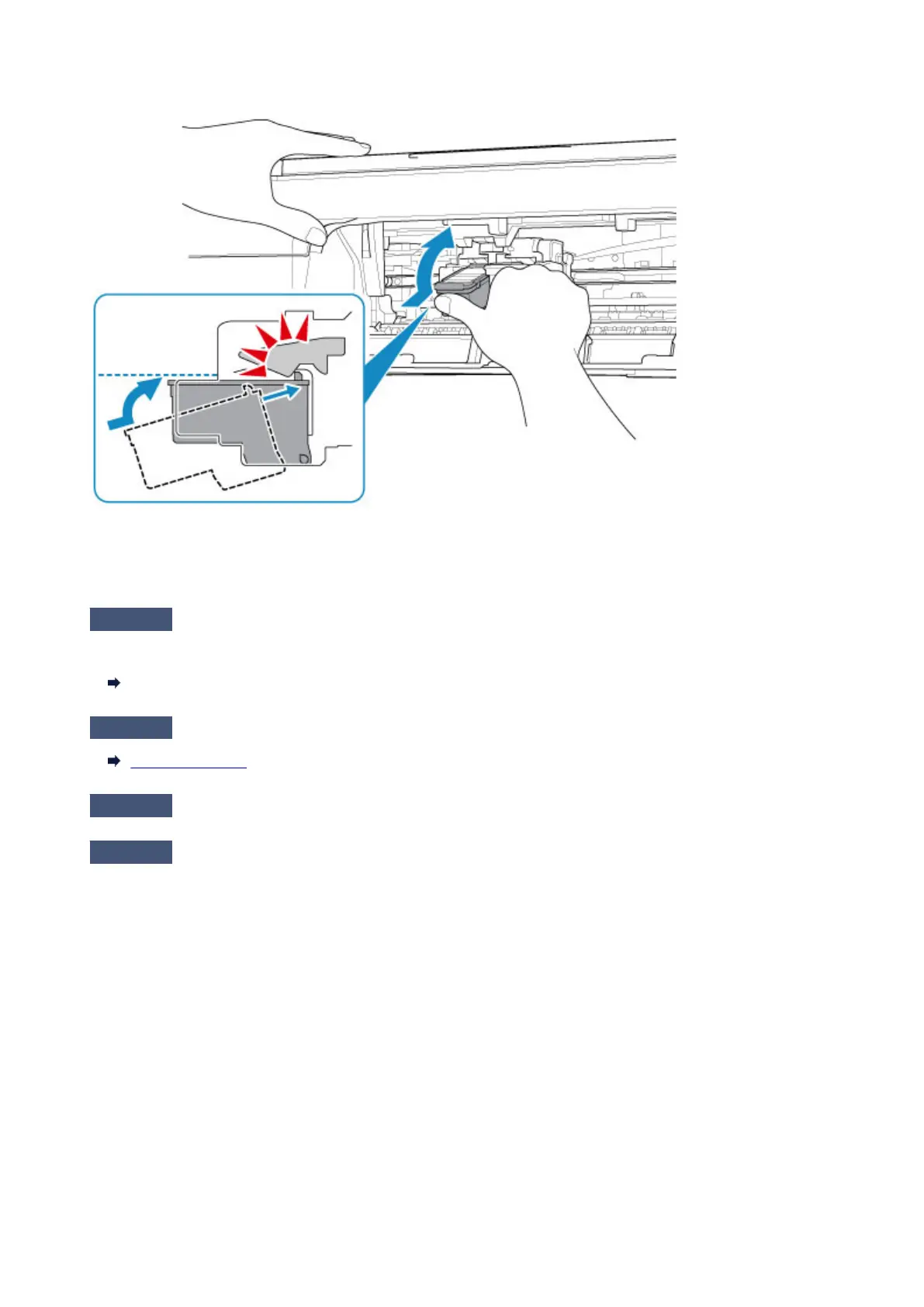
Then install the FINE cartridges again. Push up the FINE cartridge until it clicks into place.
After confirming that the FINE cartridge is installed properly, close the cover.
• When copying, see also the sections below:
Check6
Is platen glass dirty?
Clean the platen glass.
Cleaning the Platen Glass and Document Cover
Check7
Make sure original is properly loaded on platen glass.
Loading Originals
Check8
Is original loaded with side to be copied facing down on platen glass?
Check9
Did you copy a printout done by this printer?
If you use a printout done by this printer as the original, print quality may be reduced depending on the condition
of the original.
Reprint from the computer if you can reprint from it.
231


 To Next Page
 Loading...