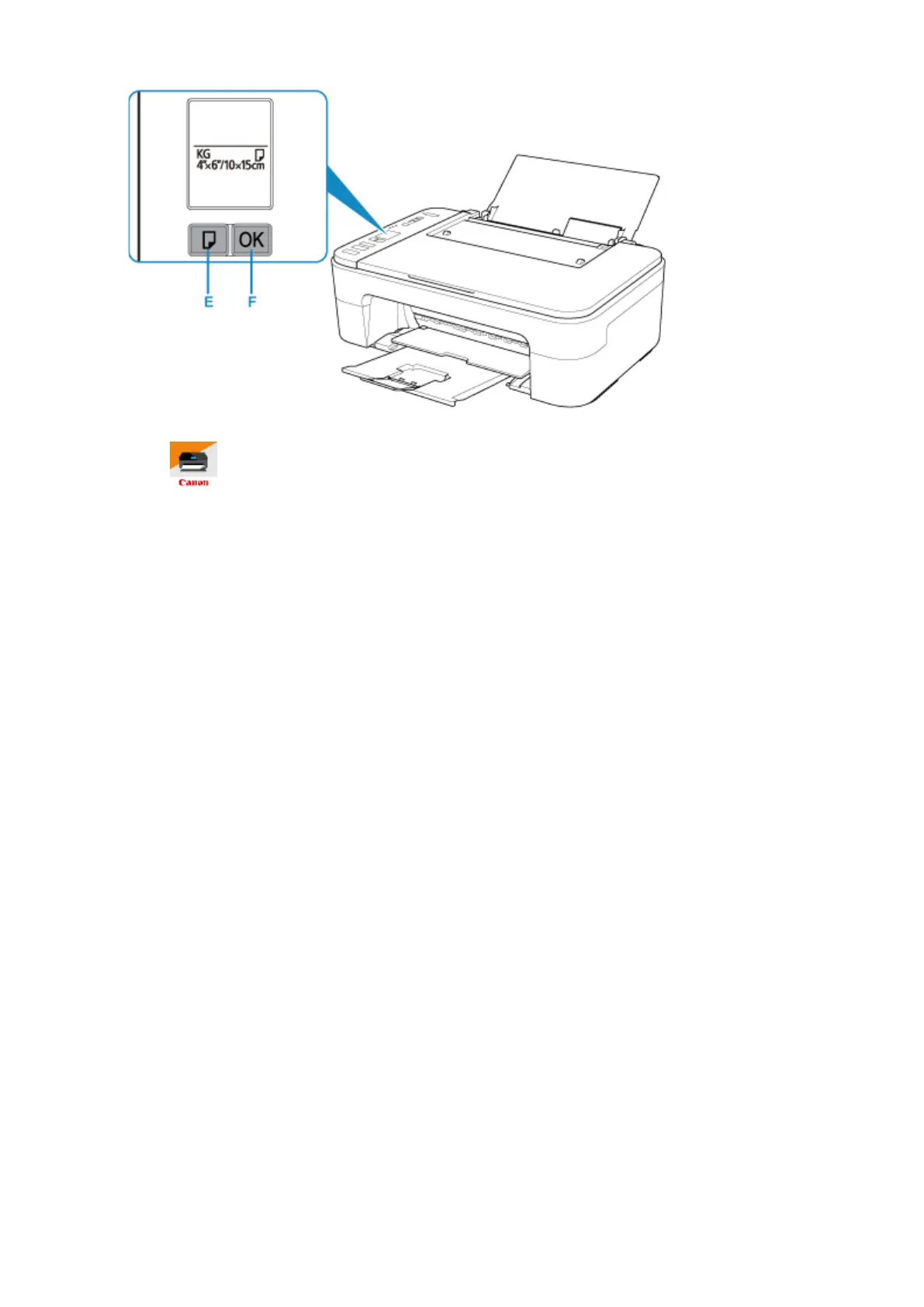
6.
Start (Canon PRINT Inkjet/SELPHY) from your smartphone/tablet.
7.
Select Photo Print on Canon PRINT Inkjet/SELPHY.
The list of photos saved on your smartphone/tablet is displayed.
8.
Select a photo.
You can also select multiple photos at once.
9.
Specify the number of copies, paper size, etc.
10.
Select Print.
30



 To Next Page