Cannot Find Printer on Check Printer Settings Screen During Wi-Fi
Setup (Windows)-Checking Power Status
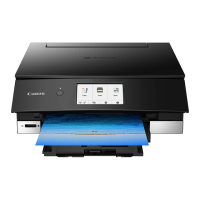
Are printer and network device (router, etc.) turned on?
Make sure the printer is turned on.
Checking that Power Is On
Make sure network device (router, etc.) is turned on.
If printer or network device is off:
Turn on printer or network device.
It may take a while for the printer and network device to become ready for use once they are turned on.
Wait a while after turning on the printer or network device, and then click Redetect on the Check Printer
Settings screen to redetect the printer.
If the printer is found, follow the instructions on the screen to continue to set up network communication.
If printer and network device are on:
If the network devices are on, turn them off and on again.
If above does not solve the problem:
Cannot Find Printer on Check Printer Settings Screen During Wi-Fi Setup (Windows)-Checking PC
Network Connection
412





 To Next Page