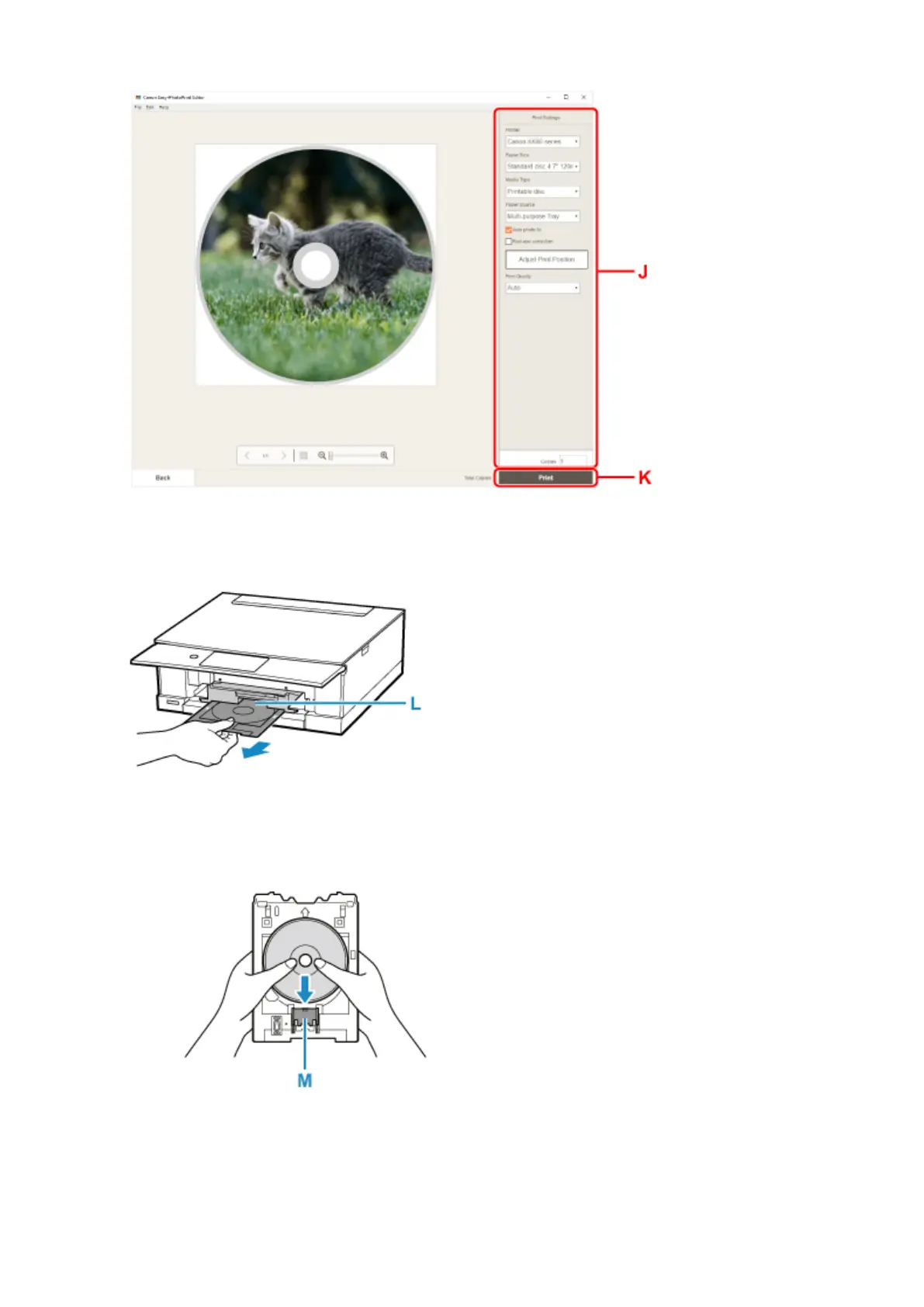
11.
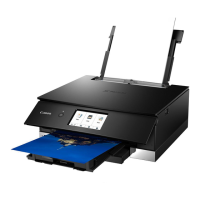
When message prompting you to load printable disc appears on printer's touch screen, take
out multi-purpose tray from multi-purpose tray storage compartment (L).
12.
Place printable disc on multi-purpose tray.
1. WITH PRINT SIDE FACING UP, place printable disc, and press it against lock (M) at bottom.
2. While pressing down lock with printable disc, insert top of printable disc into slits (N).
48





 To Next Page