viii
a Safe Use of Equipment
a
An exclamation point, within a triangle, is intended to alert the user to the presence of
important operating and maintenance (servicing) instructions in the literature
accompanying the equipment.
a Important Operational Instructions
a Important Warnings
a CAUTION:
TO REDUCE THE RISK OF ELECTRIC SHOCK, DO NOT REMOVE COVER (OR
BACK). NO USER-SERVICEABLE PARTS INSIDE. REFER SERVICING TO
QUALIFIED SERVICE PERSONNEL.
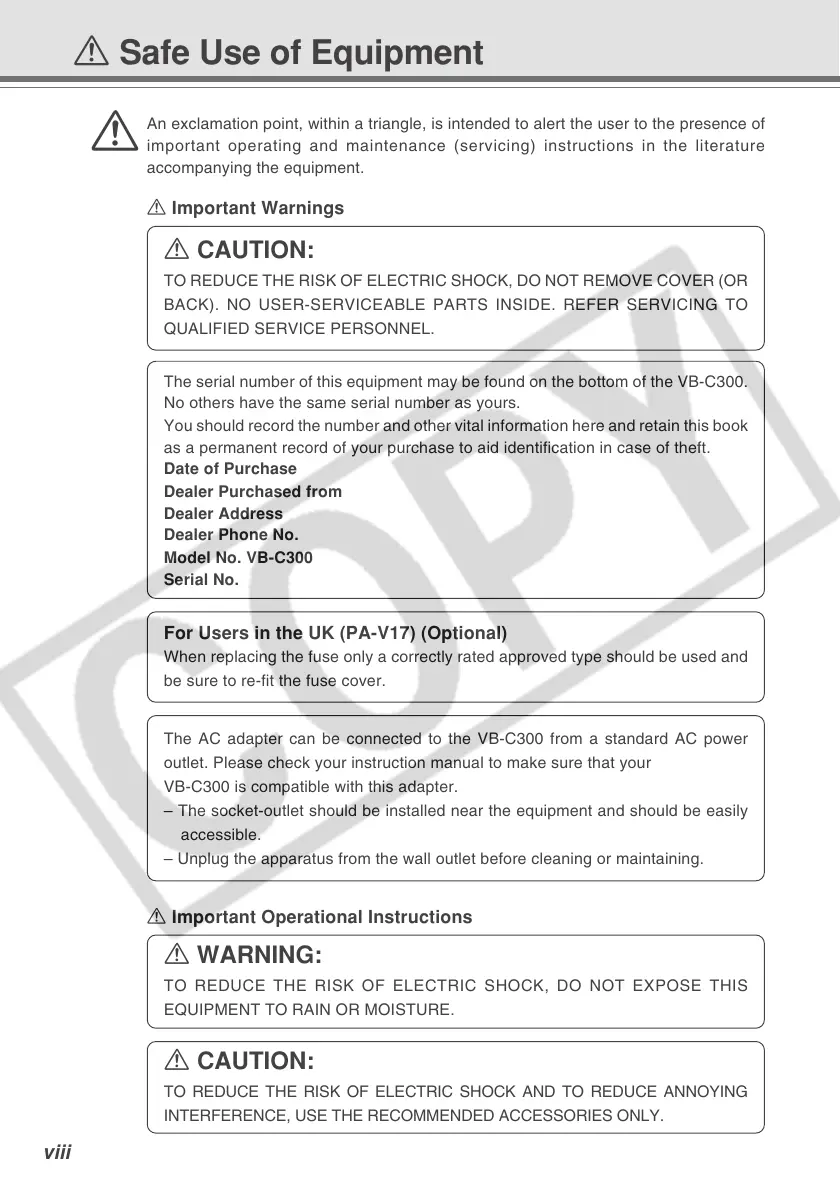
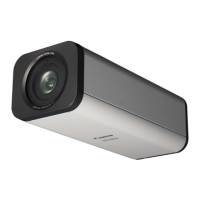
The serial number of this equipment may be found on the bottom of the VB-C300.
No others have the same serial number as yours.
You should record the number and other vital information here and retain this book
as a permanent record of your purchase to aid identification in case of theft.
Date of Purchase
Dealer Purchased from
Dealer Address
Dealer Phone No.
Model No. VB-C300
Serial No.
a WARNING:
TO REDUCE THE RISK OF ELECTRIC SHOCK, DO NOT EXPOSE THIS
EQUIPMENT TO RAIN OR MOISTURE.
a CAUTION:
TO REDUCE THE RISK OF ELECTRIC SHOCK AND TO REDUCE ANNOYING
INTERFERENCE, USE THE RECOMMENDED ACCESSORIES ONLY.
For Users in the UK (PA-V17) (Optional)
When replacing the fuse only a correctly rated approved type should be used and
be sure to re-fit the fuse cover.
The AC adapter can be connected to the VB-C300 from a standard AC power
outlet. Please check your instruction manual to make sure that your
VB-C300 is compatible with this adapter.
– The socket-outlet should be installed near the equipment and should be easily
accessible.
– Unplug the apparatus from the wall outlet before cleaning or maintaining.



 To Next Page