SD Memory Card Access
145
8
Appendix
Log Files
Log files can be downloaded to a PC using FTP software, but you can use the Log Viewer in Admin Tools as a simple way
to view and download log files.
Directory Structure for Data Downloaded with Recorded Video Utility
When video on an SD memory card is downloaded to a computer with the Recorded Video Utility, folders are created
automatically in accordance with conditions such as the camera and the date and time.
The following shows the folder structure.
Example:H.264 video, manually recorded using a camera with an IP address of 192.168.100.1, on Sept. 10, 2012, from
16:00:00 to 16:59:59 (Camera Time Zone: GMT+09:00).
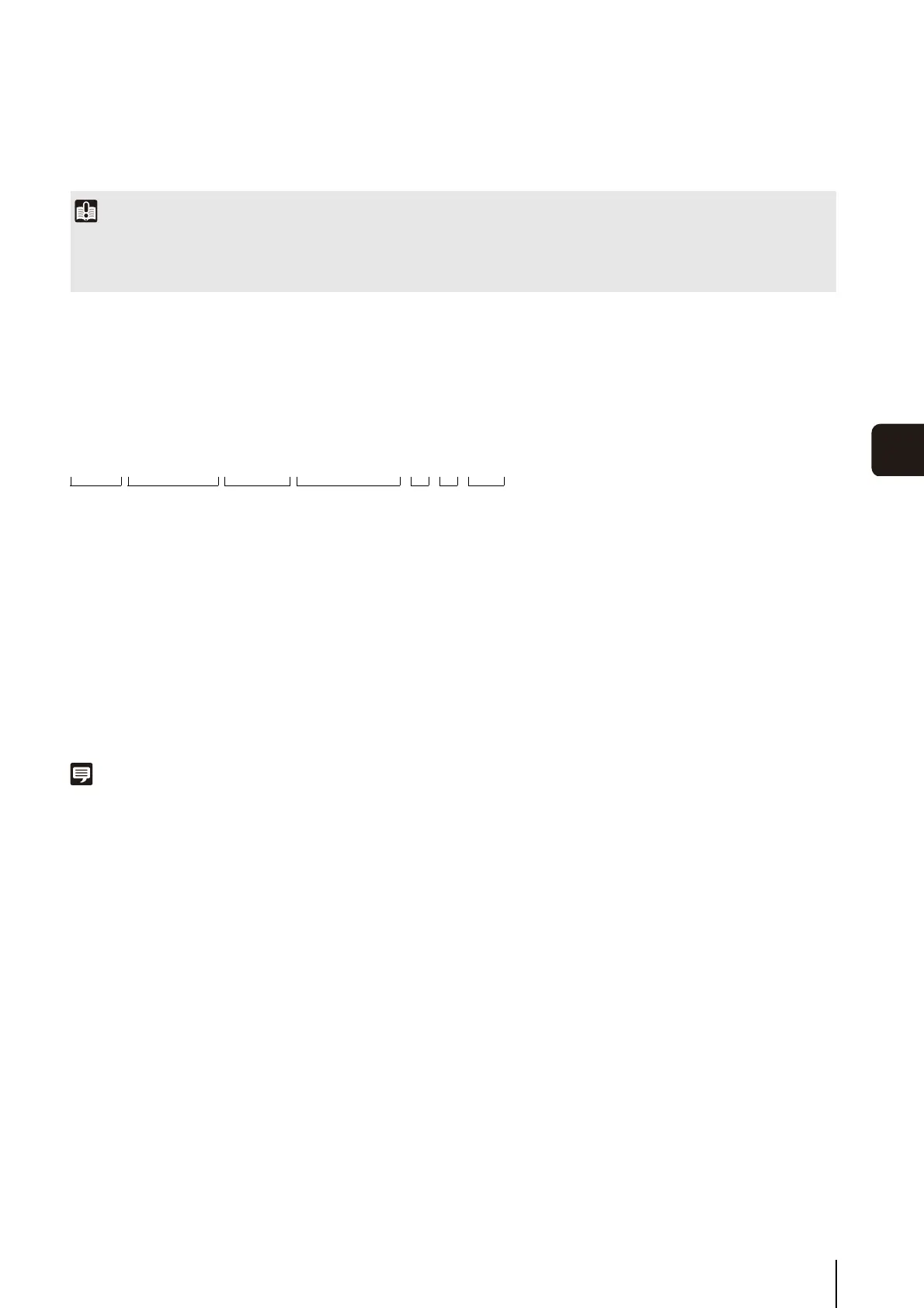
(1) Folder specified with [Download to]
(2) IP address of the camera
(3) Video recording date
(4) Recording start and end times (UTC)
(5) Time difference from UTC
(6) Recording type
E: Event
M: Manual recording
R: Recording-mode stream
T: Timer
U: Upload
(7) Video format (JPEG or H.264)
Note
• A folder is created once per hour.
• If the time difference is added to the starting and ending times, it will equal the local time.
Important
• When deleting a video using a method other than the Recorded Video Utility, you must perform [Recreate Video Management
Information] under [Memory Card] in the setting page (p. 74).
• Canon will assume no liability for any accident or damage resulting from use of FTP software.
D:\work \ 192.168.100.1\ 20120910 \ 070000_075959 _ +9 _ M _ H264
(1) (2) (3) (4) (5) (6) (7)


 To Next Page