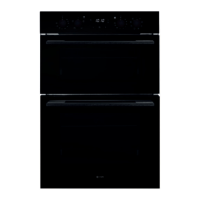
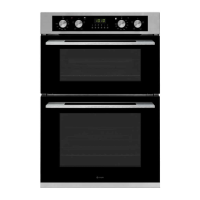
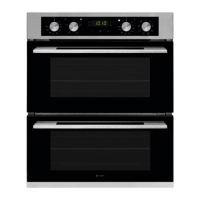
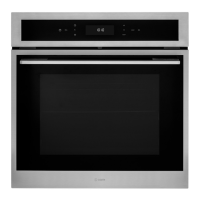
Instruction manual C3371
30
Please keep this instruction manual for future reference
TROUBLESHOOTING
The oven does not operate Check it is switched on at the mains
There has been a power cut
The time is not set
The oven does not heat The thermostat is not turned to a temperature
The interior light does not illuminate Check the product is connected to the
electrical supply and is switched on
Replace the bulb
Lower and upper parts of the oven are not
cooking evenly
Control the shelf location, cooking period and
temperatures according to the manual
If you still experience any problems with your appliance please contact Caple Service on
0117 938 7420 or email service@caple.co.uk


 To Next Page