11
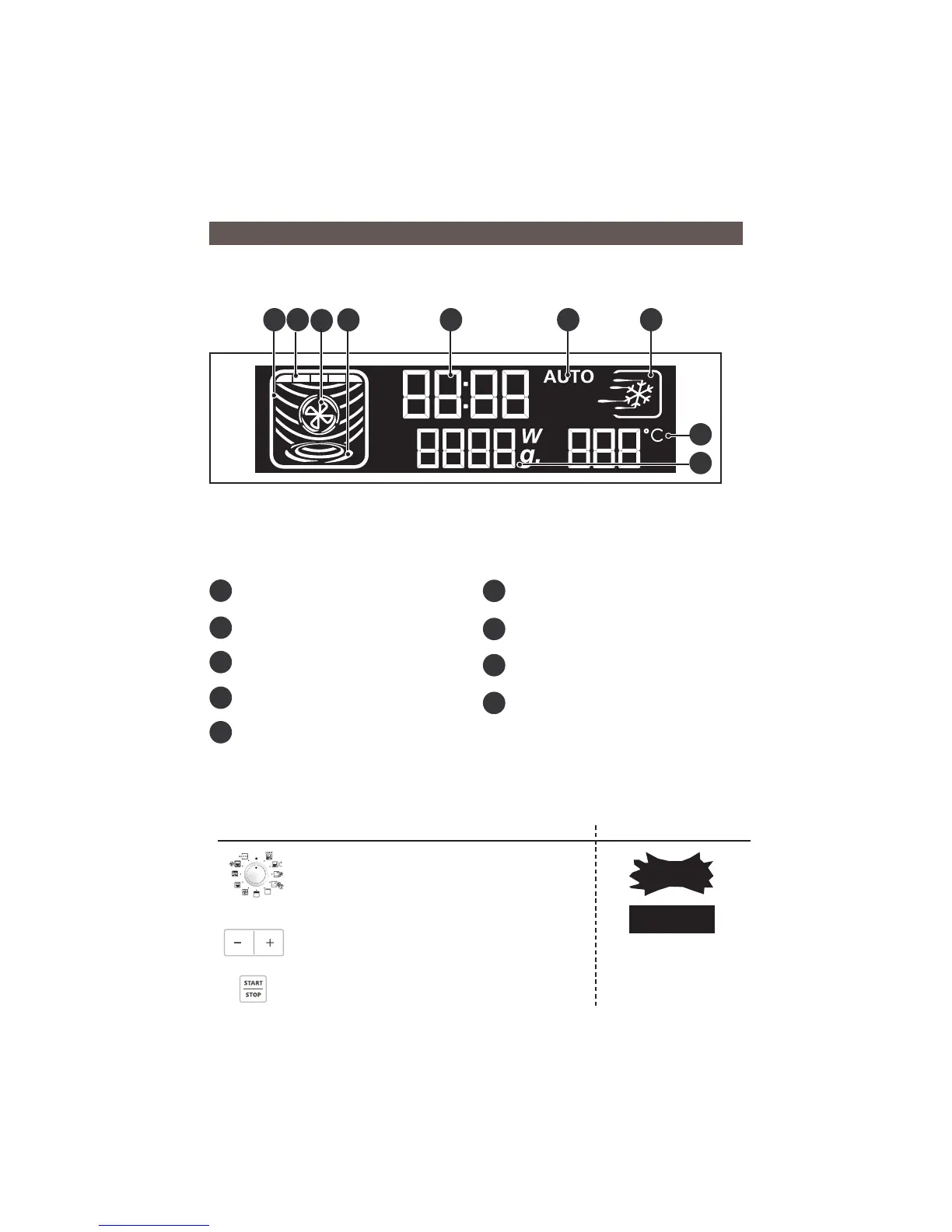
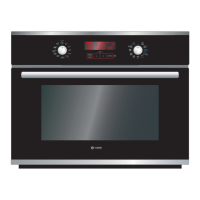
The display guides you through programming the various settings :
Time, Programme length, Microwave power level (Watts),
Food weight (grams), Stop turntable, Automatic programmes
COOKING ANIMATION depending on the selected function
A
H
Fig.12
•DISPLAY
MICROWAVE
GRILL
FAN HEAT
TURNTABLE
TIME/PROGRAMMING TIME
AUTOMATIC PROGRAMMES
SPEED DEFROST
FAN HEATING TEMPERATURE
MICROWAVE POWER
FOOD WEIGHT
MEMORY 1 / 2 / 3
CHILD SAFETY
A
B
C
D
E
F
G
E F G
I
EN
3/DESCRIPTION OF YOUR APPLIANCE
D
C
B
I
H
You can also program the “TIMER” function on your microwave oven.
Programming Display
Turn the selector to the off position.
Press the +/- touch controls to enter the desired
time, e.g. 10 minutes.
Confirm the selection by pressing
START/STOP.
The countdown of the entered time begins.
Three beeps are sounded to announce the end of
the programme.
To cancel, press START/STOP for two seconds.
•TIMER
10:00
00:00


 To Next Page