9
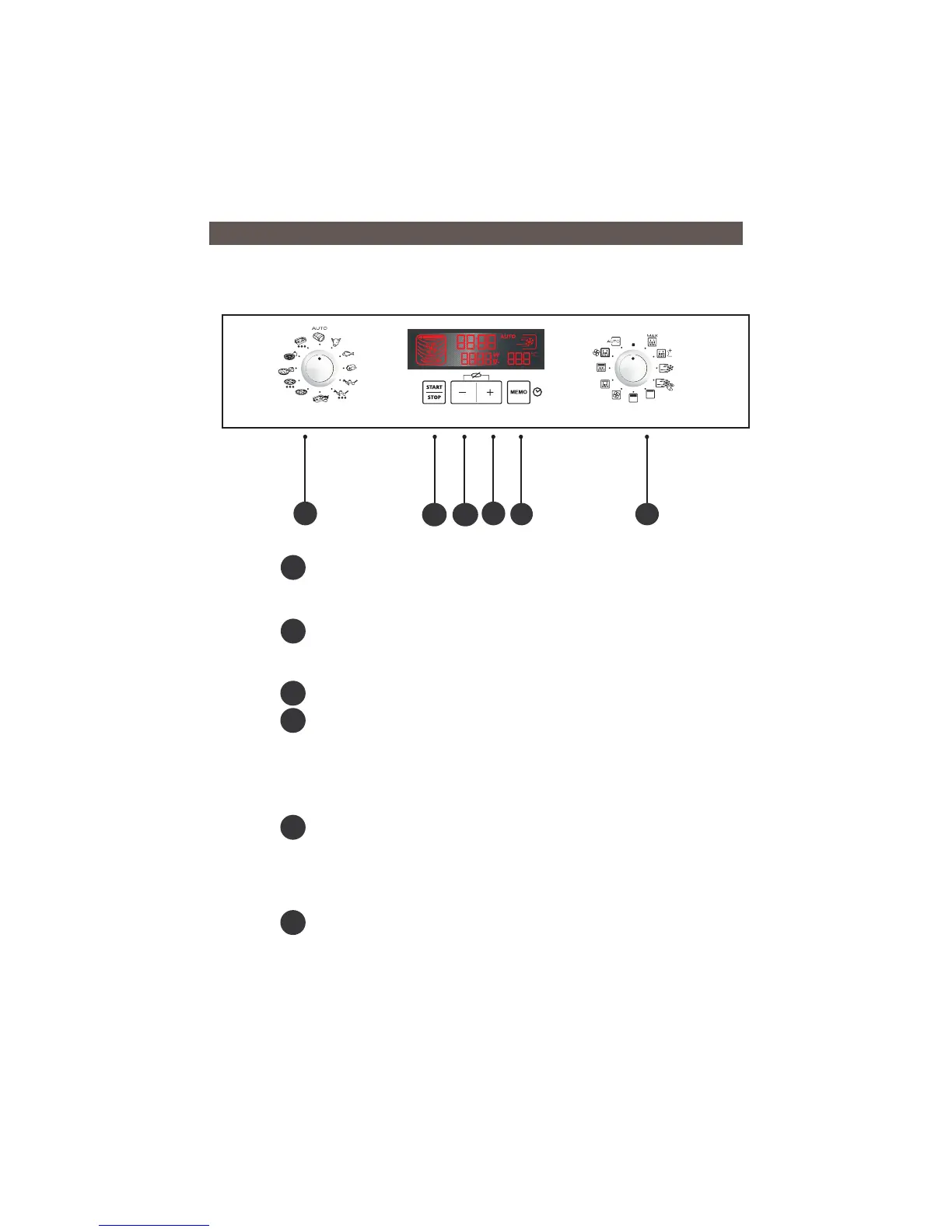
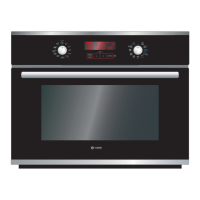
The automatic programme selector allows you to choose the
automatic function and the category of food.
The START/STOP touch control allows you to start a programme, and
suspend or stop a programme underway.
The “ - / + ” touch controls allow you to set the time, duration of
programmes, weight of the food, memorised programmes and the
temperature for fan heat cooking programmes.
Pushing both touch controls simultaneously stops the rotation of the
turntable to allow for the use of dishes that require all the space available in
the oven.
The MEMO touch control lets you programme and initiate the memory
function.
Pressing for five seconds allows you to access the CLOCK function to set the
time.
The FUNCTION selector lets you choose the programme type.
C
A
B
D
F
E
F
E
D
C
B
A
•CONTROL PANEL
3/DESCRIPTION OF YOUR APPLIANCE
Fig.09


 To Next Page