27
Please keep this instruction manual for future reference Instruction manual CM465 / CM465SS / CM465GM
8. Empty the container under the hot water nozzle and put it back under the hot water nozzle.
9. Take out the water tank and fill it with clean water.
10. Put the water tank back in place. The display shows: “RINSING”.
11. Press the touch key ‘OK’ (9). A rinsing process takes place with cleanwater and the rinsing
water runs out of the hot water nozzle. After a few minutes the water tank is empty and the
display shows “RINSING COMPLETE PLEASE CONFIRM”.
12. Press the touch key ‘OK’ (9). The display shows “DESCALE COMPLETE” and then “FILL TANK!”
13. Take out the water tank, fill it with clean water and put it back in place.
The appliance is now ready for use again and is back to the last coffee mode selected.
NOTE:
If the descaling cycle is interrupted before completion, the appliance continues to display the
descale message and the programme must be started again from the beginning. Failure to descale
the appliance invalidates the guarantee.
RINSING
If 2/3 minutes have passed, since you last made coffee, you should first rinse the system to preheat
the brewing unit. Select the rinsing function from the appropriate menu. Let the water run into the
drip tray underneath. You can also use this water to warm up the cup that you are using for the
coffee. In this case simply let the hot water run into the cup (and then empty it).
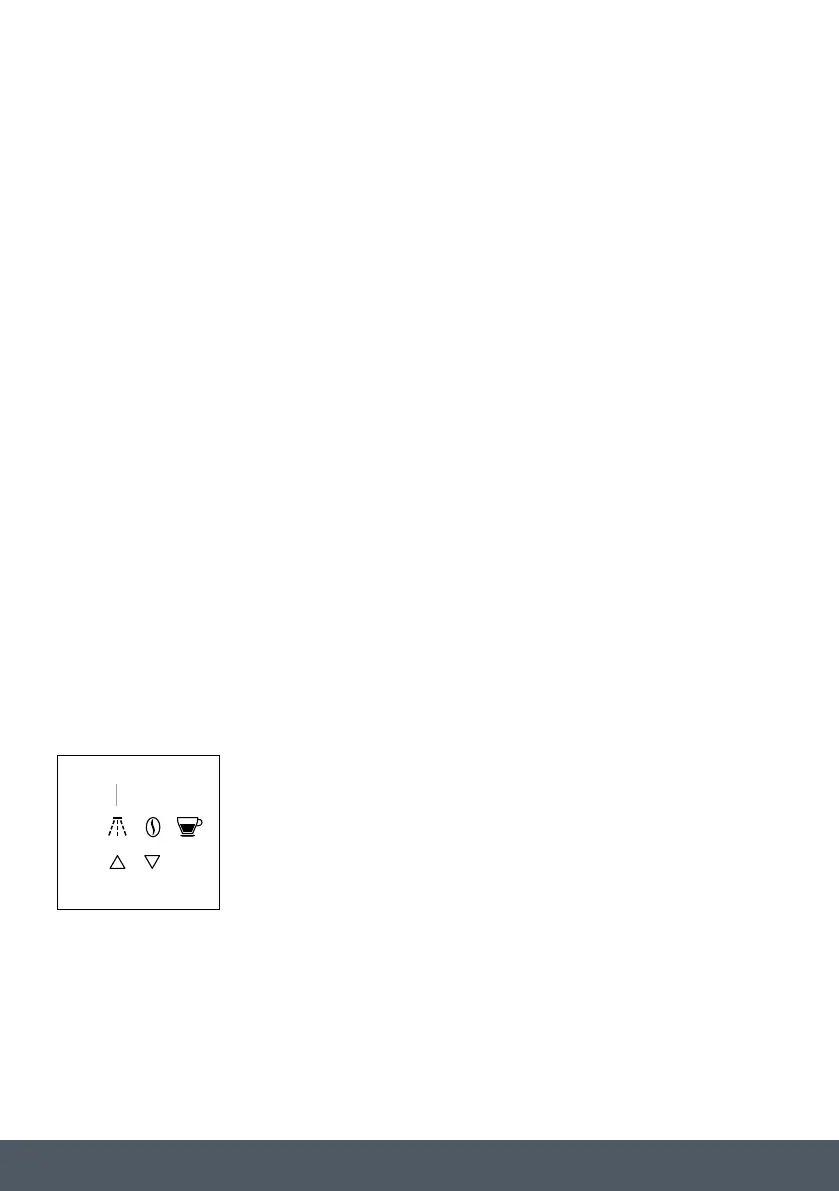
1. Press the touch key ‘RINSE’ (4).
2. The appliance performs an automatic rinse cycle (a little hot water
runs out of the spouts and is collected in the drip tray beneath).
MENU
EXIT
OK
4



 To Next Page