32 Instruction manual WDi3301 Please keep this instruction manual for future reference
CAUTION:
> Detergent only needs to be added in "case I “after selecting pre-washing.
CAUTION:
If there is any break in the power supply while the machine is operating, a special memory stores
the selected programme and, when the power is restored, it continues where it left off.
DRY LEVEL BUTTON
This button allows you to choose between three dry levels:
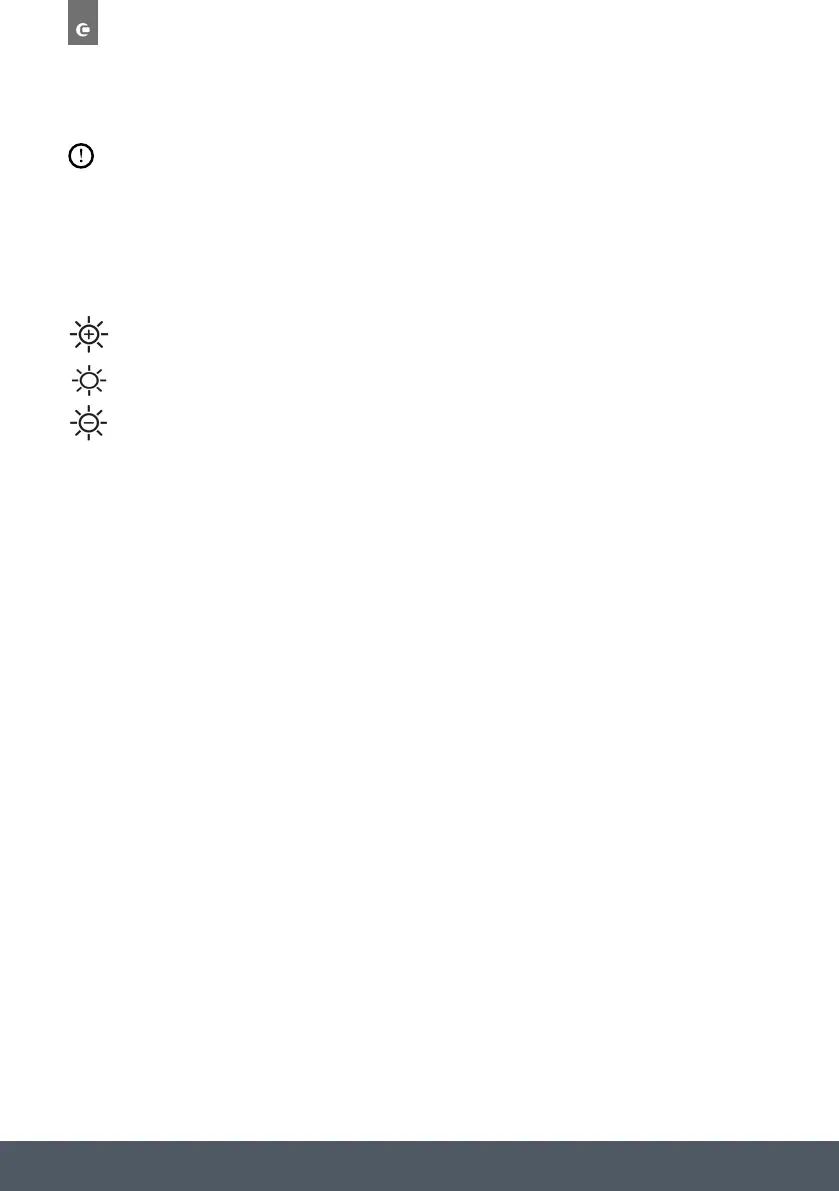
Extra Dry
Normal Dry
Gentle Dry
NOTE: Each press of the DRY LEVEL button allows you select either of the three settings.
TEMPERATURE SELECTION BUTTON
This button allows you to change the temperature of the wash/dry cycle.
It is not possible to raise the temperature over the maximum allowed for the programme, in
order to protect the fabrics.
Press the
TEMP button repeatedly to change the temperature
(Cold, 20°C, 30°C, 40°C, 60°C, 90°C).
SPIN SPEED BUTTON
This button allows you to change the spin speed of the cycle.
If the label does not indicate specific information, it is possible to use the maximum spin
expected in the programme.
To prevent damage to the fabrics, it is not possible to increase the speed over the maximum
allowed for the programme.
Press the
SPEED button repeatedly to change the spin speed.
DRY LEVEL
three dry levels
NOTE:
off
Extra Dry
Normal Dry
Gentle Dry
NOTE:
Each press of the DRY LEVEL button allows you select either of the three settings.
/dry
Press the
TEMP button repeatedly to change the temperature (Cold, 20°C, 30°C, 40°C,
60°C, 90°C).
DRY LEVEL
three dry levels
NOTE:
off
Extra Dry
Normal Dry
Gentle Dry
NOTE:
Each press of the DRY LEVEL button allows you select either of the three settings.
/dry
Press the
TEMP button repeatedly to change the temperature (Cold, 20°C, 30°C, 40°C,
60°C, 90°C).
DRY LEVEL
three dry levels
NOTE:
off
Extra Dry
Normal Dry
Gentle Dry
NOTE:
Each press of the DRY LEVEL button allows you select either of the three settings.
/dry
Press the
TEMP button repeatedly to change the temperature (Cold, 20°C, 30°C, 40°C,
60°C, 90°C).



 To Next Page