EasyManua.ls Logo

Cardiac Science Atria 3100 - User Manual

Default Icon
136 pages
Print Icon
To Next Page IconTo Next Page
Loading...
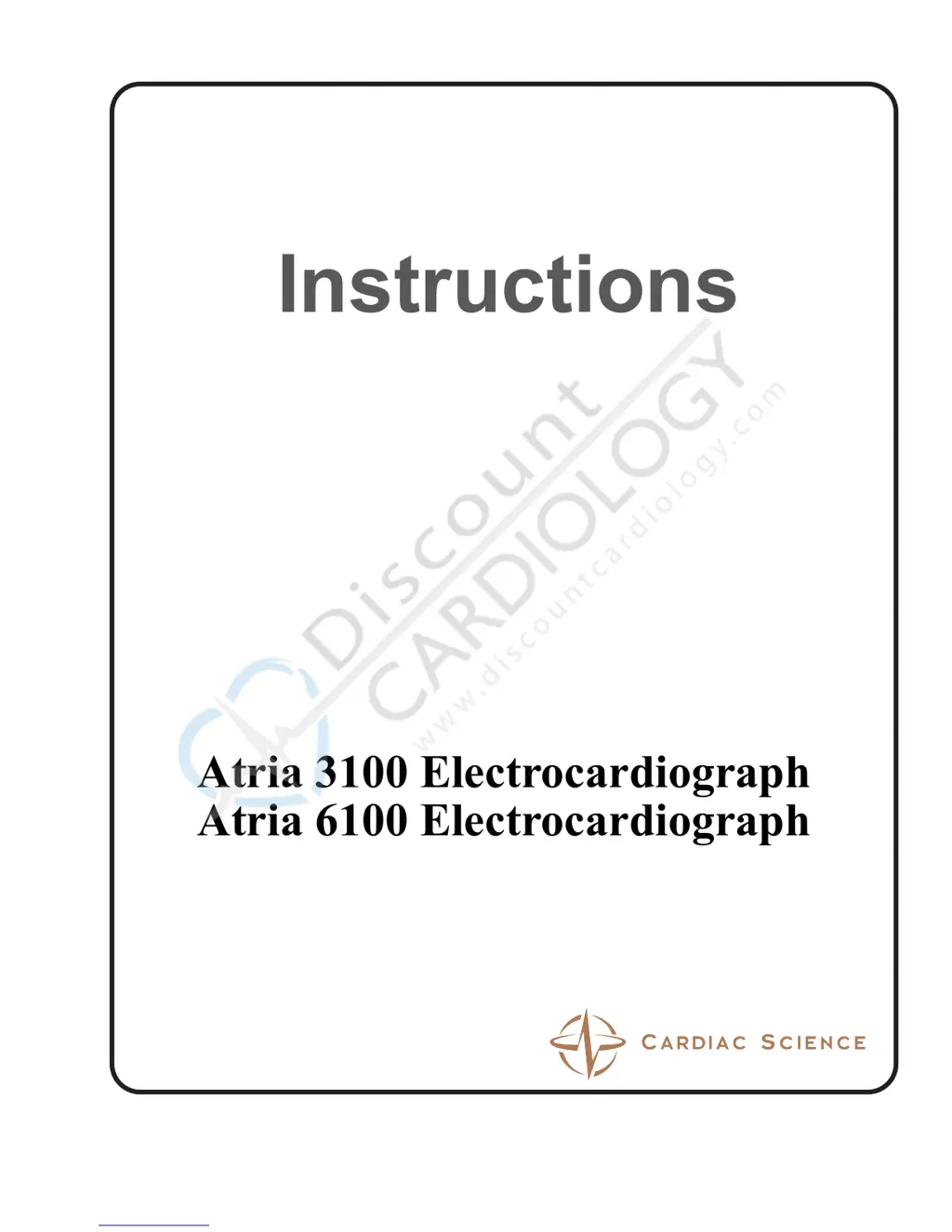
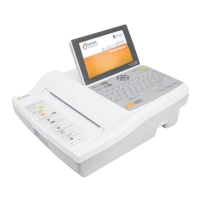
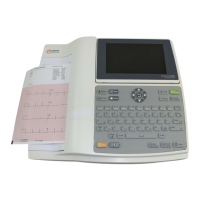
Atria 3100 Electrocardiograph
Atria 6100 Electrocardiograph
Part Number 70-00082-01 A
Operating
Instructions

Table of Contents

Questions and Answers

Summary

Warnings

General Safety Warnings

Provides essential safety warnings including shock hazard, burn hazard, and operator/patient injury.

Quick Steps

Equipment Setup

External Connections

Details on connecting the Atria to power and other external equipment.

Patient Cable

Instructions for connecting the patient cable to the Atria unit.

Powering the Atria On and Off

Procedures for powering the Atria device on, off, and entering standby mode.

Charging the Battery

Information on battery charging status and indications.

Loading Recording Paper

Step-by-step guide for loading thermal ECG paper into the Atria.

User Interface

User Settings

Communications Setup

Network Setup

Instructions for configuring Ethernet and 802.11 wireless network connections.

Patient Preparation

Patient Preparation

Details steps for ensuring patient comfort and reducing muscle artifacts.

Skin Preparation

Instructions on preparing the patient's skin for sensor application.

Sensor Application

Guidance on applying sensors correctly to the patient's body.

Resting ECG Lead Placement & Coding Chart

Provides diagrams and codes for standard ECG lead placement.

Connecting Cables and Lead Wires

Steps for connecting patient cables and lead wires to sensors.

Acquiring ECG Reports

Acquiring a Stat ECG

Procedure for acquiring an immediate ECG without patient demographics.

Prepare the Patient

Refers to Chapter 6 for detailed patient preparation steps.

Acquiring a Rhythm Report

Procedure for acquiring and printing rhythm strips.

Patient Demographics

Details the fields and options for entering patient demographic information.

Patient Records

How to Display a Patient Record

Steps to view saved patient records, print copies, or edit demographics.

Troubleshooting

Basic Troubleshooting

Lists common problems and recommended solutions for device operation.

Trace Problems

Troubleshooting steps for issues related to ECG waveform trace quality.

Printing

Solutions for common problems encountered during printing operations.

Recognizing and Reducing ECG Artifacts

Guidance on identifying and minimizing common ECG artifacts like noise and motion.

Maintenance and Service

Inspect for Damage

Procedures for checking the Atria, cables, and sensors for wear or damage.

Component Replacement

Instructions for replacing user-replaceable components like the battery and patient cable.

Cardiac Science Atria 3100 Specifications

General IconGeneral
BrandCardiac Science
ModelAtria 3100
CategoryMedical Equipment
LanguageEnglish

Related product manuals