HD+
5.INTRODUCTION
18
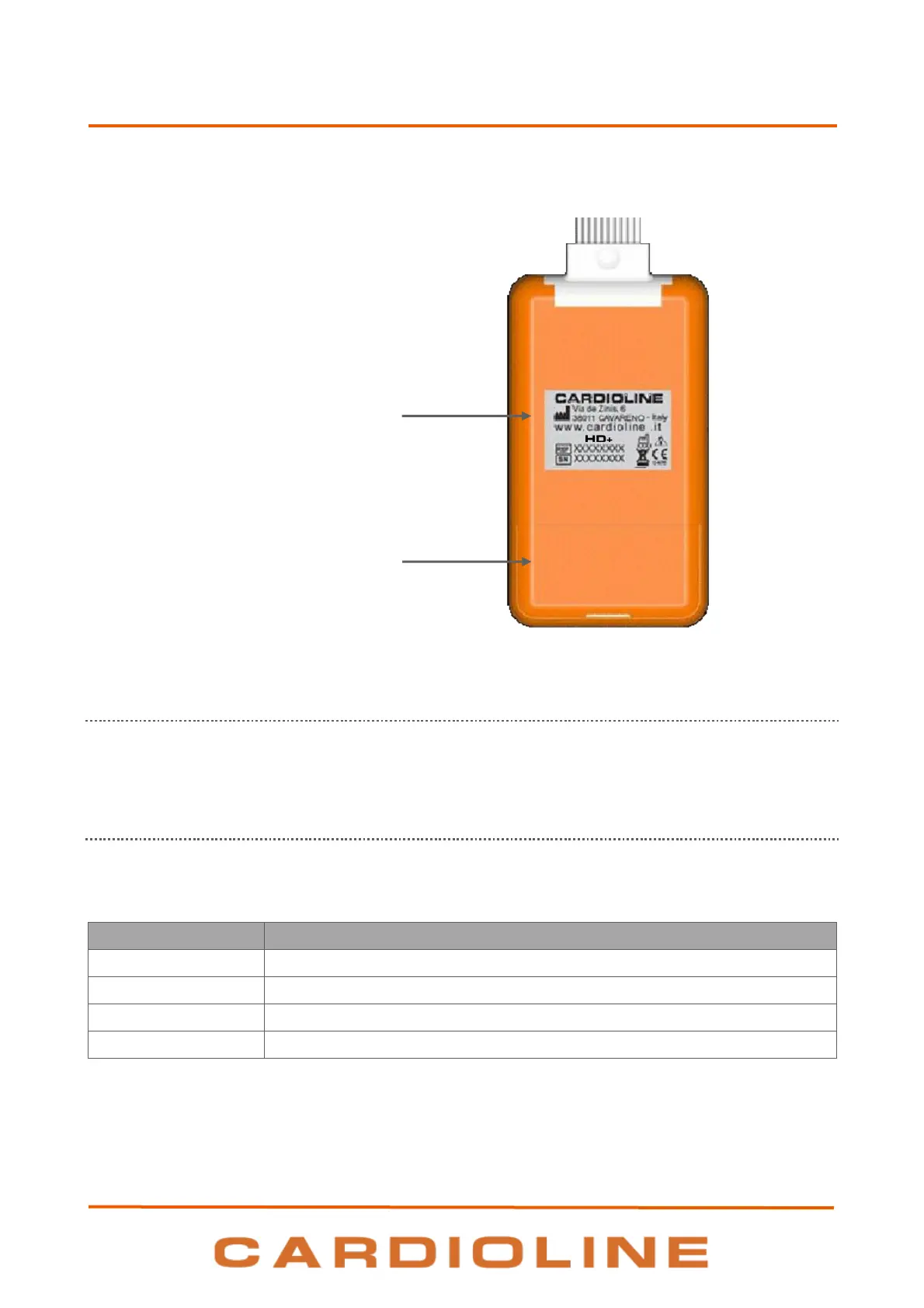
Rear view of the device:
5.5.1. Use of the button
Use the central button to turn on the device. The device automatically switches off after 5 minutes of
inactivity or when the batteries are removed.
5.5.2. LED
The device is equipped with a LED indicator which shows the status of the device. The statuses of the device
corresponding to the LED indicators are listed below:
The HD+ is connecting to the receiver
The HD+ is connected to the receiver
NOTE: The device signals with quick flashing and sound when the batteries have an energy reserve lower than
10%. After the signal has started the device continues working for about 15 minutes.










 To Next Page