HD+
7. EXECUTION OF THE EXAMINATION
28
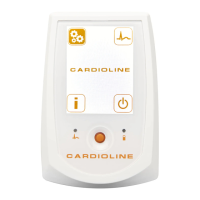
2. Press the Power on button to switch the HD+ module on.
3. Connect the patient to the HD+ following the instructions described in Paragraph 7.2.
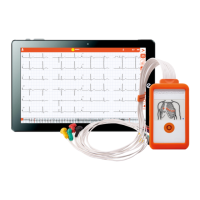
4. If the HD+ is properly connected to the receiver, the acquired ECG data is transmitted automatically.
5. Follow the instructions described in the user manual of the CARDIOLINE software installed on the
receiver to acquire, print and save a tracing.
6. At the end of the acquisition, the HD+ automatically enters stand-by mode. It automatically switches
off after 5 minutes of inactivity.
NOTE: During normal operation, the LED indicator shows steady light.
NOTE: Should the battery compartment cover be opened during transmission, the HD+ will stop transmitting
data. To restore the transmission reinsert the battery and
replace the cover.










 To Next Page