Page 7
OPERATION INSTRUCTIONS
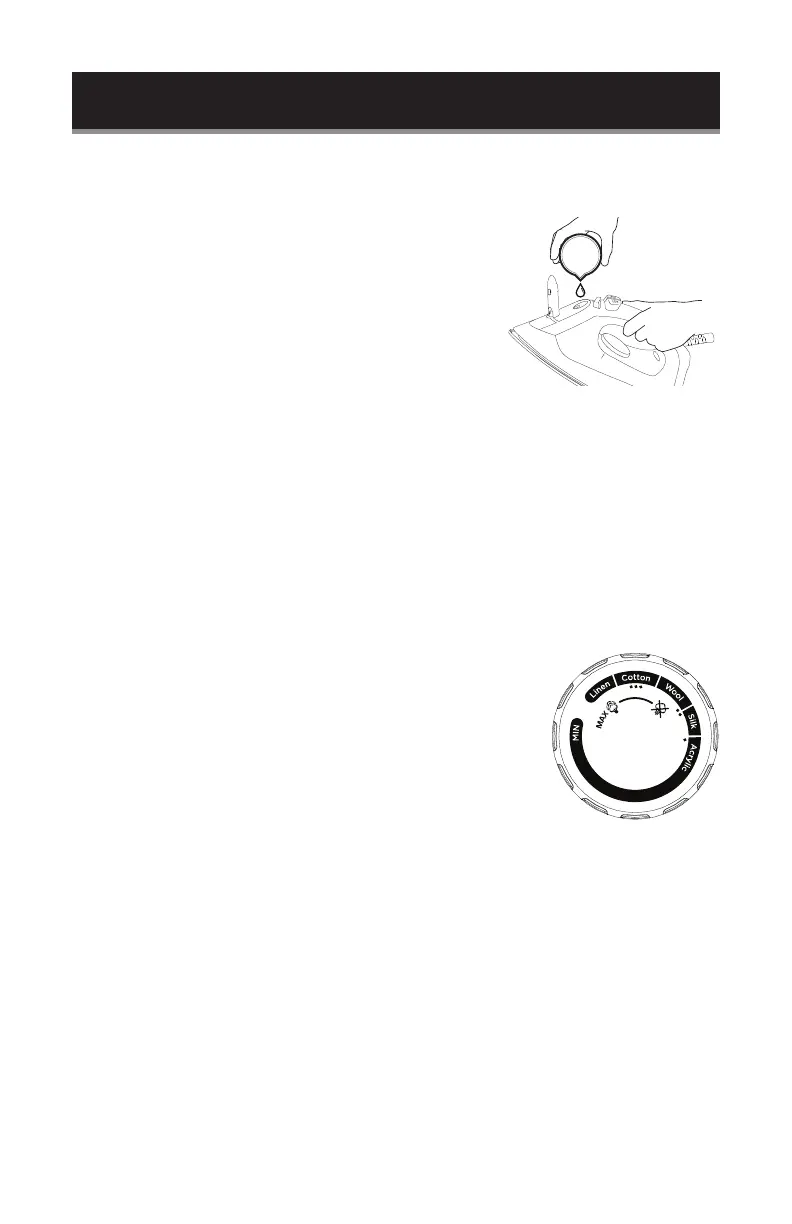
HOW TO FILL WITH WATER
1. Set the Steam Control Switch to “0” and the
Temperature Control Dial to “MIN.”
2. Lift the cover to the water reservoir. Fill with water to
the maximum level “MAX”. Do not over ll.
3. To rell, unplug the iron from the wall outlet, and wait
for the iron to cool down.
CHOICE OF WATER
This iron can be used with normal tap water. If the water in your area is particularly
hard, it is advisable to use distilled or demineralized water. Do not use chemically
descaled water or any other liquids for relling.
TEMPERATURE SETTING
1. Stand the iron upright on a stable surface. Insert the plug in the wall socket.
2. Turn the Temperature Control Dial to the desired temperature setting.
3. The desired temperature has been reached when the thermostat operating light
has turned off. The thermostat operating light will turn on and off from time to
time, indicating that the selected temperature is being maintained.
TEMPERATURE CONTROL SETTING
1. Always check garment label for ironing instructions
before ironing garment.
2. Start ironing the fabrics requiring the lowest temperature
and progress to the higher ones because the iron heats
up quicker than it cools down.
3. If the fabric consists of multiple bres (e.g. cotton with
polyester) you should select the ironing temperature for
the material with the lowest advised temperature.
SET UP & USE
max



 To Next Page