
 To Next Page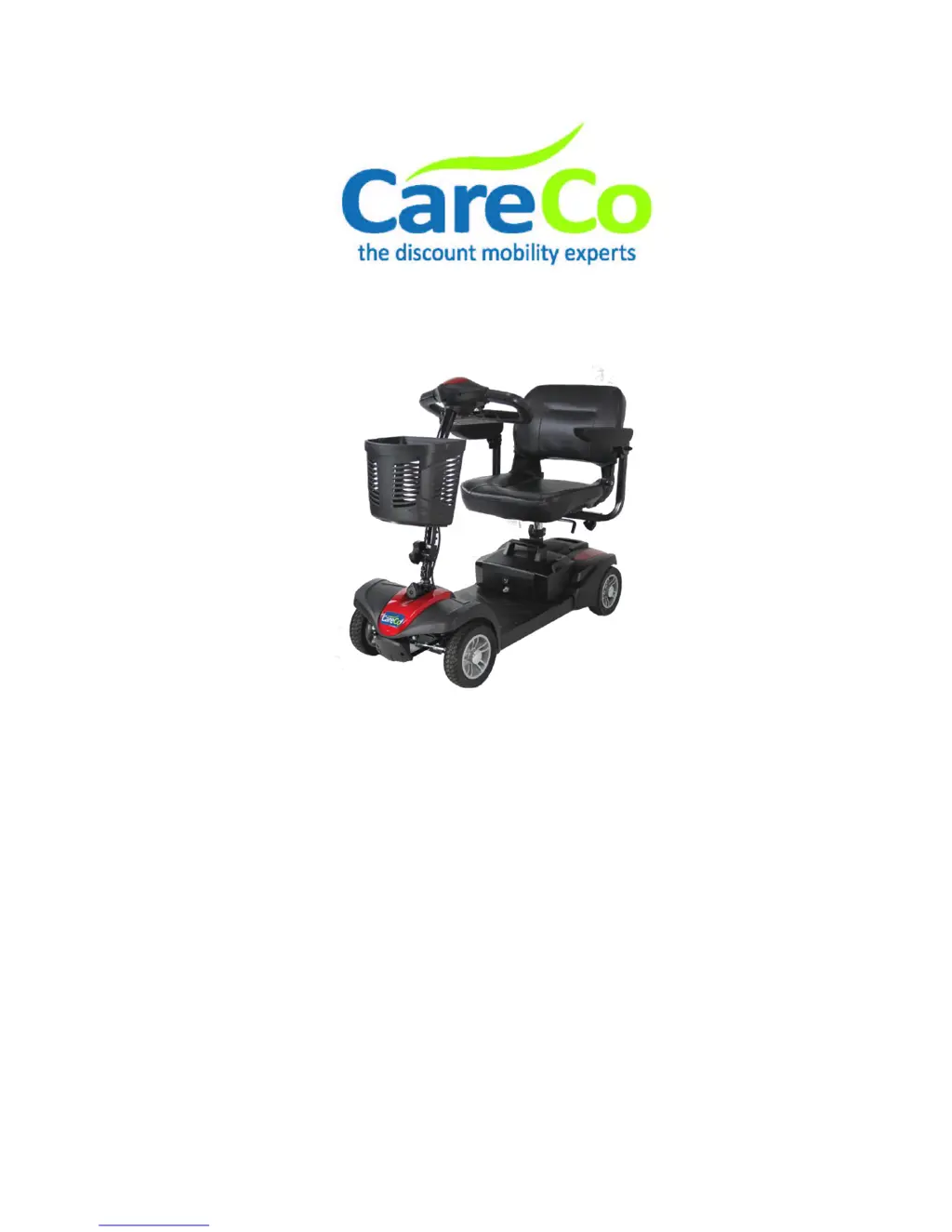

N
npatelSep 10, 2025
Why does my CareCo Scooter appear slow?
- JJohn GibsonSep 10, 2025
If your CareCo Scooter appears slow, check the battery power level and recharge it if needed. Also, check that the speed dial is not set to slow.

Why does my CareCo Scooter appear slow?
If your CareCo Scooter appears slow, check the battery power level and recharge it if needed. Also, check that the speed dial is not set to slow.
What to do if CareCo ZOOM Scooter switches on but will not move?
If your CareCo Scooter switches on but won't move, ensure there is enough power in the battery and recharge it if necessary. Also, make sure the freewheel lever is engaged in the ‘DRIVE’ position.
What does it mean when LED lights indicate battery voltage too high on CareCo ZOOM?
If the LED lights on your CareCo Scooter indicate the battery voltage is too high, check that the charger is unplugged. This can happen if the voltage is over 31 volts, the vehicle is operating with the charger attached, or there is an intermittent battery connection.
What to do if LED lights indicate HPD fault present >10 sec on CareCo ZOOM?
If the LED lights on your CareCo Scooter indicate a HPD fault present for more than 10 seconds, check the condition of the throttle lever and ensure that it is in the center before turning the scooter on. The cause may be a misadjusted throttle or a broken throttle pot or throttle mechanism.
What to do if LED lights indicate brake on fault on CareCo Scooter?
If the LED lights on your CareCo Scooter indicate a brake on fault, check that the brake/freewheel lever is in the 'Drive' position before turning it on. This issue may arise if the electromagnetic brake driver is shorted or the electromagnetic brake coil is open.
What to do if LED lights indicate brake off fault on CareCo ZOOM Scooter?
If the LED lights on your CareCo Scooter indicate a brake off fault, check that the brake/freewheel lever is in the 'Drive' position before turning it on. This issue may arise if the electromagnetic brake driver is open or the electromagnetic brake coil is shorted.
What to do if the seat on my CareCo ZOOM turns while using it?
If the seat of your CareCo Scooter turns during operation, slowly rotate the seat until it drops into place and is secure.
What does over/under temperature cutback mean on CareCo ZOOM Scooter?
If the LED lights on your CareCo Scooter indicate over/under temperature cutback, turn the scooter off and allow it to cool down to a normal operating temperature. This can be caused by a temperature of +80º or -10º, excessive load on the vehicle, operation in extreme environments, or the electromagnetic brake not releasing.
Why is my CareCo ZOOM running slow?
If your CareCo Scooter seems slow, check the battery power level and recharge if needed. Also, ensure the speed dial is not set to slow.
How to fix a CareCo ZOOM that will not switch on?
If your CareCo Scooter won't switch on, try recharging the batteries. Also, check the fuse and circuit breaker in the scooter.
Safety advice and user familiarity before operating the scooter.
Safety guidelines and restrictions during scooter operation.
Step-by-step instructions for starting, driving, and controlling the scooter.
Step-by-step procedure for safely and effectively charging the scooter's battery.
Common symptoms, possible causes, and remedies for scooter malfunctions.
 General
| Maximum Speed | 4 mph |
|---|---|
| Maximum Range | 10 miles |
| Ground Clearance | 6 cm / 2.3 Inches |
| Turning Radius | 145 cm / 57 Inches |
| Max Speed | 4 mph |
| Range | 10 miles |
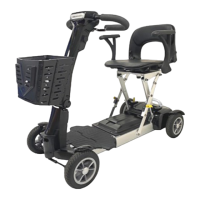
| Type | Folding Mobility Scooter |
| Total Weight | 27.8 kg / 61.3 lbs |
| Weight | 27.8 kg / 61.3 lbs |