32
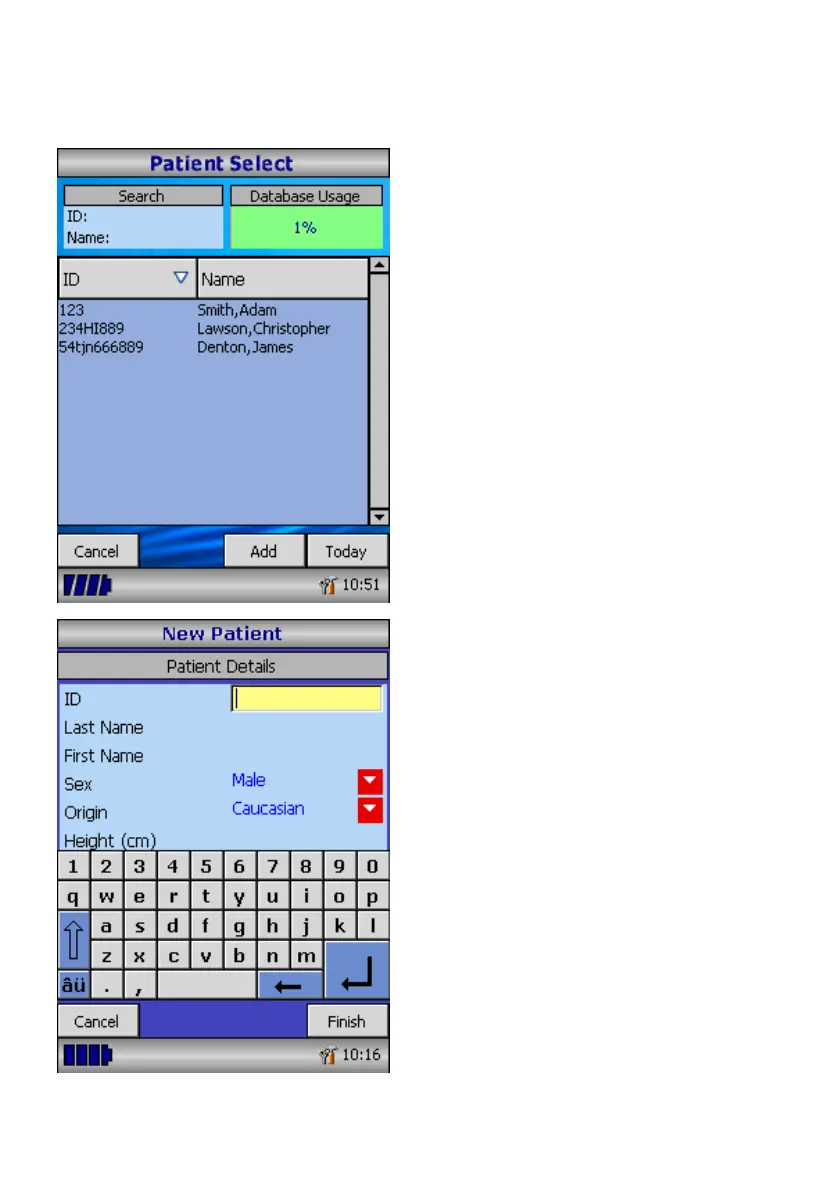
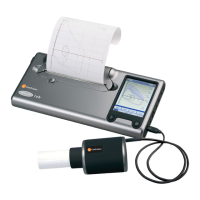
Touch the ‘Patients’ icon to enter the
patient database. The required patient is
selected from the stored patient list. If
the patient details have not been
previously stored then touch Add to enter
the new details. The patient details may
also be downloaded from the optional
SPCS software.
Once selected patient’s name will appear
at the bottom of the screen.
Use the help button to obtain further
information.
To add a patient to the database use the
on screen keyboard to type a unique
patient ID and then touch the enter key.
You will then be prompted for Last Name,
First Name, Sex, Ethnic Origin, Height,
Weight and date of Birth.




 To Next Page