EasyManua.ls Logo

Carestream Vita Flex CR System - User Manual

Carestream Vita Flex CR System
86 pages
Print Icon
To Next Page IconTo Next Page
Loading...
l
Publication No.: 6K7304
2014-10-20
Version 2.0
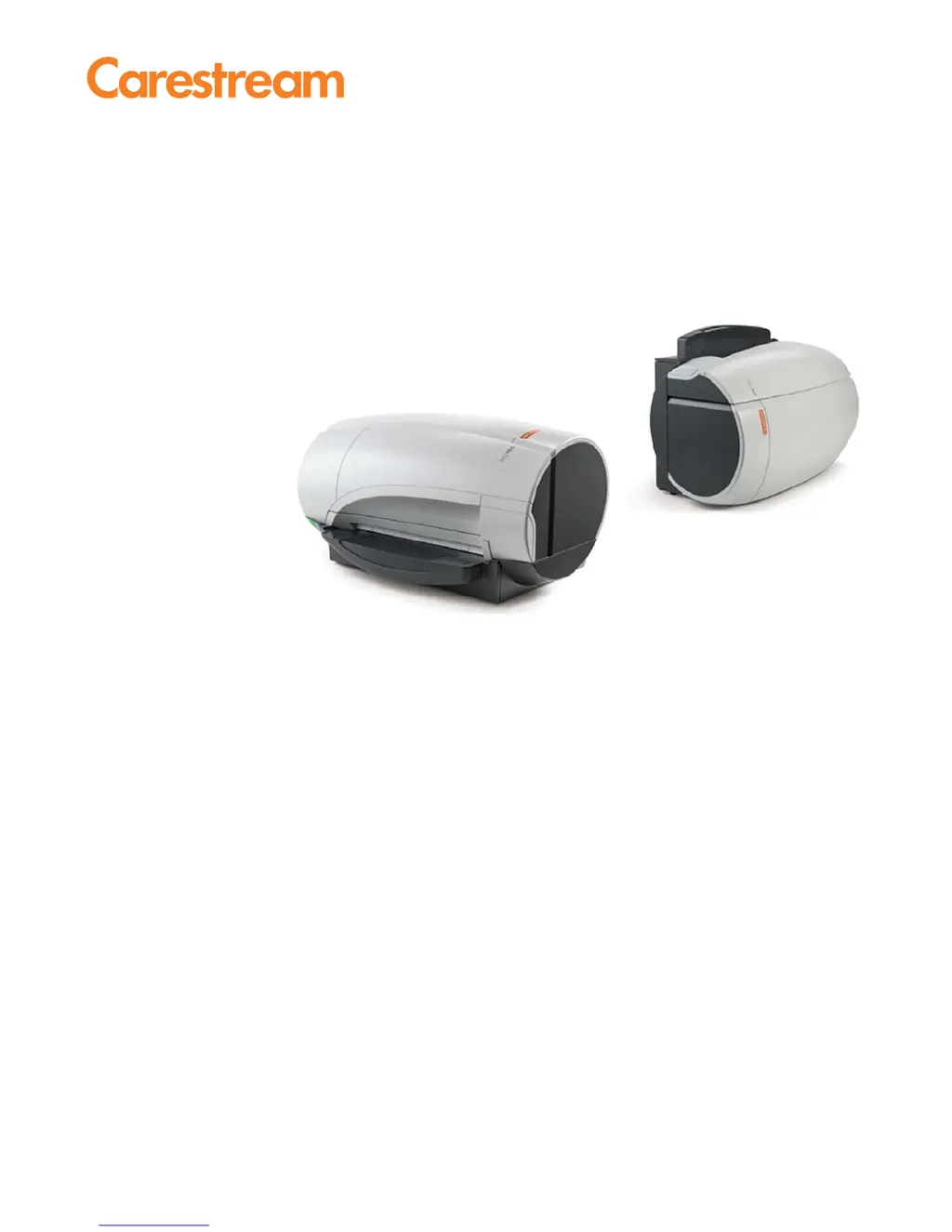
CARESTREAM Vita Flex CR System
User Guide

Table of Contents

Questions and Answers

Summary

Site Preparation

Install the CR System

Prepare System for Installation

Outlines the workflow and initial steps for system setup, including unpacking and overview.

Hardware Installation

Details the physical connection of power and USB cables to the scanner.

Image Suite Software Installation

Guides users through the process of installing the CARESTREAM Image Suite software.

Configure Cassette Size

Explains how to set up the scanner to work with specific cassette sizes.

Acceptance Test Procedure

Outlines the mandatory test to confirm the system is undamaged and ready for patient testing.

Use the CR System

Log In to Image Suite

Guides users on how to access and log into the Image Suite software.

Scan a Cassette with CR System

Details the procedure for scanning a cassette using the CR system and Image Suite.

Abort Scan

Explains how to stop the scanning process and the consequences of aborting.

Manually Erase the Cassette

Provides steps for manually erasing a cassette when automatic erasure is not performed.

Maintain and Clean the System

Clean the Rollers

Instructions for cleaning the system's rollers to ensure image quality.

CR System Service Procedures

Replace the Screen Transportation Unit

Detailed steps for removing and installing the screen transportation unit.

Troubleshooting the CR System

Error Messages

Explains common error codes, their causes, and solutions for system operation.

Image Failures

Discusses issues related to image quality, data loss, and artifacts.

System Self Test

Carestream Vita Flex CR System Specifications

General IconGeneral
BrandCarestream
ModelVita Flex CR System
CategoryMedical Equipment
LanguageEnglish

Related product manuals