EasyManua.ls Logo

Carestream DryView 5700 - User Manual

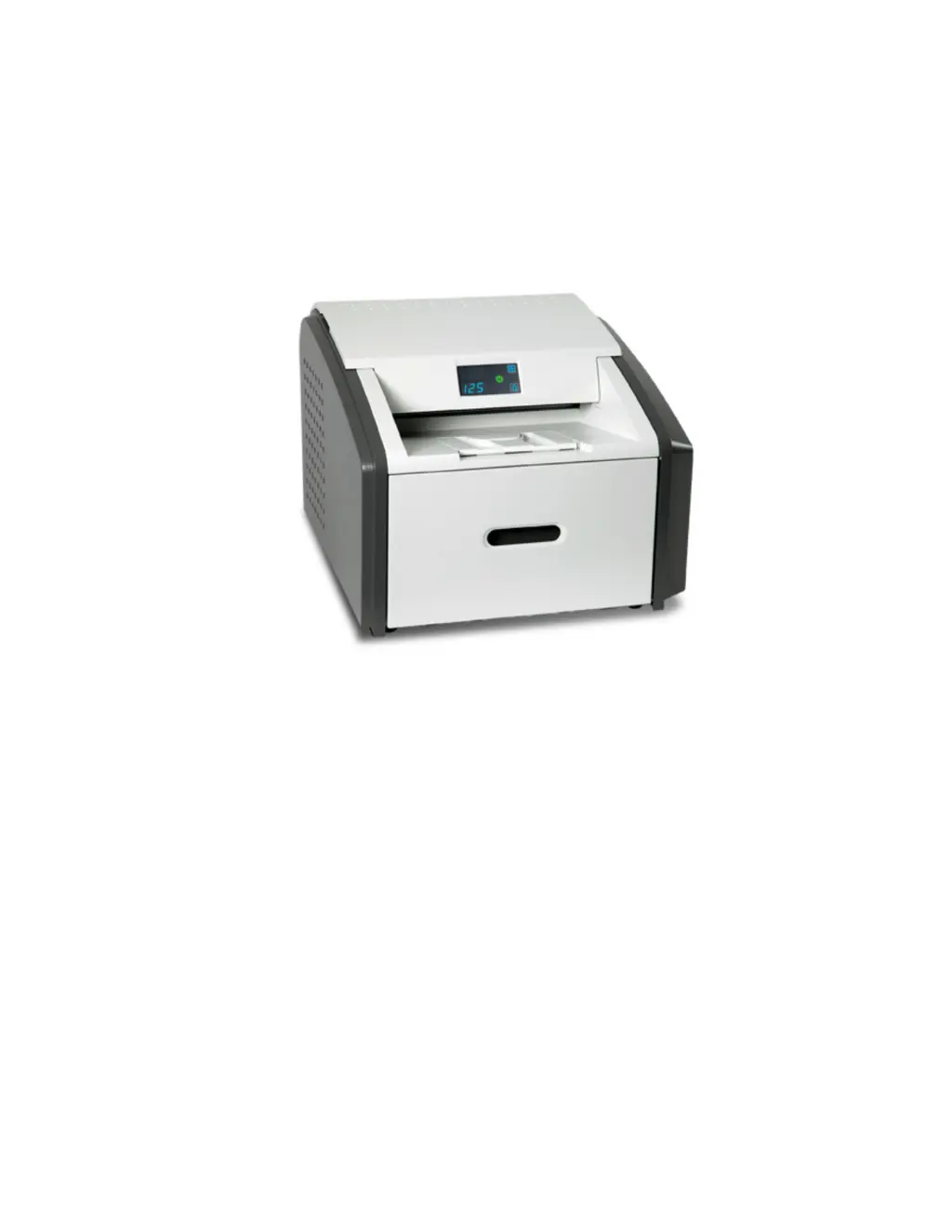
Carestream DryView 5700
44 pages
Print Icon
To Next Page IconTo Next Page
Loading...
User’s Guide

Other manuals for Carestream DryView 5700

Questions and Answers

Summary

1 Overview

Major internal assemblies

Details the key internal components of the laser imager system.

How the laser imager works

Explains the operational process and print sequence of the laser imager.

Film sizes

Lists the supported film dimensions for the laser imager.

Automatic image quality and processing

Describes the system's automatic adjustment of image processing for optimal quality.

Configuring and monitoring the system (using the Web Portal)

Guides on using the Web Portal for system configuration and monitoring.

Enhancing serviceability with remote monitoring

Explains how remote monitoring improves system serviceability and diagnostics.

Agency compliance

Refers to agency compliance requirements for the product.

User guide conventions

Outlines special messages and symbols used in the user guide.

2 Basic Operating Tasks

Understanding the display screen

Explains the symbols, codes, and information displayed on the laser imager screen.

Turning the power on and off

Provides instructions for powering the laser imager on, off, and handling warm-up.

Working with film cartridges

Details how to check film count, size, and insert/replace cartridges.

Deleting pending jobs

Describes the procedure to cancel print requests from the queue.

Making a test print

Explains how to perform a test print to verify functionality.

Calibrating the laser imager for the installed film

Guides on calibrating the imager for optimal print quality with specific film.

Opening or removing a cover

Explains how to safely open or remove system covers for access.

Using the Web Portal to access additional functionality

Details how to access and use the Web Portal for advanced features.

3 Maintenance and Troubleshooting

Overview: Status and error messages and codes

Introduces how the imager reports status, errors, and conditions.

Preventive maintenance

Covers routine maintenance tasks, such as filter replacement, to keep the imager operational.

Error indicators on the display screen

Describes error symbols and codes displayed on the screen for diagnosing issues.

Using the Web Portal to gain more information on errors

Explains how to use the Web Portal for detailed error analysis and resolution.

Subsystem error codes and messages

Lists and explains error codes and messages related to system subsystems.

Condition codes

Provides a reference for condition codes displayed on the screen and their actions.

Correcting film jams

Offers step-by-step instructions to identify and resolve film jams.

Display Screen is not functional

Provides guidance for troubleshooting when the display screen is unresponsive.

Calling for support

Instructs users on what information to have ready when contacting technical support.

4 Film Technical Information

General description

Provides a general overview of the Laser Imaging Film's characteristics.

Spectral sensitivity

Describes the film's sensitivity to infrared light and handling requirements.

Image quality

Details the diagnostic quality, contrast, and features of the film's images.

Environmental impact

Discusses the film's environmental impact and comparison with wet-developed films.

Storing and handling undeveloped film

Gives recommendations for storing and handling film to maintain quality.

Handling developed film

Provides guidelines for handling processed film to preserve image quality.

Archiving developed film

Explains the archiving capabilities and conditions for developed film.

Exposing to moisture

Describes the film's resistance to moisture and cleaning instructions.

Dissipating odor

Explains how odors are managed and the role of the filter.

Dissipating heat

Details the heat management of the laser imager and its minimal impact.

Recycling film

Covers the recyclability of the film and its components.

5 Specifications

Equipment specifications

Lists the physical dimensions and weight of the laser imager.

Operating space requirements

Specifies the necessary clearance around the laser imager for operation and service.

Environmental requirements

Outlines the acceptable temperature, humidity, and altitude ranges.

Environmental effects

Details acoustical noise levels during operation and standby.

Power requirements

Specifies power cord, voltage, and electrical connection requirements.

Network requirements

Describes the network connection types supported by the laser imager.

Carestream DryView 5700 Specifications

General IconGeneral
BrandCarestream
ModelDryView 5700
CategoryMedical Equipment
LanguageEnglish

Related product manuals