Basic Operating Tasks
2011-03-31 9G3886_en 2-5
Working with film cartridges
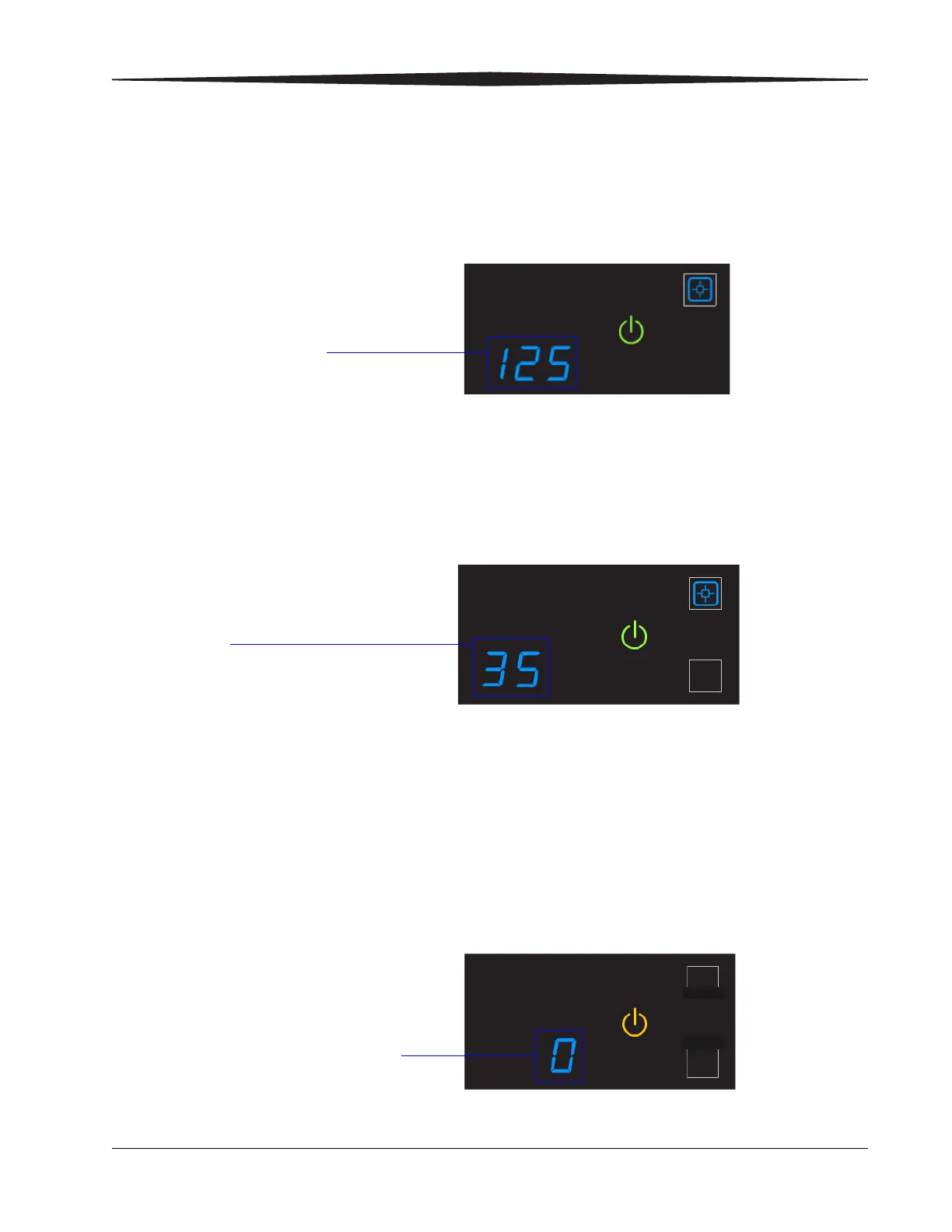
Checking film count The film count displays on the laser imager display screen.
Checking the size of
the loaded film
The film size displays in the same location as the film count. The display
screen alternates between the film count and the size of the loaded film.
Film count is flashing
"0"
When the film cartridge is empty, the film count flashes "0" and the
power symbol is yellow, which indicates that the laser imager cannot
print. Replace the film cartridge with a new one with the appropriate size
film. See page 2-6.
Film count
125 indicates a full cartridge
Film size
"35" indicates the 1st dimension of the
film cartridge. For example, "35" then
"43" appears if 35 x 43 cm film is
loaded. Then the film count displays
again.
When the film count is "0", you
must replace the film cartridge
before you can print again










 To Next Page