2-4 9G3886_en 2011-03-31
Basic Operating Tasks
Restarting the laser
imager
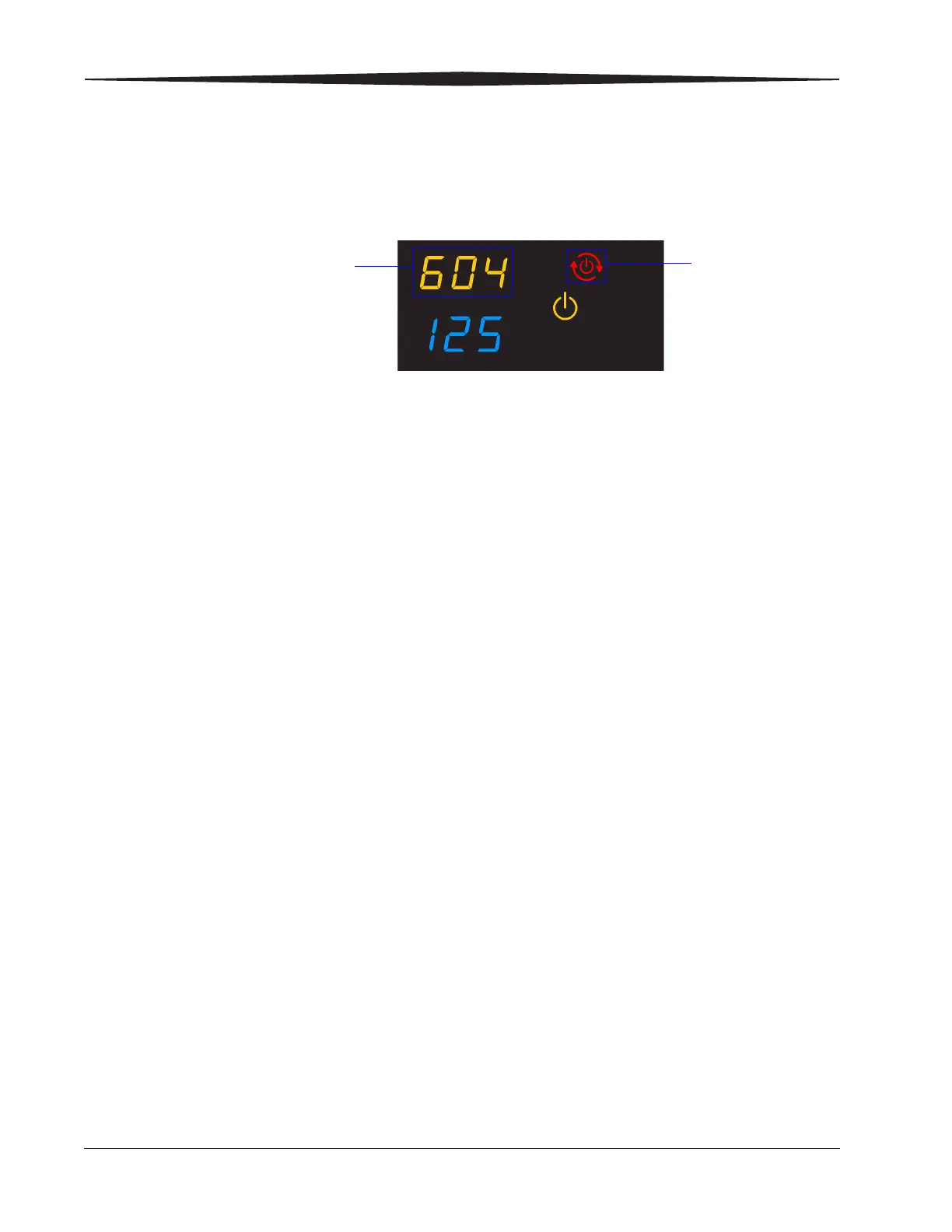
If the laser imager encounters an error that is usually corrected with a
restart, the display screen shows the Restart symbol.
1. Press the power switch on the back of the laser imager off (0).
2. Press the power switch on (|).
If the error does not clear with after the restart, it might be necessary
to contact a qualified service provider.
Restart
The error code indicates
the error condition. You
may want to check the
“Troubleshooting” chapter
or the Quick Reference
Card to identify the error.










 To Next Page