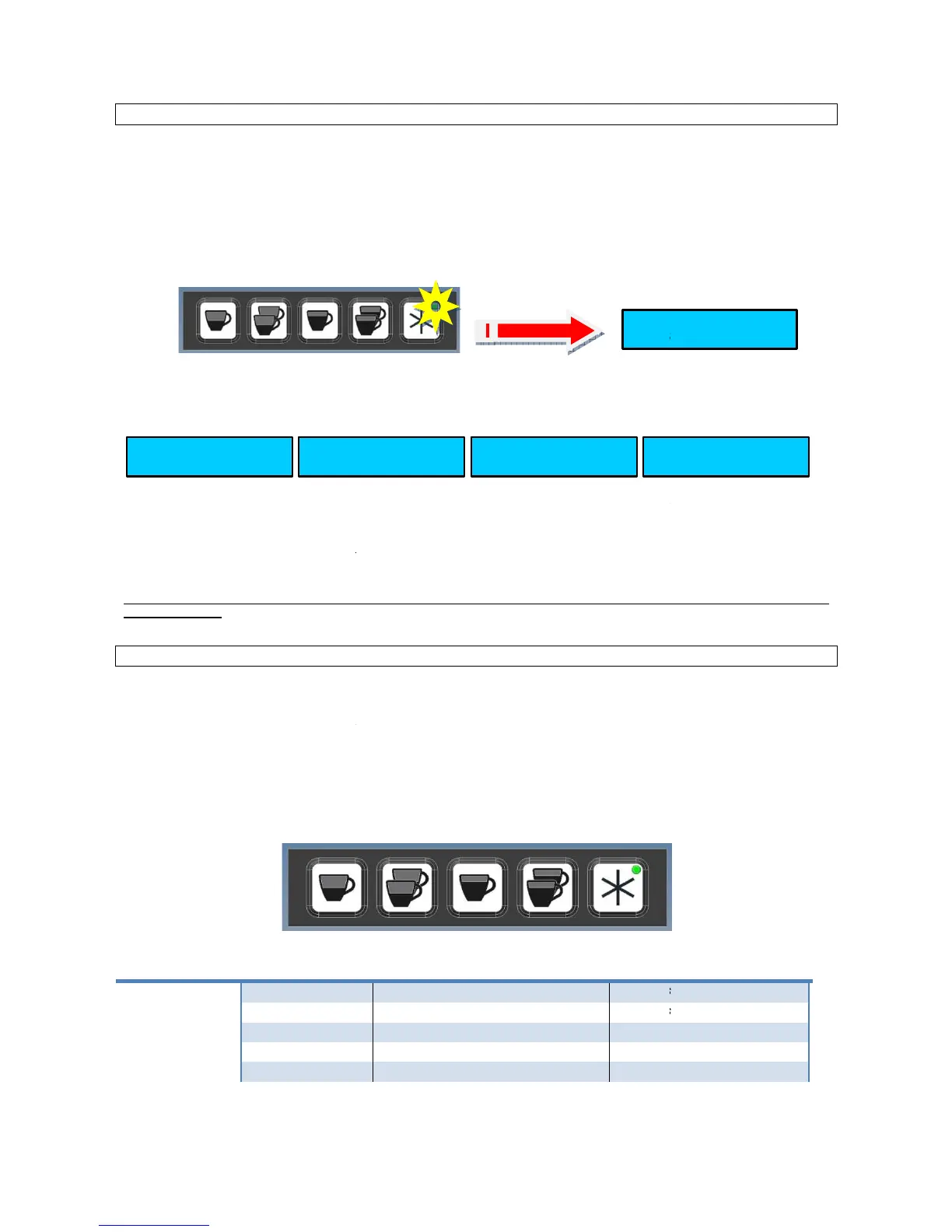
The following procedure is valid for
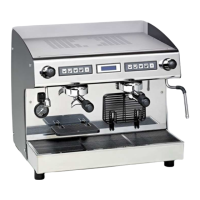
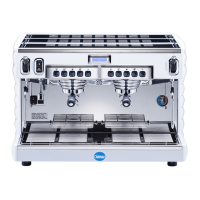
Pratica E1 and Pratica E2
2 groups with display.
1)
Programming the volumetric coffee dose.
following procedure is valid for all coffee keys.
Press key N°5 ( contin./ progr.) and keep it presse d for five seconds. The programming level is shown by the flashing LED on
the keys N°5 ( contin./ progr.).
•
press the coffee dose key to be programmed and the beverage will start being dispensed;
press the selected dose key again when the required dose has been delivered. The dose will be sto
The planning effected on the left group will be brought on all the machine keypads.
In the case is required to diversify the doses from the remainders keypad, repeat the procedure on the right keypad.
programming phase without modifying the parameters,
pressing any key.
MACHINE PARAMETERS -
The following note are valid for Pratica E2 with d
parameters, you need to connect the display (not present on the machine front), to the electronic PCB. To do so use display a
cable having code no.: 96.00718.CA + 03.01
The boiler temperature is pre-set at 122°C
Proceed as follows to access the machine parameters:
- power OFF the machine
-
power ON the machine keeping keys N° 5 (continuous /program) pressed for
KEY 1 KEY 2 KEY 3 KEY 4 KEY 5
T1 1 espresso
T2 2 espressi
T3 1 caffè
T4 2 caffè
Pratica E1 and Pratica E2
the display messages are shown only by Pratica E2:
Programming the volumetric coffee dose.
following procedure is valid for all coffee keys.
Press key N°5 ( contin./ progr.) and keep it presse d for five seconds. The programming level is shown by the flashing LED on
press the coffee dose key to be programmed and the beverage will start being dispensed;
press the selected dose key again when the required dose has been delivered. The dose will be sto
The planning effected on the left group will be brought on all the machine keypads.
In the case is required to diversify the doses from the remainders keypad, repeat the procedure on the right keypad.
programming phase without modifying the parameters,
the time out of five seconds without
PRATICA E2 WITH DISPLAY AND PRATICA
The following note are valid for Pratica E2 with d
isplay machine. In case of Pratica Double steam
, in order to see then vary the
parameters, you need to connect the display (not present on the machine front), to the electronic PCB. To do so use display a
Proceed as follows to access the machine parameters:
power ON the machine keeping keys N° 5 (continuous /program) pressed for
seconds until the display unit shows:
KEY 1 KEY 2 KEY 3 KEY 4 KEY 5
the display messages are shown only by Pratica E2:
Press key N°5 ( contin./ progr.) and keep it presse d for five seconds. The programming level is shown by the flashing LED on
KEY 4
PROGRAMMING
2 COFFEE
press the selected dose key again when the required dose has been delivered. The dose will be sto
In the case is required to diversify the doses from the remainders keypad, repeat the procedure on the right keypad.
the time out of five seconds without
, in order to see then vary the
parameters, you need to connect the display (not present on the machine front), to the electronic PCB. To do so use display a
seconds until the display unit shows:









 To Next Page