Functions
1. Currency selection
When the machine is turned on, the currency mode is displayed on the LCD. If you need to
count/sort another currency, press "CUR" key to change the currency, the symbols of the
installed currencies will be displayed in turn:
"USD" for US Dollar
"EUR" for Euro
"GBP" for Pound Sterling
"CAD" for Canadian Dollar
…etc.
2. Counting/Sorting mode
Five counting/sorting modes are available - Mix mode, Single mode, Face mode, Orientation
mode and Count mode. User can press the "MODE" button on the control panel to switch the
counting/sorting mode according to requirements.
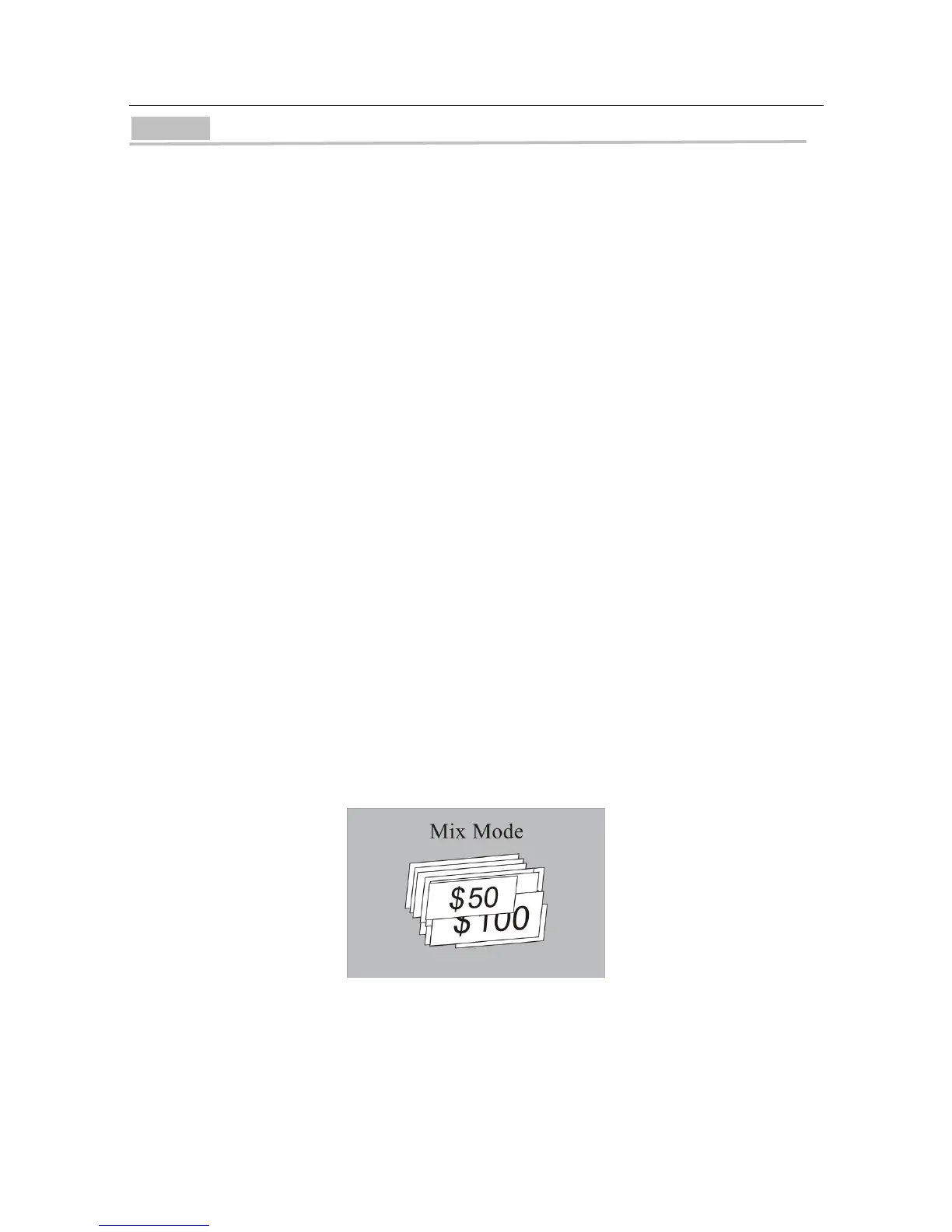
A. Mix mode
In Mix mode, "MIX" is displayed on the LCD, and the machine will count the mixed
denomination banknotes of a given currency.
When the counting is completed, the total value and total number of banknotes are displayed
on the LCD, and if "DISPLAY" button is pressed, the machine will provide a detailed report of
counting results.


 To Next Page