EasyManua.ls Logo

Carrier 50BY Series - User Manual

Carrier 50BY Series
24 pages
Print Icon
To Next Page IconTo Next Page
Loading...
§Ÿà¡◊Õ°“√µ‘¥µ—È߇§√◊ËÕߪ√—∫Õ“°“» ·§‡√’¬√å
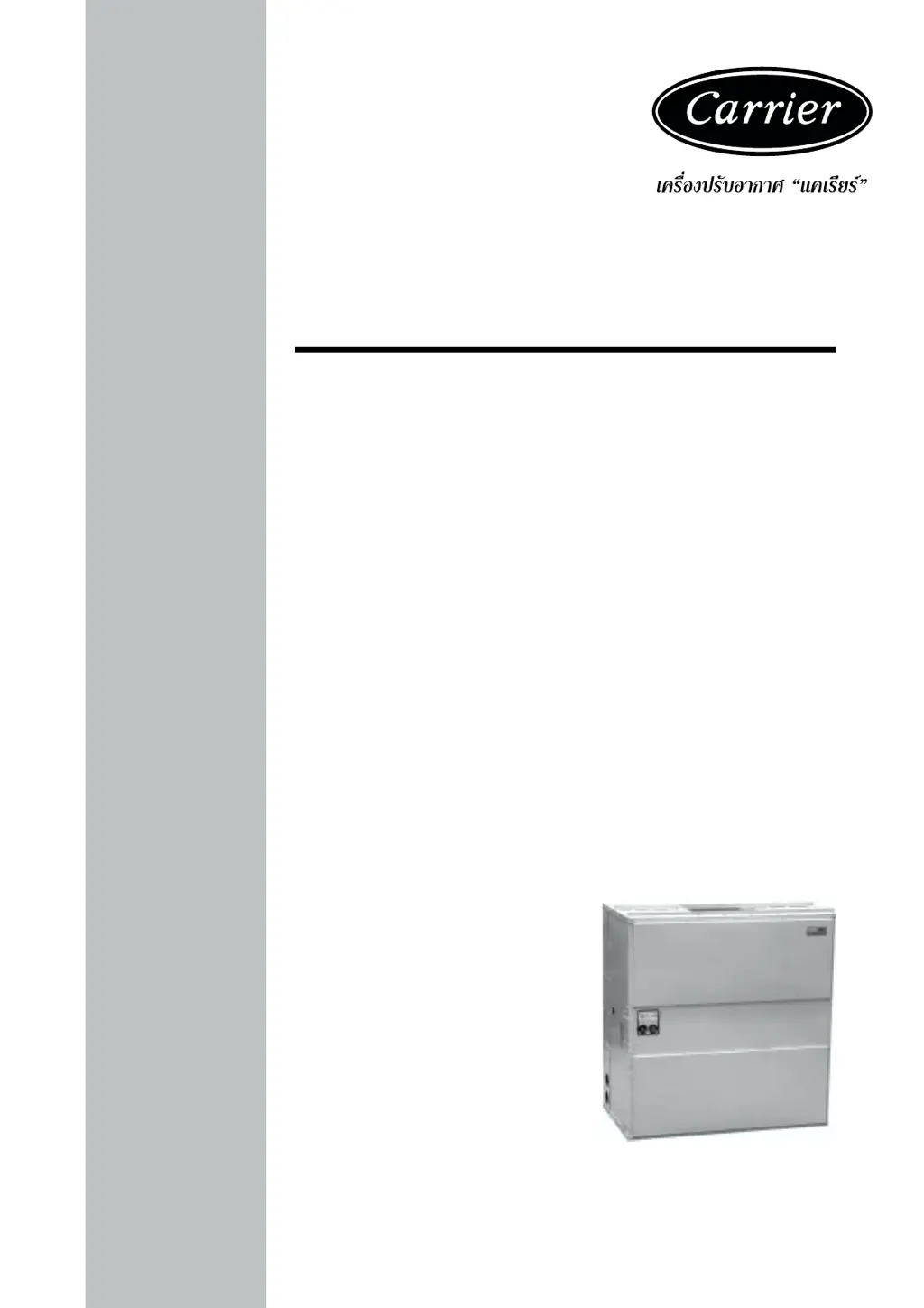
Single-Package Cooling Units
50BY, BL
50BY, BL
50BY, BL

Questions and Answers

  • K
    Kevin LeeAug 14, 2025
    What to do if my Carrier Accessories compressor will not run?
    • M
      Michelle FieldsAug 14, 2025
      If the compressor won't run, it could be due to several reasons. First, the overload might be open, in which case you should check and correct the cause. Another possibility is that the pump motor is off, so you should start it. Check the thermostat settings and set it properly if it's too high. Also, low line voltage could be the issue, so check and correct it. Finally, safety devices might be open; in that case, check the cause and reset them.
  • R
    Rachael AllenAug 17, 2025
    What to do if Carrier Accessories pressure switches trip out frequently?
    • C
      Christopher FrankAug 17, 2025
      If the pressure switches are tripping frequently, it might be due to several reasons. First, check and adjust the water flow or temperature, as improper condenser water flow or temperature can cause this issue. Another possibility is that the condenser tubes or coil are dirty, so clean the condenser. Also, improper entering air temperature could be the cause, so check and adjust it. Finally, a low refrigerant charge might be the problem, so add refrigerant.
  • T
    Thomas LivingstonAug 20, 2025
    What to do if the Carrier Accessories power indicator light is on but the system isn't working?
    • B
      brian60Aug 20, 2025
      If the power indicator light is on, but the system isn't working, the issue might be a broken fan belt, which needs replacement. Alternatively, there might be low line voltage, in which case you should check and correct the cause. Another potential cause is an open overload, which also needs to be checked and corrected.
  • L
    Lisa PorterAug 25, 2025
    Why is my Carrier 50BY fan section ratting or squealing?
    • J
      Jamie YoungAug 25, 2025
      A ratting or squealing noise in the fan section could be due to a few reasons. The bearing might be broken and needs replacement. The fan could be rubbing against the housing, so fasten the fan wheel to the shaft. There might be foreign matter in the fan housing, so remove it. The belt could be loose or worn, so adjust the tension or replace it.
  • E
    Elizabeth ReedAug 28, 2025
    How to fix insufficient evaporator air in Carrier 50BY?
    • D
      Damon DanielsAug 28, 2025
      If there is insufficient evaporator air, it could be due to a loose fan. Try adjusting the belt tension. Alternatively, the air filter might be clogged, so clean or replace it.
  • D
    Darrell CampbellSep 1, 2025
    What to do if the Carrier 50BY overload indication light is on?
    • W
      woodlisaSep 1, 2025
      If the overload indication light is on, it could be caused by a broken fan belt, which you should replace. Another possible cause is low line voltage, so check and correct it. It could also be due to an open overload, which you should check and correct.
  • J
    jared69Sep 5, 2025
    Why is my Carrier Accessories compressor so noisy?
    • X
      xellisSep 5, 2025
      A noisy compressor might be caused by improper compressor mounting. Try adjusting or loosening the mounting bolts.
  • R
    Robert EdwardsSep 9, 2025
    How to fix Carrier 50BY when the power indicator light is off?
    • M
      Melanie BenjaminSep 9, 2025
      If the power indicator light is off, first check if the power switch is off and turn it on. If that's not the issue, the blower fuse might be blown, and you'll need to replace it.

Summary

Safety Considerations

Danger Alerts

Safety warnings about hazardous operations, especially involving the fan.

Rigging Warnings

Precautions for safe handling and lifting, checking equipment weight capacity.

Installation Procedures

General Unit Information

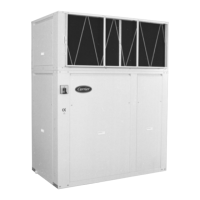
Units are factory-wired and piped self-contained units for vertical air discharge.

Receiving and Inspecting the Unit

Check unit for shipping damage and file claims if necessary.

Location Requirements for Installation

Considerations for floor support, service space, and airflow around the unit.

Rigging and Moving Instructions

Safe handling methods using cables or rollers to prevent panel damage.

Unit Placement and Skid Removal

Procedure for uncrating and removing the unit from its skid.

Compressor Mounting Adjustments

Adjusting snubber washer for compressor mounting by finger pressure.

Water Piping Connection Basics

Connecting water lines through provided openings on the unit.

Water Piping Cautions and Guidelines

Important precautions for water piping setup like drain valves and pumps.

Condensate Drain System Setup

Requirements for condensate drain connection, trap, and cleaning.

Piping Connection Rearrangement

Procedure to change the direction of water piping connections.

Supply Air Duct Connection Method

Connecting supply duct with flexible material to prevent vibration.

Return Air Duct Connection Method

Connecting return air duct, including outdoor air intake if needed.

Electrical Wiring

Electrical Data and Compliance

Unit wiring standards and voltage/phase tolerance checks.

Power Supply Wiring Guidelines

Connecting main power wires and ground leads to the control box.

Control Wiring Configuration

Factory wiring for control circuits and field wiring details.

Start-Up and Shutdown

Pre-Start-Up Checks

Essential checks like crankcase heater, valves, and refrigerant condition.

Procedure to Start the Unit

Step-by-step guide for starting the unit for cooling operation.

Procedure to Shut Down the Unit

Safe methods for powering off the unit and its components.

Lockout Circuit Operation

Function and reset procedure for the lockout safety circuit.

Fusible Plug Functionality

Purpose and operation of fusible plugs on water-cooled condensers.

Maintenance and Service

Power Supply Disconnection

Safety step to shut off unit power before performing maintenance.

General Unit Cleaning

Instructions for cleaning the unit interior and exterior thoroughly.

Condensate Pan and Drain Maintenance

Keeping condensate pans and drains clear of debris.

Air Filter Care and Replacement

Routine filter inspection, cleaning, and replacement guidelines.

Fan Motor Bearing Lubrication

Lubrication schedule and requirements for fan motor bearings.

Compressor Oil Level Check

Monitoring and maintaining the compressor oil level via sight glass.

Pumpdown Procedure for Shutdown

Procedure for pumping down the unit to store refrigerant.

Water-Cooled Condenser Cleaning

Methods for removing scale deposits from water-cooled condensers.

Gravity Flow Condenser Cleaning

Specific cleaning method for condensers using gravity flow.

Forced Circulation Condenser Cleaning

Specific cleaning method for condensers using forced circulation.

Fan and Motor Pulley Alignment

Aligning fan and motor pulleys using a straight edge for proper operation.

Fan Belt Tension Adjustment

Procedure for adjusting fan belt tension for optimal performance.

Troubleshooting Guide

Power Indicator and Overload Faults

Diagnosing issues with the power indicator and overload lights.

Compressor Start-Up Failures

Troubleshooting common reasons for the compressor not running.

Airflow and Pressure Switch Trips

Addressing problems with insufficient evaporator air or frequent pressure switch trips.

Fan Section Noise and Issues

Diagnosing rattling or squealing sounds from the fan section.

Compressor Noise Diagnosis

Identifying causes and remedies for noisy compressor operation.

Technical Specifications

Model, Capacity, and Weight

Core performance and physical data including capacity and operating weight.

Compressor and Condenser Details

Specifications for compressor type, unloading cylinders, and condenser type.

Indoor Fan and Coil Specifications

Fan motor details, speed ranges, and indoor coil dimensions.

Return Air Filters and Pressurestat

Return air filter sizes and pressurestat cut-in/cut-out settings.

Water Connection Sizes

Pipe sizes for condenser inlet and outlet water connections.

Unit Dimensions

50 BY008 and 50 BY010 Dimensions

Physical size and recommended service space for 50BY008 and 50BY010 models.

50 BY015 and 50 BY020 Dimensions

Physical size and recommended service space for 50BY015 and 50BY020 models.

50 BY025 and 50 BY030 Dimensions

Physical size and recommended service space for 50BY025 and 50BY030 models.

50 BY040 Dimensions

Physical size and recommended service space for the 50BY040 model.

50 BL050, 060, 080 Dimensions

Physical size and recommended service space for 50BL050, 060, 080 models.

Electrical Data

Model-Specific Electrical Ratings

Table detailing voltage, current, and power ratings for each model.

Electrical Wiring Diagrams

Schematic Diagram Overview

General electrical schematic illustrating component interconnections.

Component Arrangement Overview

Visual layout of electrical components within the unit.

50 BY008-010 Wiring Diagrams

Electrical schematics and component arrangements for 50BY008-010 models.

50 BY015-040 Wiring Diagrams

Electrical schematics and component arrangements for 50BY015-040 models.

50 BL050 Wiring Diagrams

Electrical schematics and component arrangements for 50BL050 models.

50 BL060-080 Wiring Diagrams

Electrical schematics and component arrangements for 50BL060-080 models.

Carrier 50BY Series Specifications

General IconGeneral
BrandCarrier
Model50BY Series
CategoryAccessories
LanguageEnglish

Related product manuals