EasyManua.ls Logo

Carrier ASBFE600BA - User Manual

Carrier ASBFE600BA
15 pages
Print Icon
To Next Page IconTo Next Page
Loading...
OWNER’S MANUAL
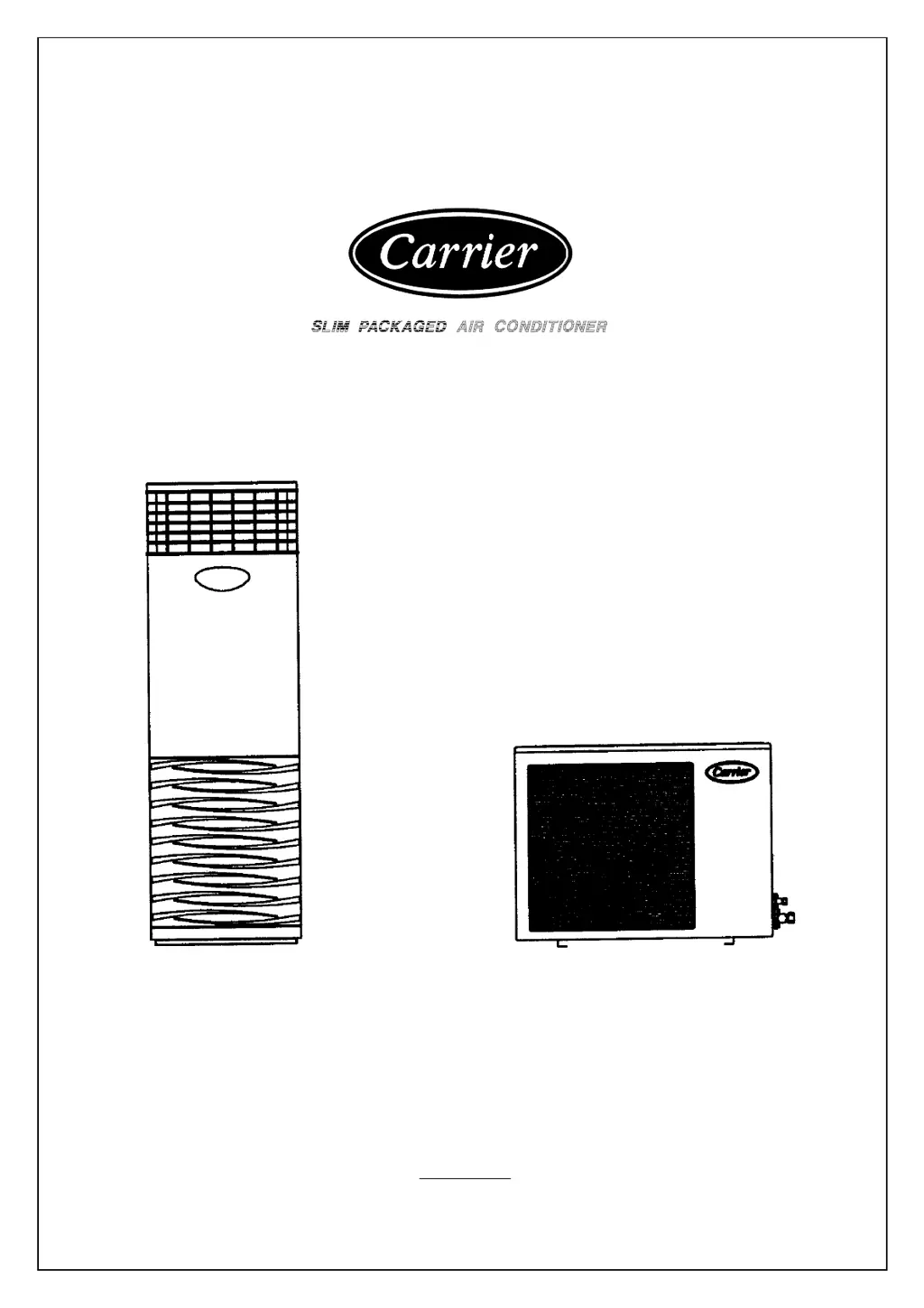
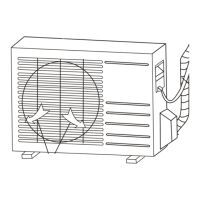
INDOOR UNIT OUTDOOR UNIT
Thank you very much for purchasing CARRIER Air Conditioner. Please read this
owner’s manual carefully before using your Air Conditioner.
PN PE630728

Questions and Answers

  • C
    cassandrabarkerAug 1, 2025
    What to do if my Carrier ASBFE600BA does not cool properly?
    • D
      Dana CarterAug 1, 2025
      If your Carrier Air Conditioner isn't cooling properly, there are several potential causes. First, check if the air filter is dirty and clean it if necessary. Second, ensure the thermostat is set to your desired temperature. Third, verify that the unit is set to 'cool' mode and not 'dry' or 'sleep' mode. If it's on 'sleep' mode, press the sleep button to deactivate it.
  • L
    lewischarlesAug 8, 2025
    How to fix Carrier ASBFE600BA Air Conditioner that does not start?
    • A
      Angela RileyAug 8, 2025
      If your Carrier Air Conditioner unit doesn't start, it might be due to a tripped circuit breaker. Try resetting the breaker once. If it trips again, do not attempt to reset it further. Instead, it's recommended to contact your Carrier service center for assistance.
  • A
    Angela DavisAug 16, 2025
    Why is my Carrier ASBFE600BA dripping water inside?
    • A
      Alicia WeberAug 16, 2025
      If you notice condensate dripping into the room from your Carrier Air Conditioner, it's likely due to a dirty drain pan and a clogged drain line. You should clean both the drain pan and the drain line to resolve this issue.
  • J
    Joseph LeeAug 25, 2025
    What to do if the Carrier ASBFE600BA controller has no signal?
    • F
      Frank HillAug 25, 2025
      If there is no signal output from your Carrier Air Conditioner controller, it is likely that the controller’s battery is weak. Replace the controller with a new battery of the same specifications.

Summary

Technical Specifications

Safety Precautions

Installation Cautions

Operation Precautions

Maintenance Guidelines

Air Conditioner Controller Functions

Power On;Off Control

Turns the air conditioner on or off via the POWER button on the unit or remote control.

Fan Speed Settings

Allows selection of fan speed (HIGH, MED, LOW, AUTO) using the FAN button on the unit.

Operating Mode Selection

Sets the operating mode (FAN or COOL) using the MODE button on the unit.

Temperature Setting and Sweep

Adjusts temperature (18-30°C) using TEMP buttons and activates sweep function.

Remote Control Features

Details operation modes (FAN, COOL, DRY) and sleep function via LCD remote.

Remote Timer Functions

Programs auto start and auto stop times for the air conditioner using the remote.

Compressor Protection and Diagnostics

Explains compressor delay protection and self-diagnostic functions with error codes.

Troubleshooting Guide

Carrier ASBFE600BA Specifications

General IconGeneral
BrandCarrier
ModelASBFE600BA
CategoryAir Conditioner
LanguageEnglish

Related product manuals