EasyManua.ls Logo

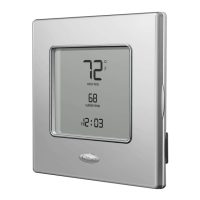
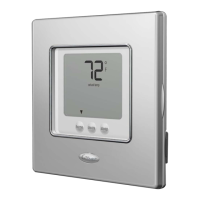
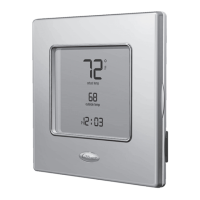
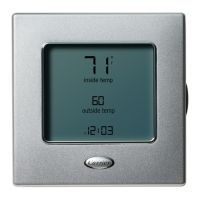
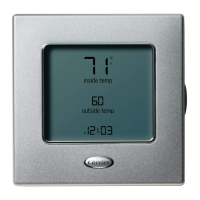
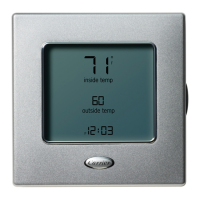
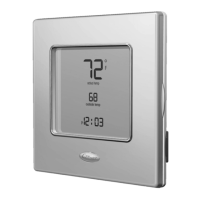
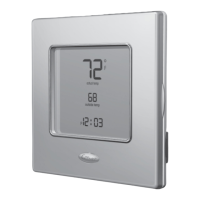
Carrier ComfortChoice EDGE - User Manual

Carrier ComfortChoice EDGE
44 pages
Print Icon
To Next Page IconTo Next Page
Loading...
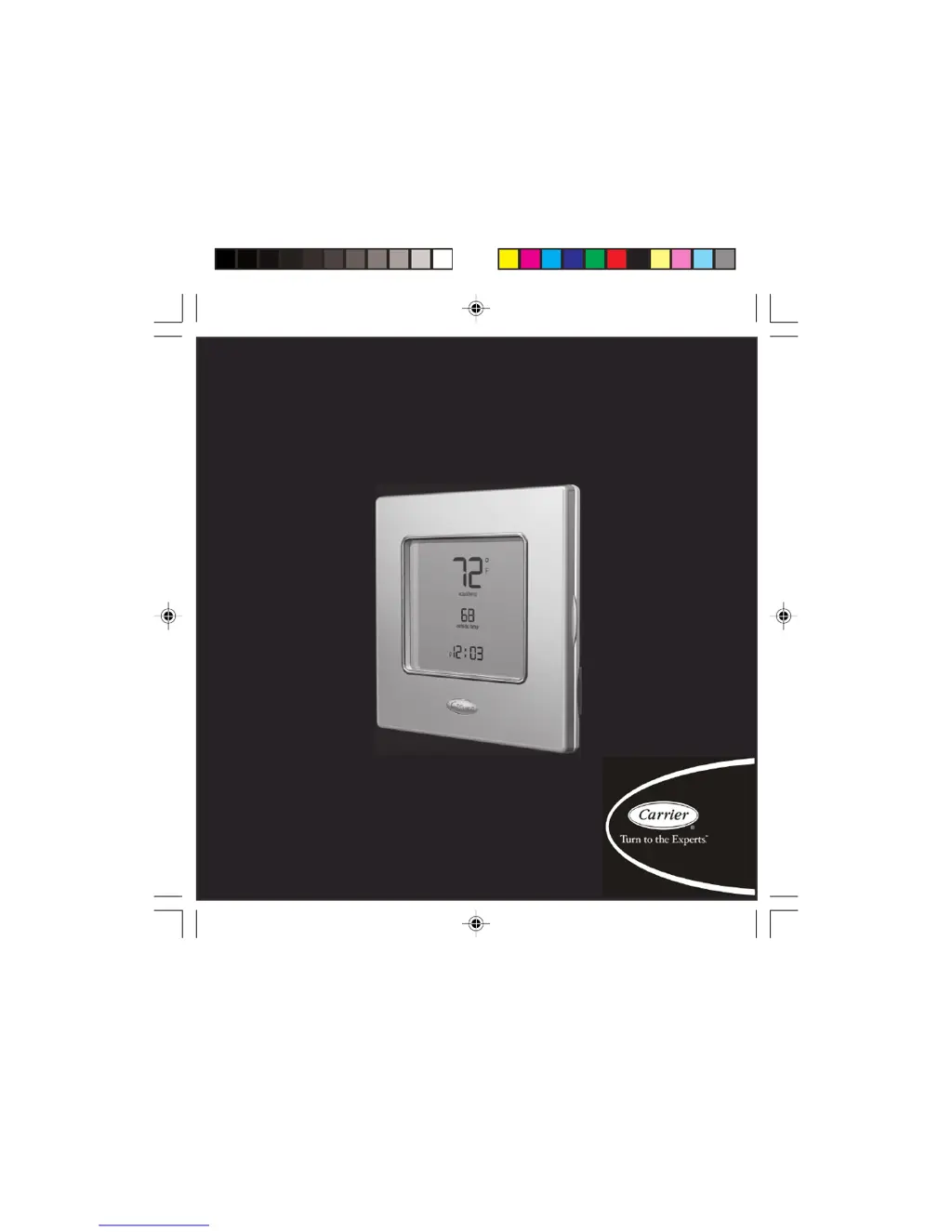
ComfortChoice Edge
®
Owners Manual

Other manuals for Carrier ComfortChoice EDGE

Questions and Answers

  • C
    Casey WilsonAug 19, 2025
    How to reset a service reminder message on my Carrier ComfortChoice EDGE?
    • A
      Andrea KochAug 19, 2025
      When a service reminder message appears on your Carrier Thermostat, implement the suggested changes and then reset or clear the reminder by pressing and holding the done button for approximately three seconds.
  • H
    hbarnesAug 22, 2025
    What to do if my Carrier Temperature Controller shows a thermistor failure?
    • M
      Mr. Shaun Brown MDAug 22, 2025
      If your Carrier Temperature Controller displays a 'Thermistor failure', this indicates the temperature sensing element is unable to accurately read the room temperature. In this case, the thermostat must be replaced.
  • E
    Emma BaldwinAug 23, 2025
    What to do if there is no communication with the Carrier Temperature Controller thermostat?
    • M
      Mary MossAug 25, 2025
      If there's no communication with the Carrier Temperature Controller thermostat, verify the connections between the I/O board and the thermostat.
  • T
    tstephensAug 26, 2025
    What to do if there is no communication with the Carrier Temperature Controller radio?
    • T
      thompsonjamesAug 26, 2025
      If there is no communication with the Carrier Temperature Controller radio, check the cable connection between the thermostat radio and the I/O board.
  • T
    tammy88Aug 28, 2025
    How to troubleshoot a Carrier Temperature Controller when the thermostat display doesn't power up?
    • V
      Vincent HarrisAug 28, 2025
      If your Carrier Temperature Controller thermostat display doesn't power up, check the voltage between Vg and V+. The voltage should be approximately 12 to 20 Vdc. If voltage is present, verify the polarity to ensure it is correctly wired.
  • T
    tsotoAug 30, 2025
    What to do if Carrier Temperature Controller and the I/O board cannot communicate via two-wire connection?
    • C
      Crystal NielsenAug 30, 2025
      If the Carrier Temperature Controller and the I/O board cannot communicate via a two-wire connection, replace the thermostat.
  • J
    Jennifer DouglasSep 1, 2025
    What to do if my Carrier Temperature Controller shows a Flash Memory Error?
    • B
      briceSep 1, 2025
      If your Carrier Temperature Controller shows a Flash Memory Error, replace the I/O Board.
  • S
    Scott Blake PhDSep 3, 2025
    What does it mean if my Carrier Temperature Controller displays an EEProm (Memory) Error, and how do I fix it?
    • S
      Stephanie BryantSep 4, 2025
      If your Carrier Temperature Controller displays an EEProm (Memory) Error, replace the I/O board.
  • C
    Carla CummingsSep 5, 2025
    What should I do if my Carrier Temperature Controller displays a RAM Memory Error?
    • S
      Sierra GarciaSep 5, 2025
      If your Carrier Temperature Controller displays a RAM Memory Error, replace the I/O Board.
  • R
    randyericksonSep 8, 2025
    What to do if my Carrier Temperature Controller shows an internal memory failure?
    • G
      George RoweSep 8, 2025
      If your Carrier Temperature Controller shows an Internal memory failure, the thermostat must be replaced.

Summary

Thermostat Display

Thermostat Buttons

Primary Control Buttons

Buttons for setting, scheduling, fan, mode, and confirmation.

Navigation Buttons

UP and DOWN buttons used for adjusting values.

Soft Keys

Context-sensitive buttons that correspond to on-screen indicators.

Setting Time and Date

Setting Temperature Setpoints

Holding the Temperature

Programming the Thermostat

Setting a Uniform Daily Schedule

Instructions for programming identical schedules for all seven days of the week.

Setting Different Daily Schedules

Instructions for programming unique schedules for each day of the week.

Programming a Vacation Schedule

Activating Vacation Program

Steps to set a return date and activate the vacation schedule.

Overriding Utility Curtailment

System Operation and Fan Control

Turning System Off

How to set the thermostat to the off mode.

Using the Fan

How to operate the fan continuously or automatically.

Using Emergency Heat

Advanced Programming Options

Resetting Filter Reminders

Adjusting Backlighting

Keypad Lockout Feature

Temporarily Unlocking the Keypad

Steps to unlock the keypad for a short period.

Real-Time Pricing Information

Overriding Real-Time Pricing Adjustments

How to cancel automatic temperature adjustments during pricing events.

Setting Real-Time Pricing Offsets

How to configure temperature adjustments for pricing events.

Time-of-Use and Peak Pricing

Overriding Peak Pricing Adjustments

How to cancel automatic temperature adjustments during peak pricing events.

Setting Peak Pricing Offsets

How to configure temperature adjustments for peak pricing events.

System Features Overview

Hybrid Heat System

Explanation of the hybrid heat system with furnace and heat pump.

Service Reminders

How the thermostat alerts for filter replacement.

Auto Changeover Mode

How the thermostat automatically switches between heating and cooling.

Smart Recovery and Troubleshooting

Smart Recovery Feature

How the thermostat transitions between time periods for optimal comfort.

Troubleshooting: Auxiliary Heat & Em Heat

Explains 'Auxiliary heat on' and 'Em heat' display messages for heat pumps.

Troubleshooting: Power Outage & Service Reminders

Troubleshooting: System Error Codes

Carrier ComfortChoice EDGE Specifications

General IconGeneral
Wi-Fi ConnectivityYes
Voice ControlCompatible with Amazon Alexa and Google Assistant
Programmability7-day programmable
ColorWhite
TypeSmart
CompatibilityCompatible with most HVAC systems
DisplayTouchscreen
Mobile AppYes
StagesUp to 2 heat/2 cool
Weight0.5 lbs

Related product manuals