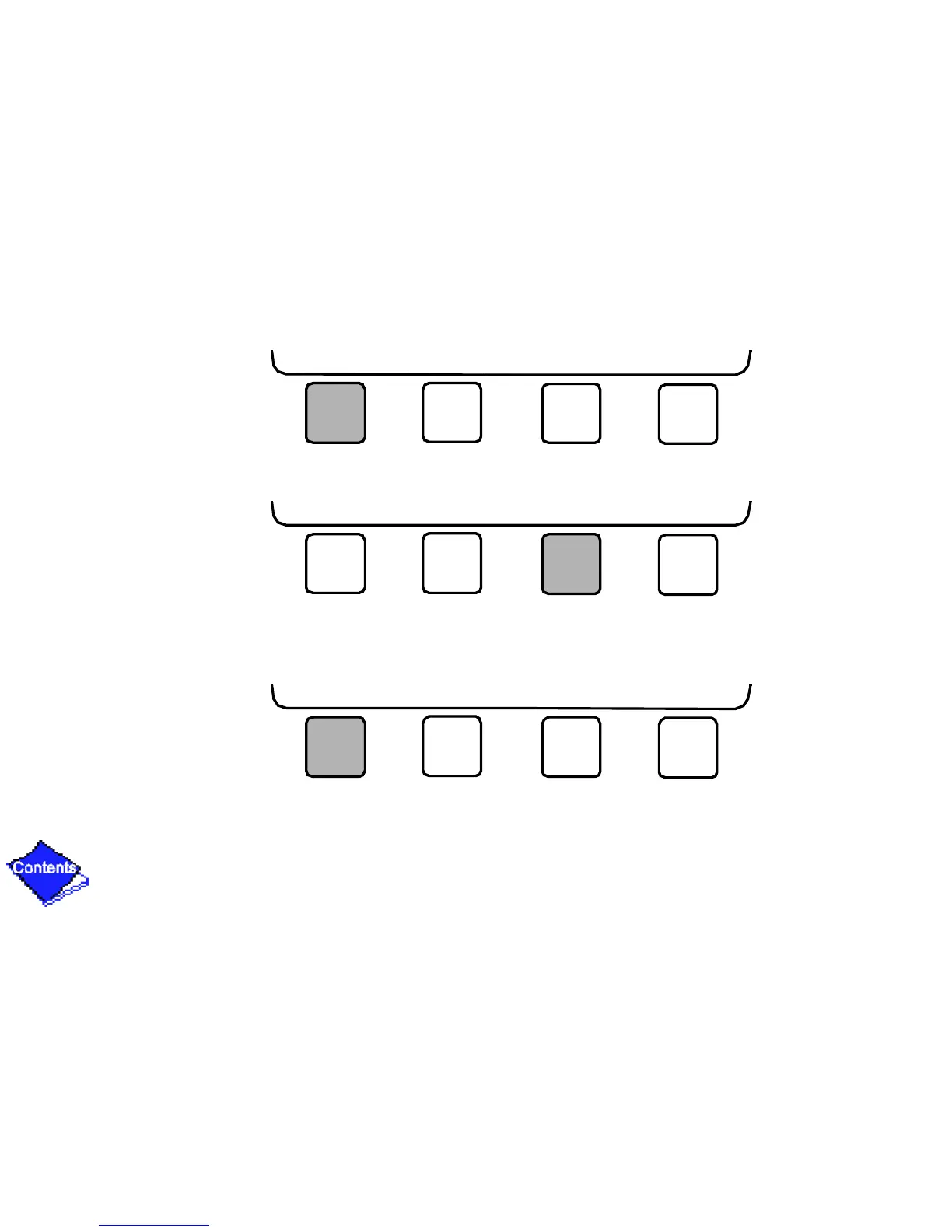
4. Press NEXT until Holidef is highlighted. This is the Holiday Definition table.
5. Press SELECT to enter the Data Table Select screen. This screen lists 18 holiday tables.
6. Press NEXT to highlight the holiday table that you wish to view or change. Each table is one
holiday period, starting on a specific date, and lasting up to 99 days.
NEXT PREVIOUS SELECT EXIT
NEXT PREVIOUS SELECT EXIT
NEXT PREVIOUS SELECT EXIT










 To Next Page